Autosync vs FolderSync: Which Android App Wins?
FolderSync is the better choice for most people: one app covers 25+ cloud providers and file protocols, the free version has no file-size cap, and it now has a desktop version. Autosync is simpler and focused — a separate app per cloud (Google Drive, Dropbox, OneDrive, MEGA, Box) — but its free tier limits you to one folder pair and 10 MB uploads, and upgrades are bought per app.
If you want an Android folder to stay in sync with the cloud automatically, two apps come up again and again: FolderSync by Tacit Dynamics and Autosync by MetaCtrl.
They solve the same problem with different philosophies. FolderSync is one app that connects to almost anything. Autosync is a family of single-purpose apps, one per cloud.
How do Autosync and FolderSync differ?
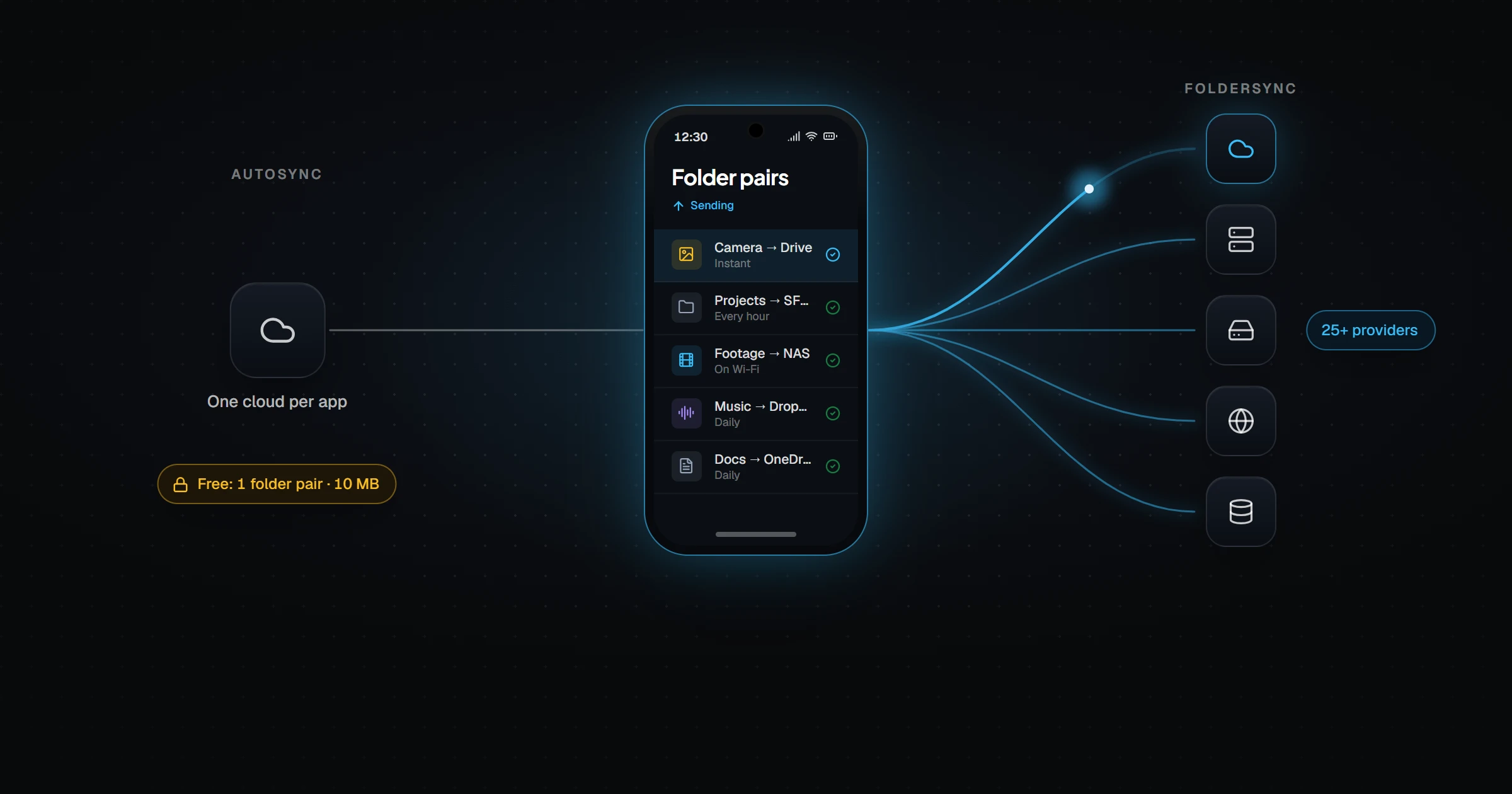
Autosync is not one app. MetaCtrl publishes a separate Autosync app for each provider — Autosync for Google Drive, Dropbox, OneDrive, MEGA, Box, and others. Each is installed, configured, and upgraded on its own.
FolderSync is a single app with a list of 25+ cloud providers and file protocols. One install can sync your camera folder to Google Drive, your documents to a NAS over SMB, and a backup to an SFTP server.
Autosync vs FolderSync at a glance
| FolderSync | Autosync (MetaCtrl) | |
|---|---|---|
| Developer | Tacit Dynamics (Denmark) | MetaCtrl |
| Model | One app, many providers | One app per provider |
| Cloud providers | 25+ incl. Google Drive, Dropbox, OneDrive, MEGA, pCloud, Proton Drive | One per app |
| SMB / SFTP / FTP / WebDAV | Yes | No |
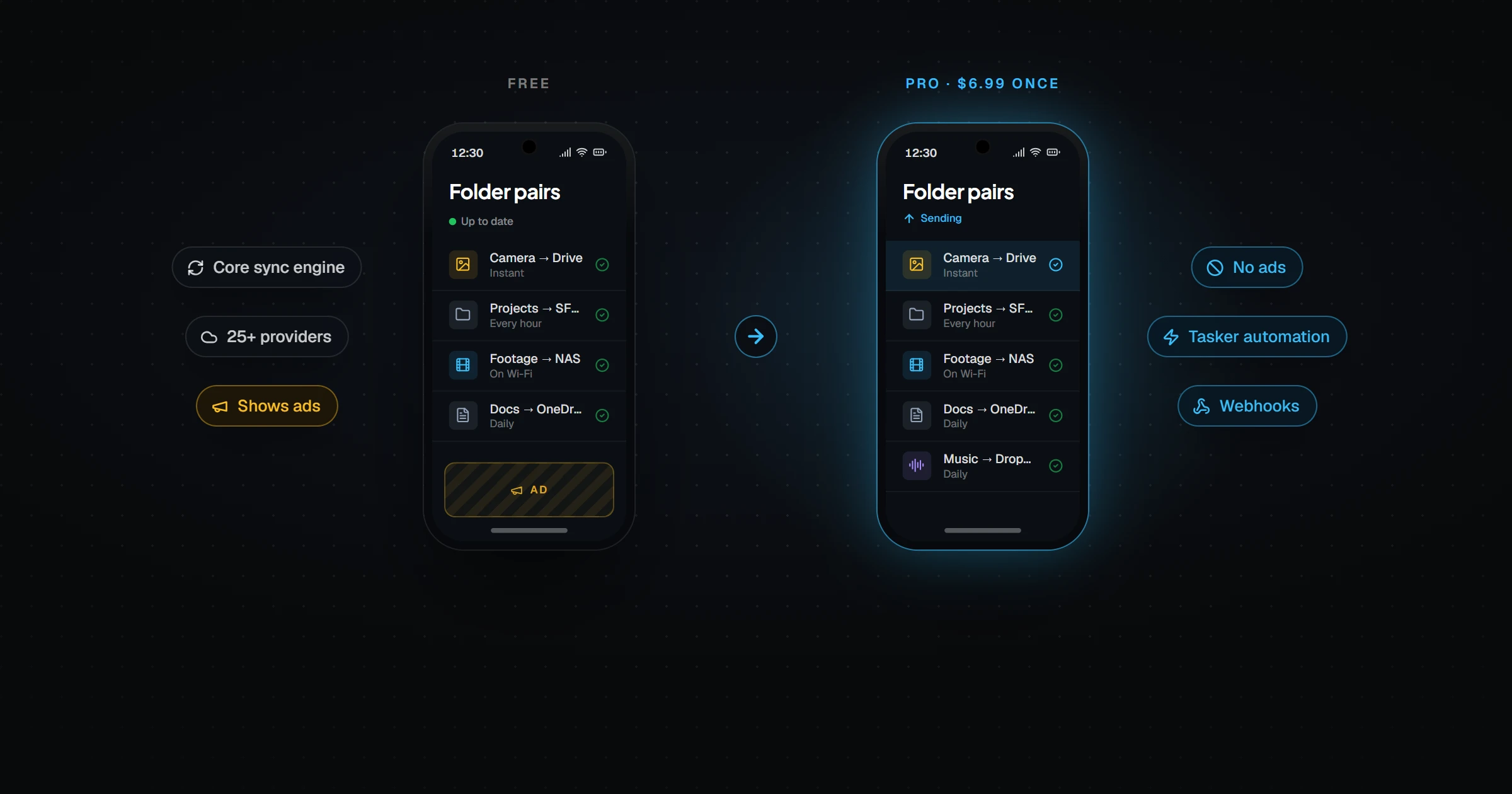
| Free version limits | Ads; no automation or webhooks | Ads; 1 folder pair, 1 account, 10 MB upload cap |
| Paid upgrade | $6.99 one-time (Pro/Premium) | Per-app upgrade (Pro, Ultimate) |
| Desktop version | Windows, macOS, Linux | No |
| iPhone | No | No |
| Two-way sync | Yes | Yes |
Which is easier to set up?
Autosync wins on simplicity. You install the app for your cloud, sign in, pick a local folder and a remote folder, and it starts syncing two-way. There are fewer screens and fewer decisions.
FolderSync asks more of you up front — add an account, create a folder pair, pick a sync direction, set a schedule. In exchange you get far more control.
Which is better value?
FolderSync, for most people. Its free version has no per-file size cap and no limit on folder pairs, so many users never pay. If you do upgrade, $6.99 once covers every provider.
Autosync's free tier is a trial in practice. A 10 MB upload cap rules out most videos, and one folder pair rarely covers a real setup. Upgrades are bought per app, so using two clouds means paying twice.
Which is better for a NAS or home server?
FolderSync, clearly. It speaks SMB, SFTP, FTP, and WebDAV, so it can sync straight to a Synology, a Raspberry Pi, or a Windows share at home. Autosync only talks to cloud providers.
Which handles battery and connectivity better?
Both are designed for phones. Both can restrict syncing to Wi-Fi and respect battery level, and both run on Android's background scheduling. Day-to-day behavior is similar; the difference is mostly in setup and limits.
The limit they share
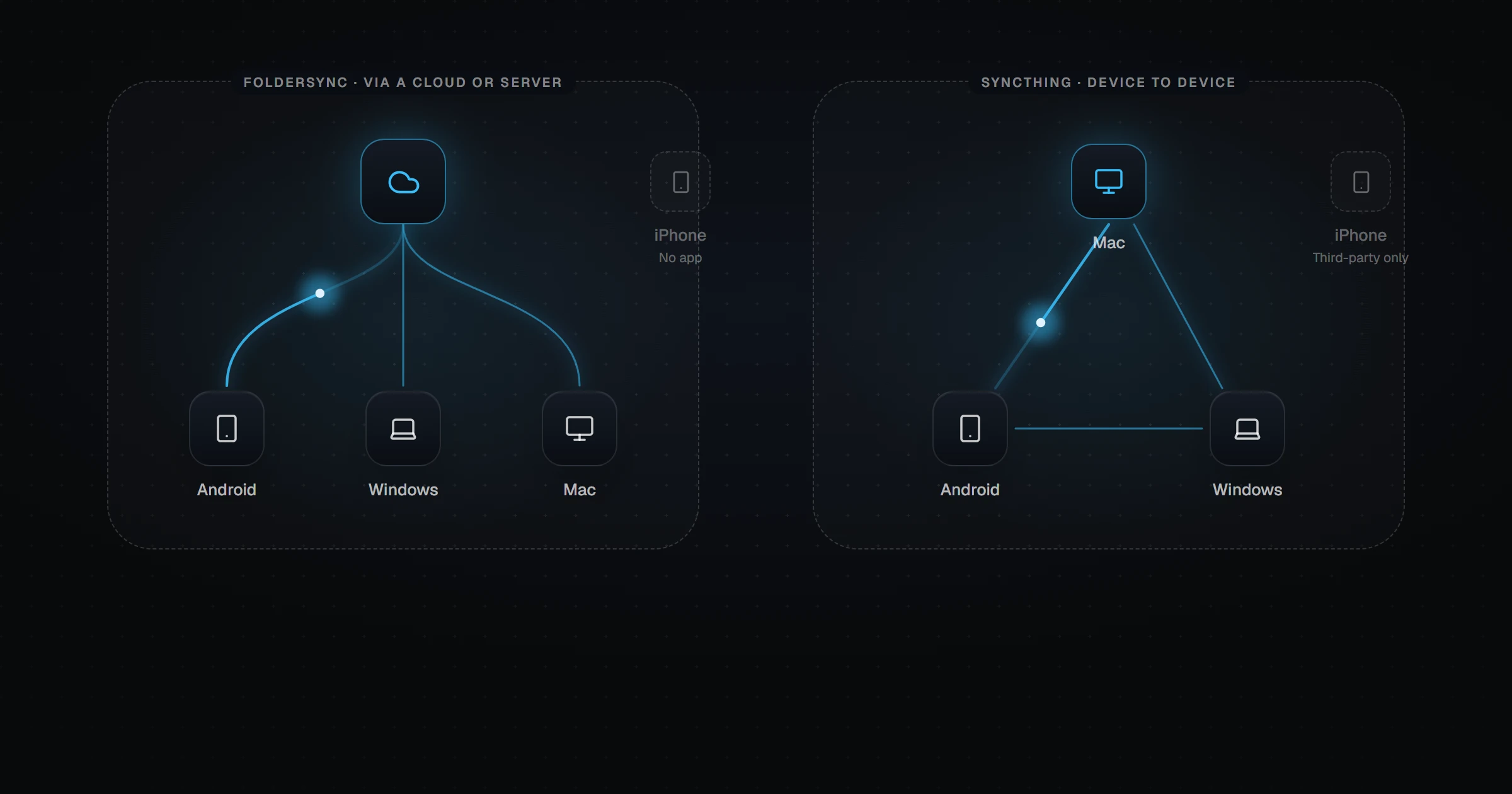
Autosync and FolderSync both sync a phone with a cloud. To get a file from your phone to your laptop, it goes up to a provider and comes back down. Neither has an iPhone app.
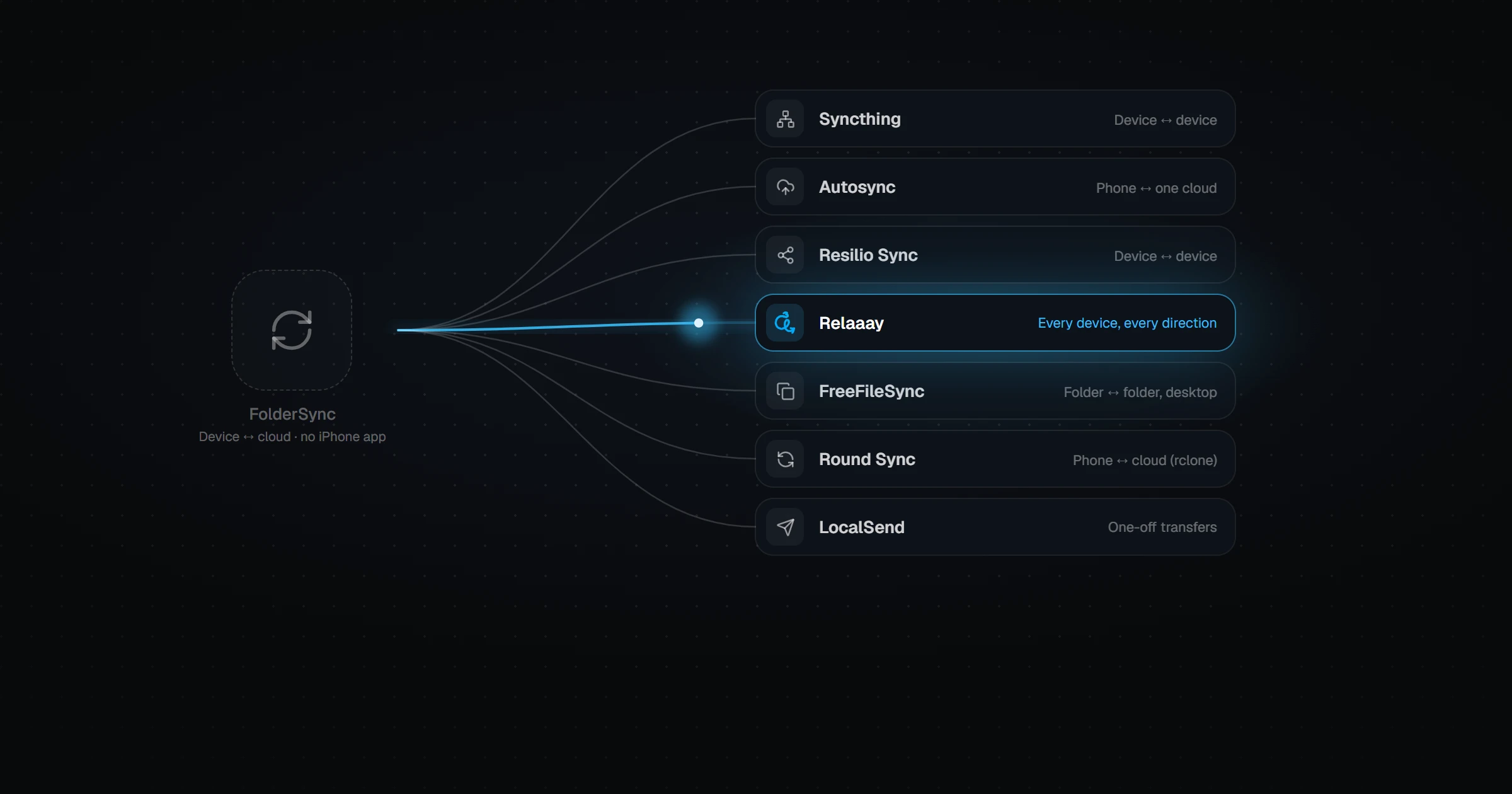
If what you really want is the same folder on your Android phone, your PC, and maybe an iPhone — without a cloud account sitting in the middle — that is a different tool. Relaaay links a folder on each device into a Folder Group and keeps them identical in every direction, going directly between devices when they share a network. Compare the options in 7 FolderSync alternatives, or see what FolderSync's paid tier adds in FolderSync Free vs Pro.