The Relaaay Blog
Guides on syncing folders across iPhone, Android, Mac, and Windows — and why automatic, continuous sync beats AirDrop, Syncthing, and manual transfer tools.
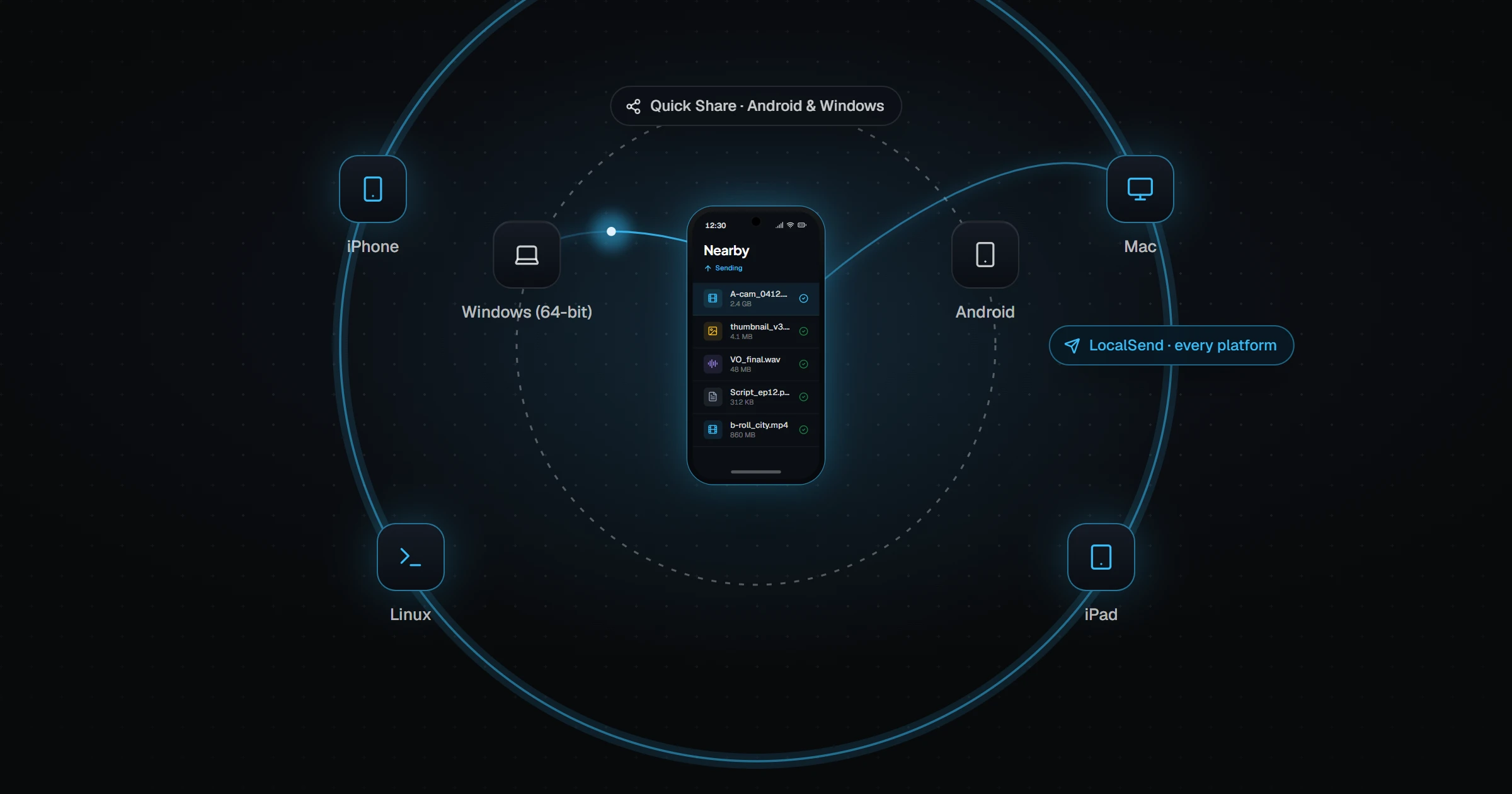
Resilio Sync vs Syncthing: Which Is Better?
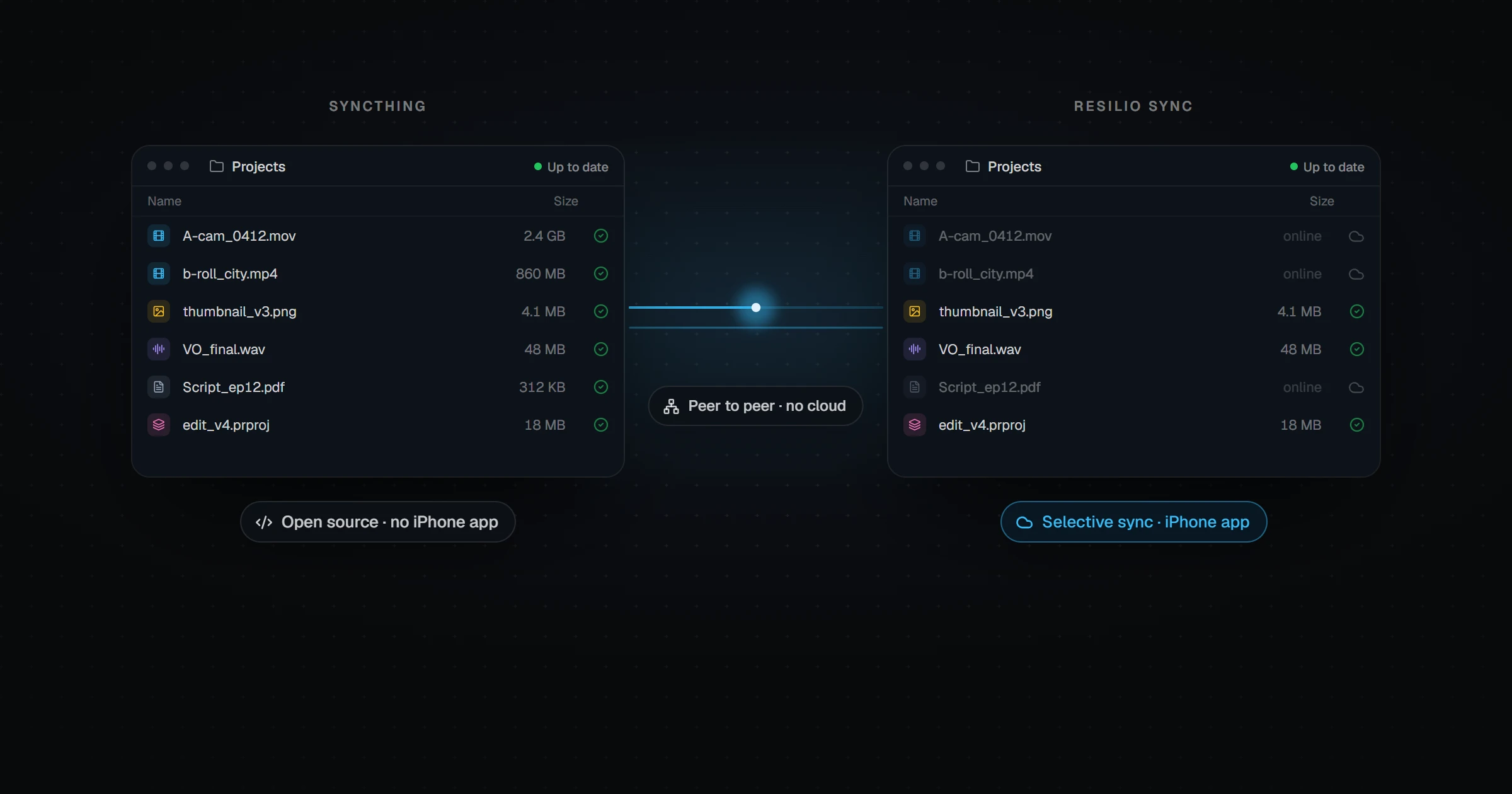
Resilio Sync and Syncthing both sync folders peer-to-peer without a cloud. Compare open source, iPhone support, selective sync, pricing after Resilio's 2026 change, and setup.
Syncthing vs FreeFileSync: Sync or Mirror?
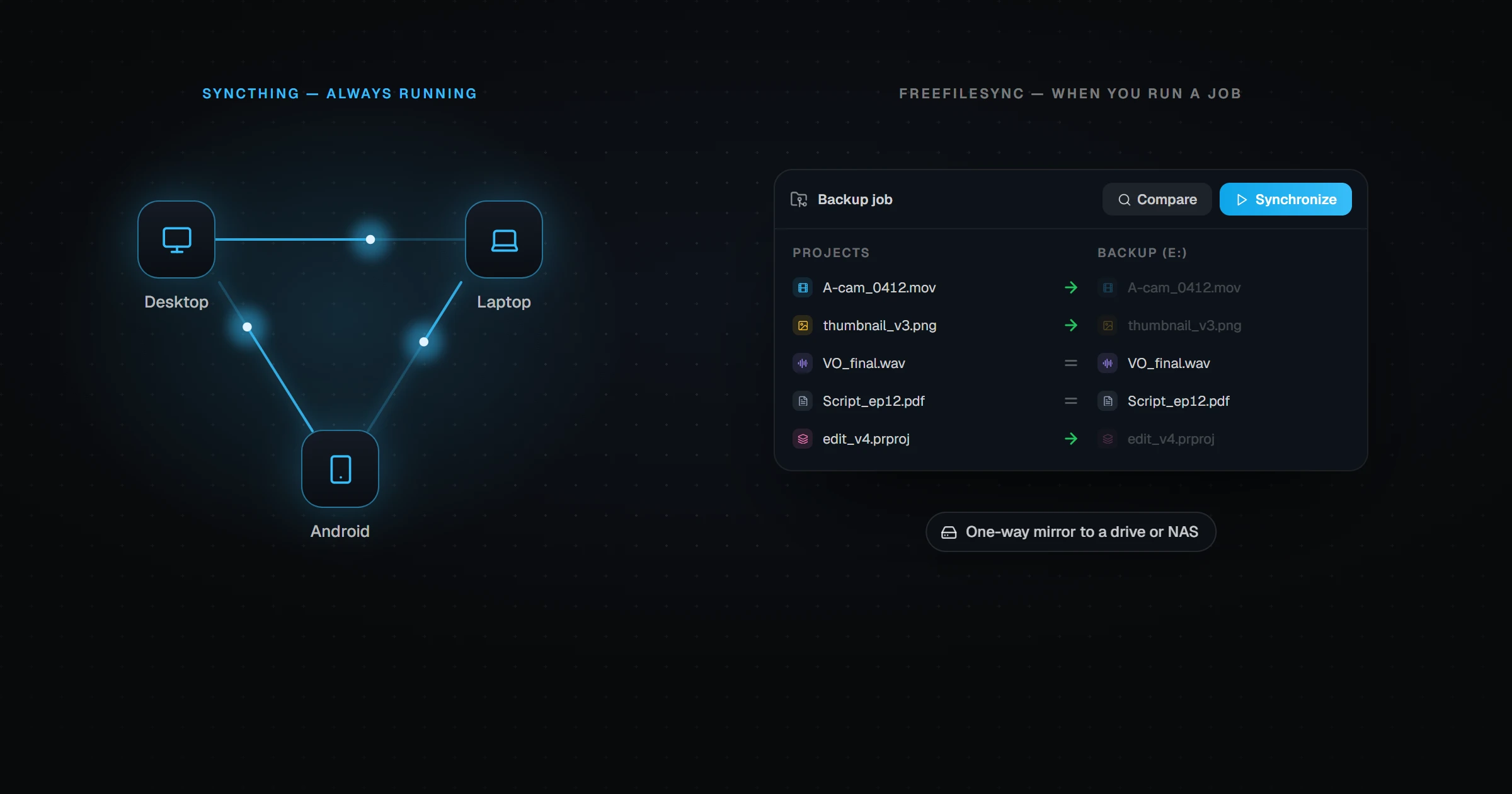
Syncthing keeps folders continuously in sync between devices. FreeFileSync compares and mirrors folders on a desktop. Here is how they differ, when to use each, and when to use both.
Autosync vs FolderSync: Which Android App Wins?
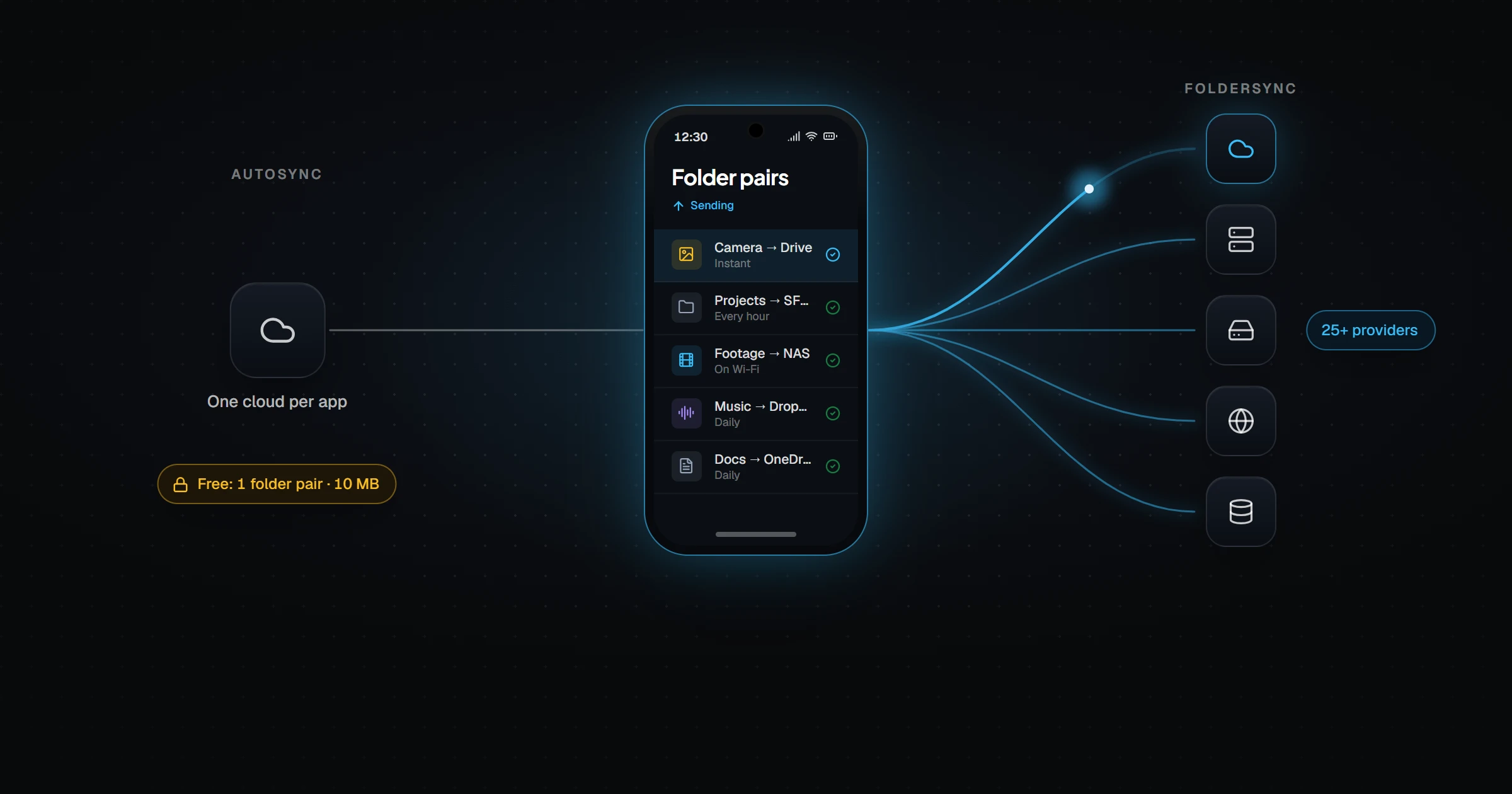
Autosync and FolderSync both sync Android folders with the cloud. Compare free limits, pricing, providers, desktop support, and which one fits how you actually use your phone.
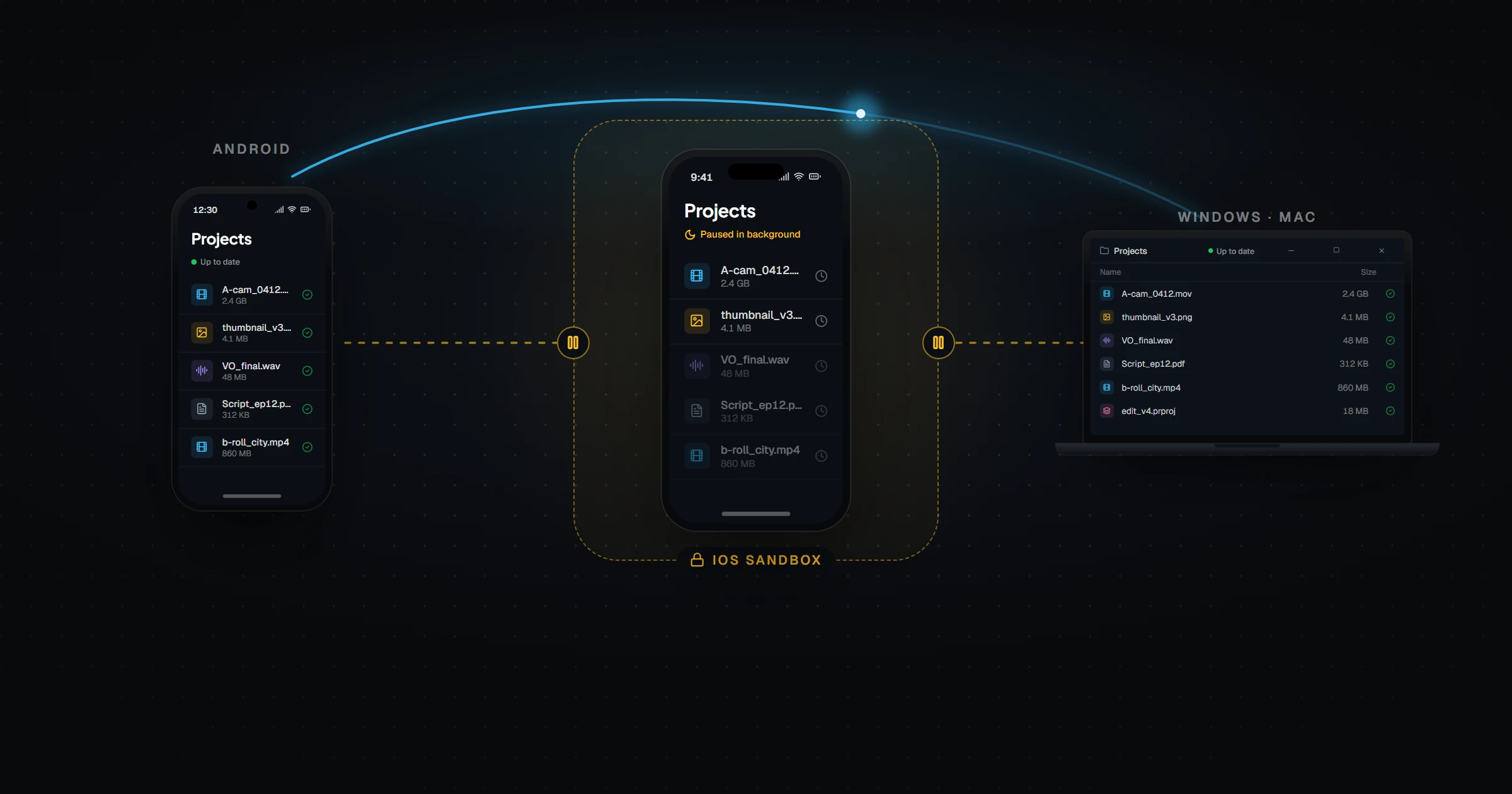
FolderSync for iPhone? What to Use on iOS Instead
FolderSync has no iOS app. Here is why folder sync is harder on iPhone, what iOS users can use instead, and how to keep a folder in sync between an iPhone, a PC, and an Android phone.
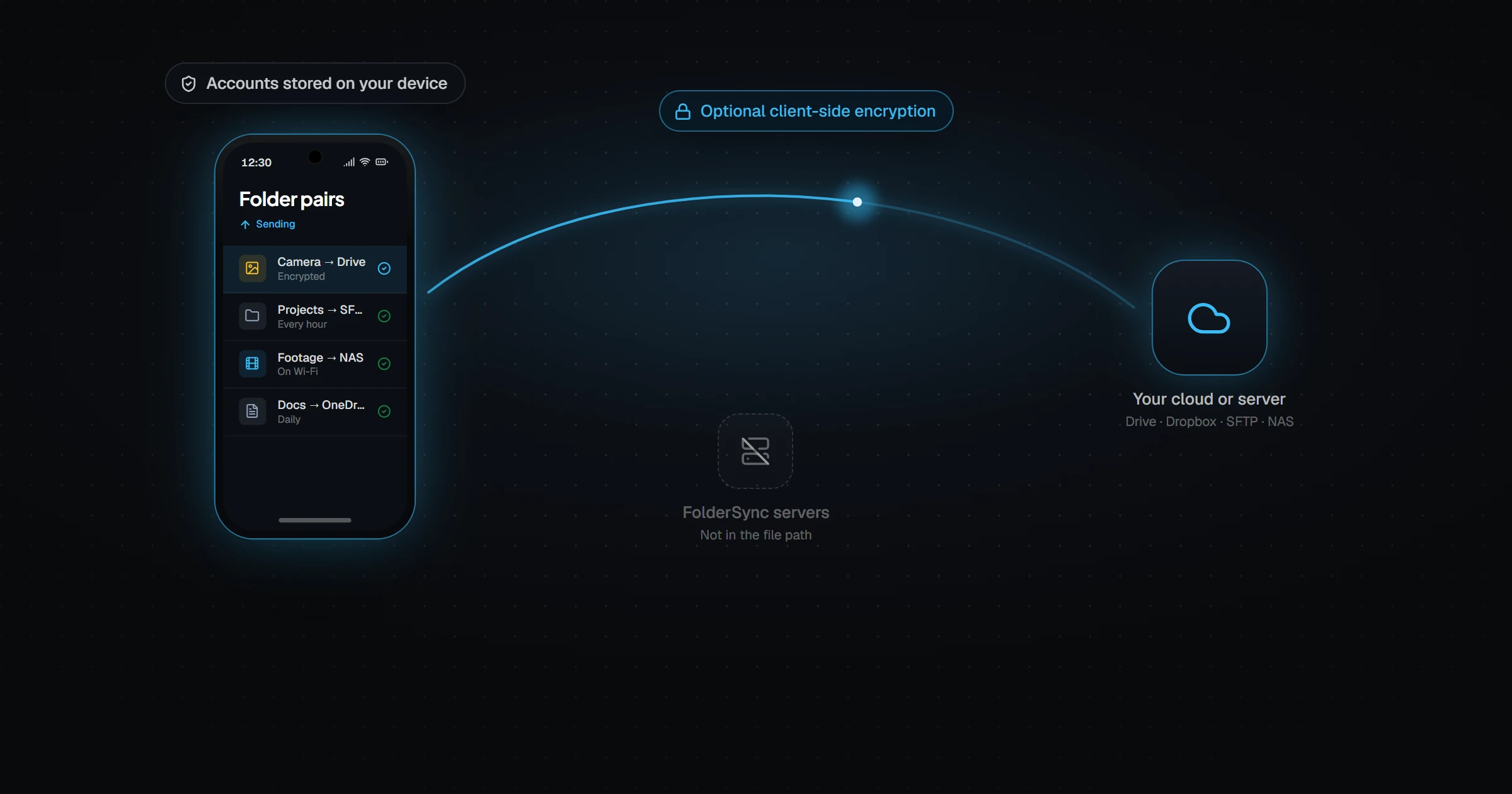
Is FolderSync Safe? Privacy & Open Source Facts
Is FolderSync safe to use? We look at who makes it, what data it collects, whether files pass through its servers, how its encryption works, and whether FolderSync is open source.
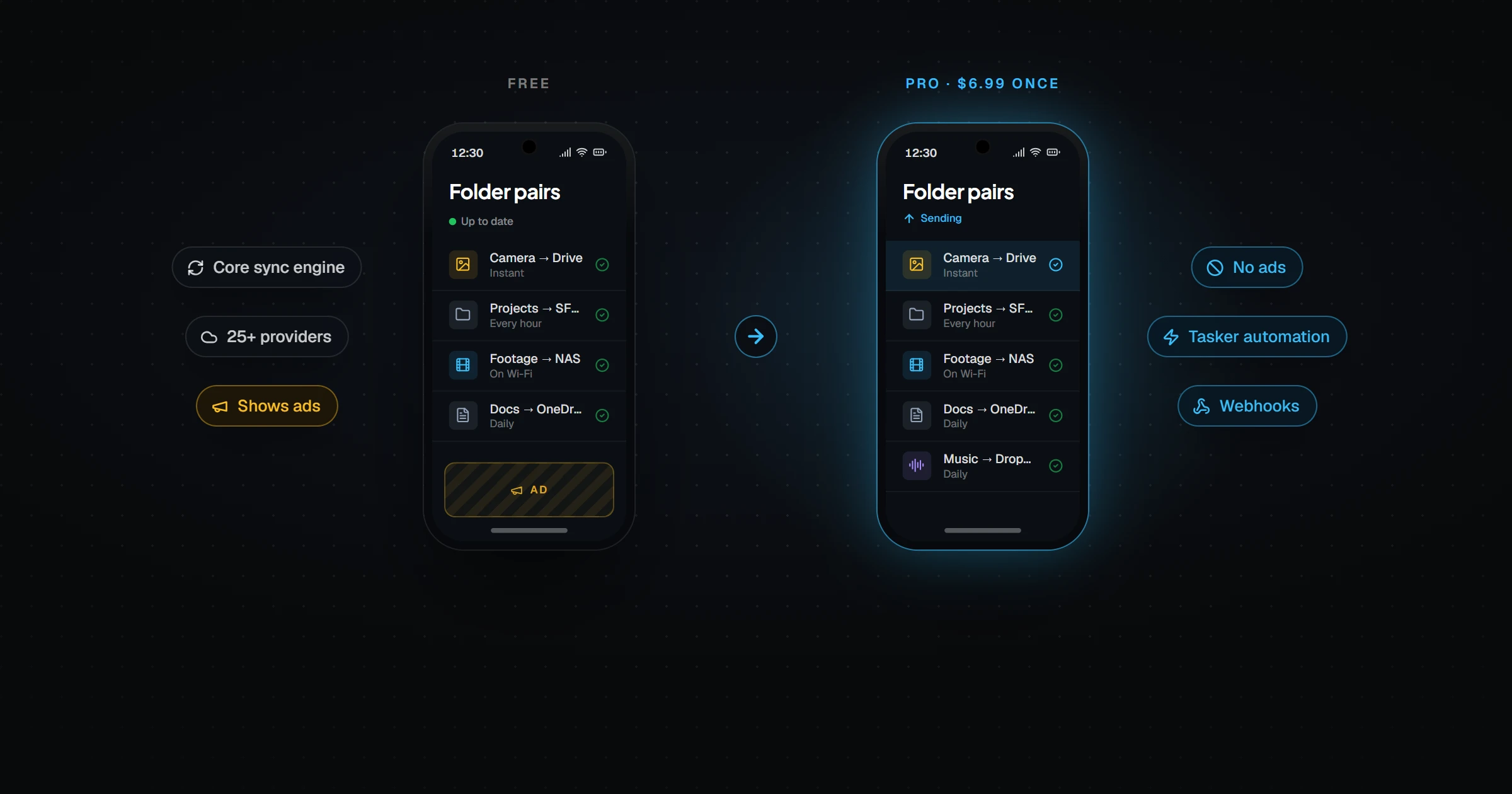
FolderSync Free vs Pro: Is the Upgrade Worth It?
FolderSync is free on Android with ads. FolderSync Pro costs $6.99 once. Here is exactly what Pro adds, how the desktop license works, and when the free version is all you need.
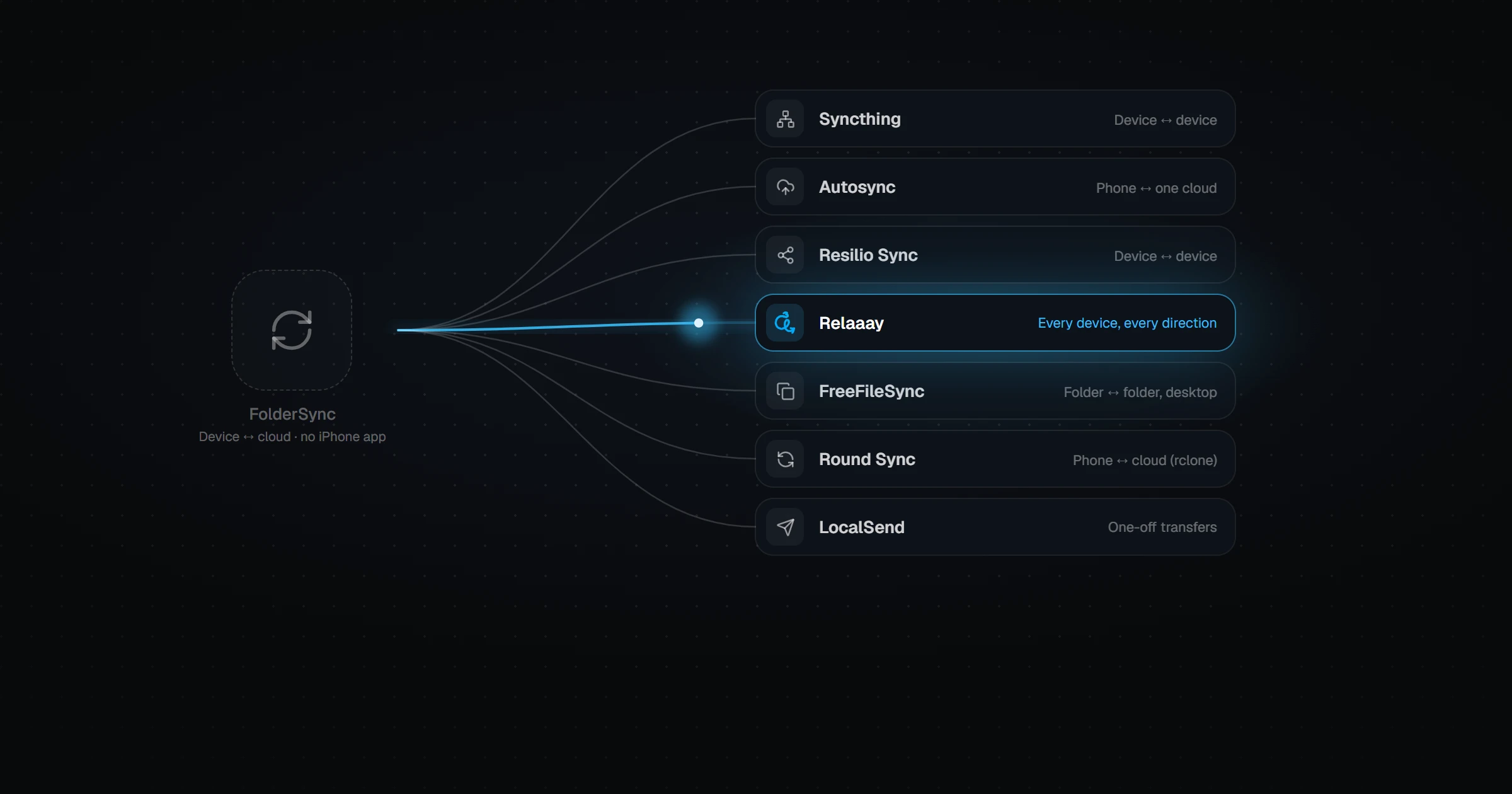
7 FolderSync Alternatives for Android & iPhone
Looking for a FolderSync alternative? Compare Syncthing, Autosync, Resilio Sync, FreeFileSync, Round Sync, LocalSend, and Relaaay on platforms, iPhone support, open source, and price.
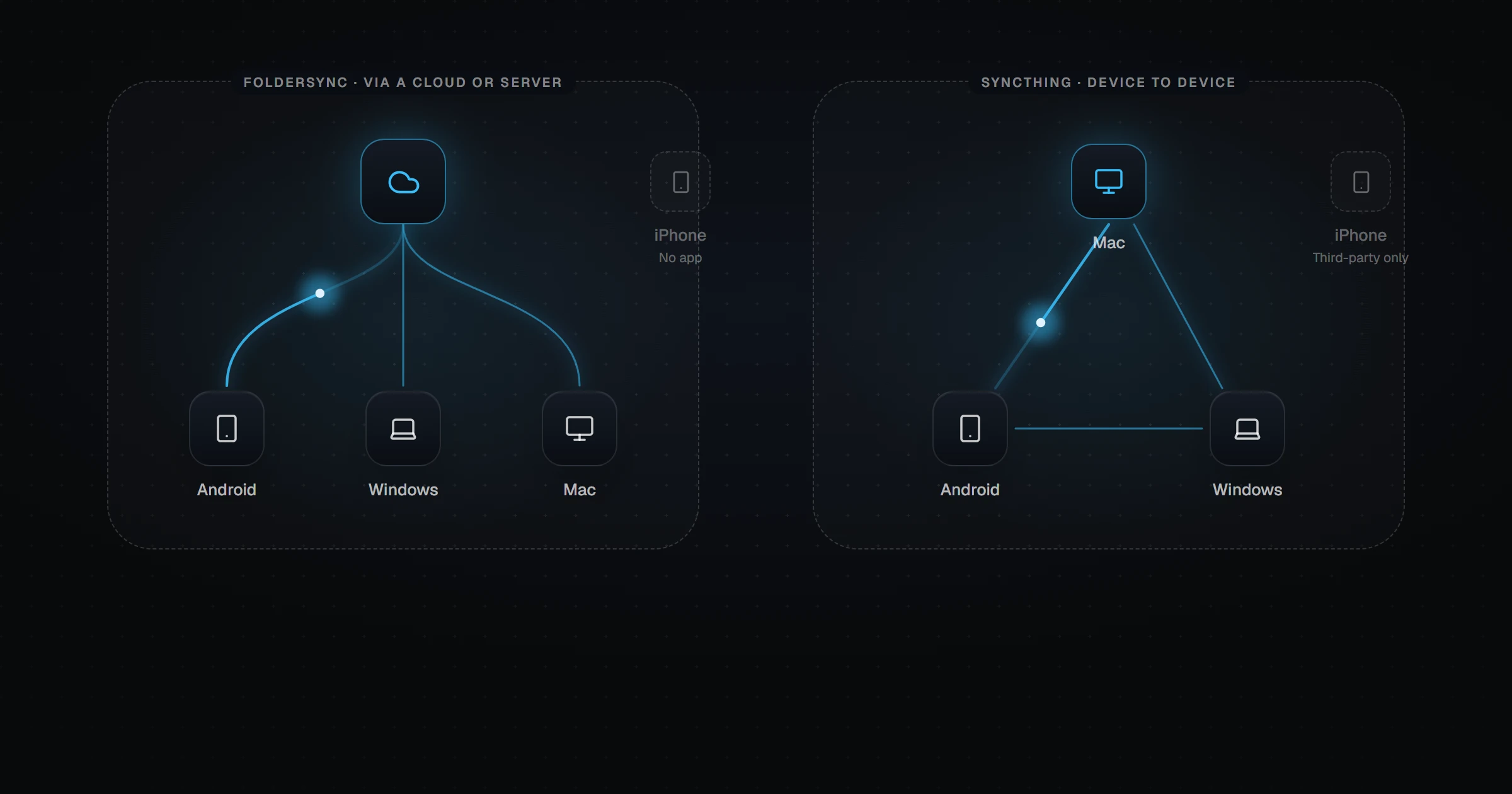
FolderSync vs Syncthing: Which Is Better in 2026?
FolderSync syncs Android and desktop folders with cloud storage. Syncthing syncs devices peer-to-peer with no server. Compare platforms, iPhone support, privacy, price, and setup — and what to use when you need an iPhone in the mix.
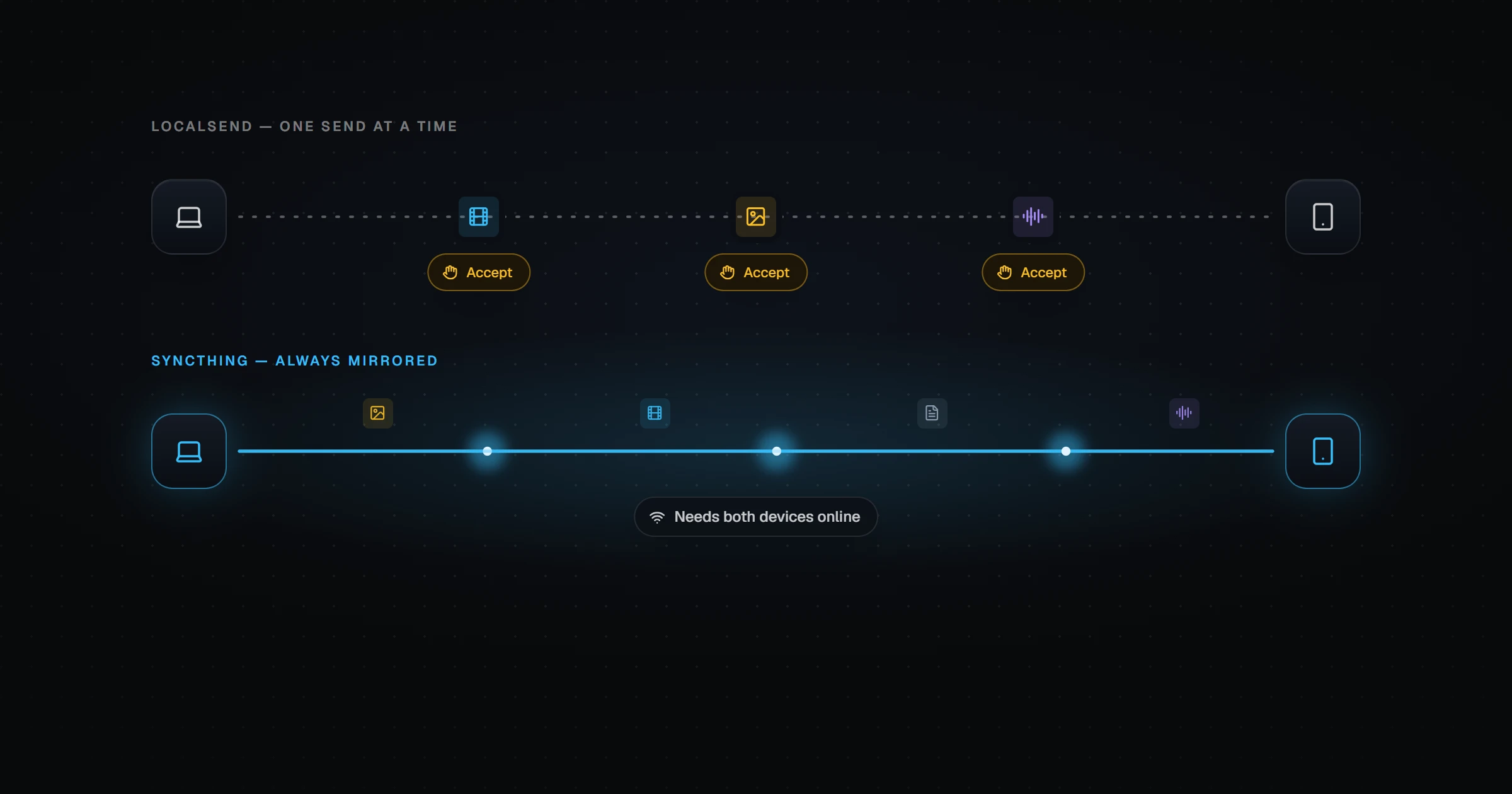
LocalSend vs Syncthing: Transfer or Folder Sync?
LocalSend sends files on demand like AirDrop. Syncthing keeps folders continuously in sync peer-to-peer. Here is how they compare, where each falls short, and what to use when you need the best of both.
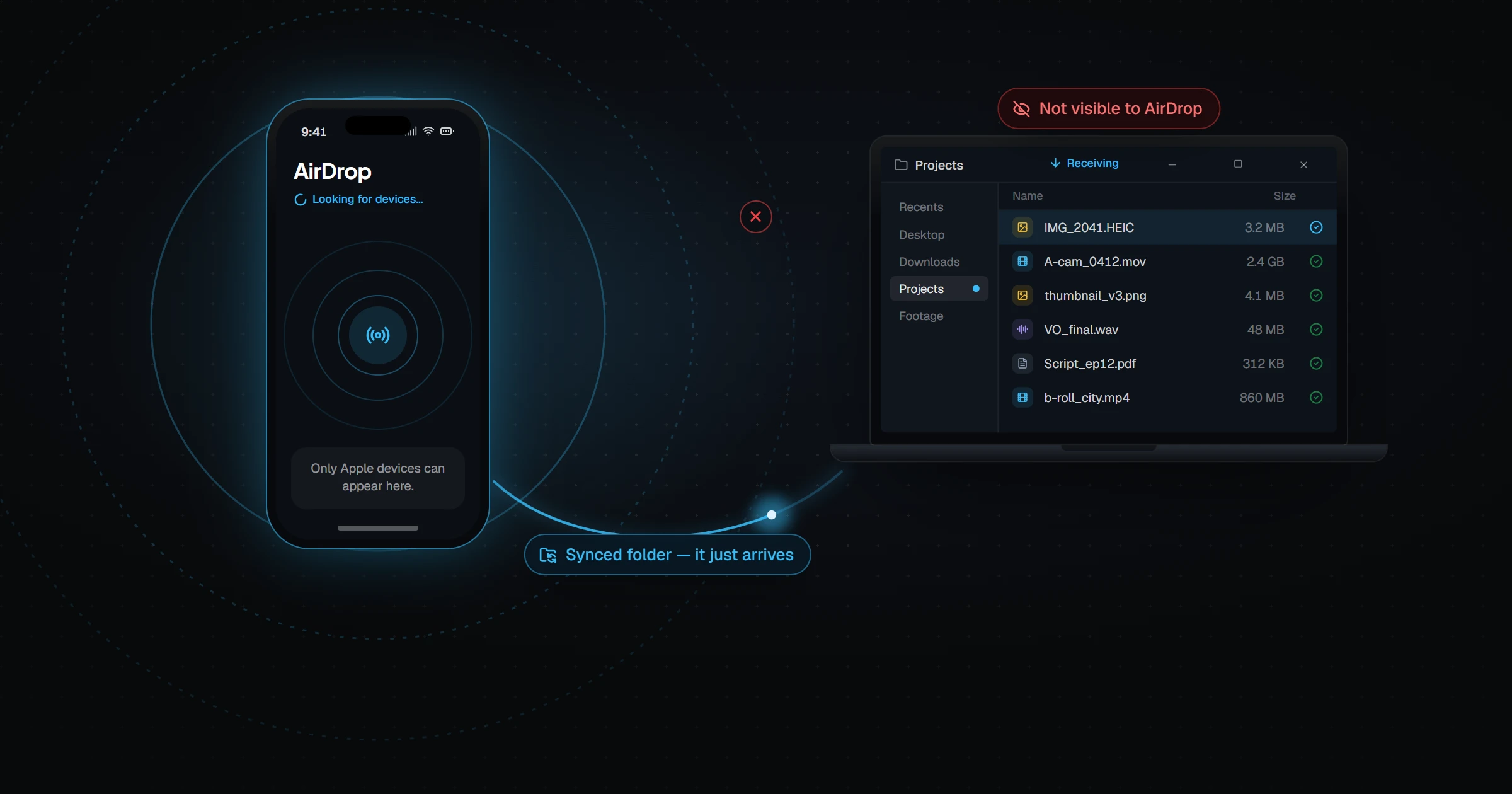
AirDrop iPhone to Windows PC: What Works in 2026
Can you AirDrop from an iPhone to a Windows PC? No — but Phone Link, LocalSend, iCloud for Windows, and folder sync can do the job. Here is what works in each direction, and what is fastest.
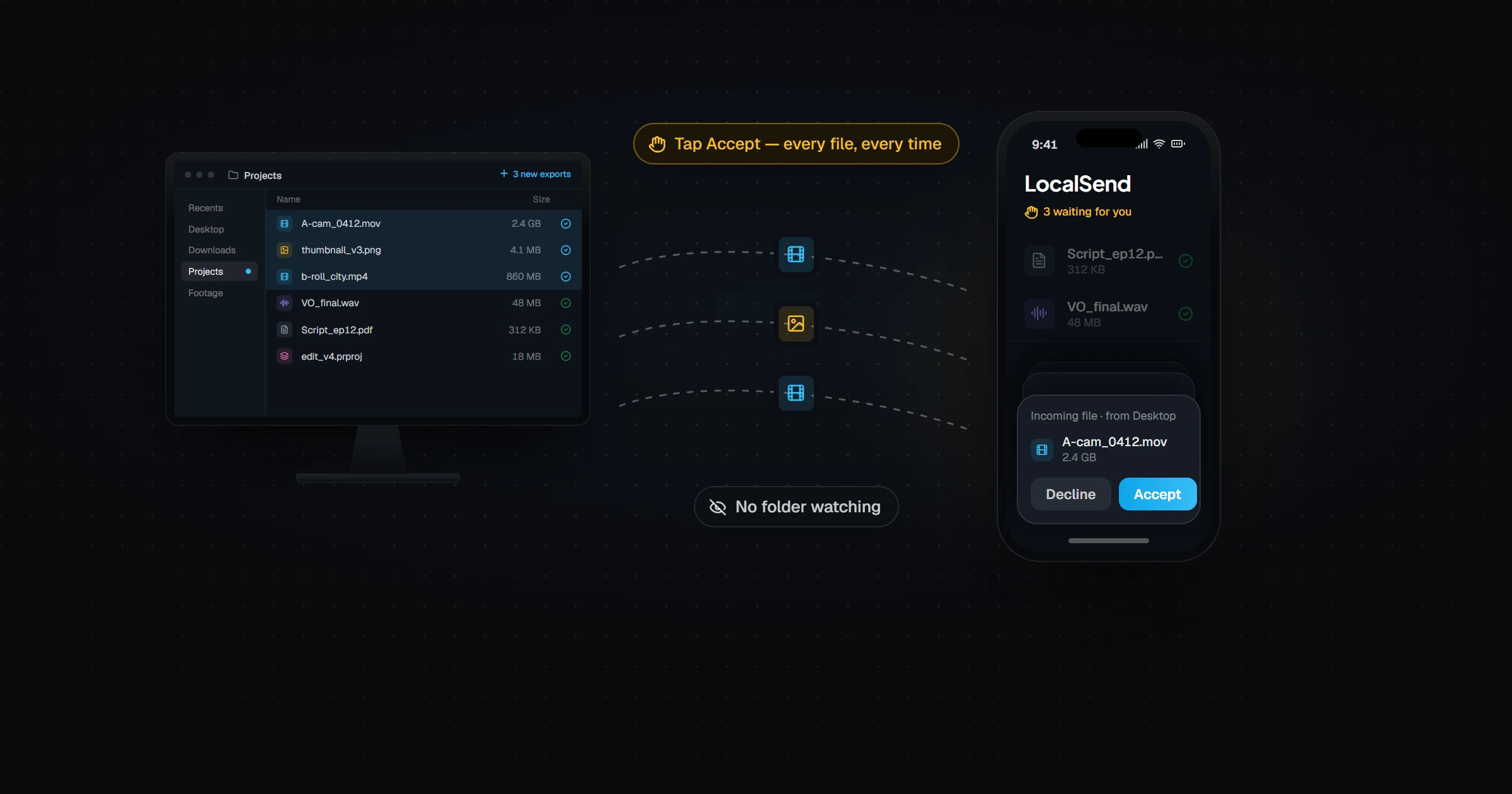
Can LocalSend Sync a Folder? The Auto-Sync Fix
LocalSend can send files and folders, but it cannot keep a folder in sync — every transfer is manual. Here is why, what people try instead, and how to get automatic folder sync across Windows, Mac, Android, and iPhone.
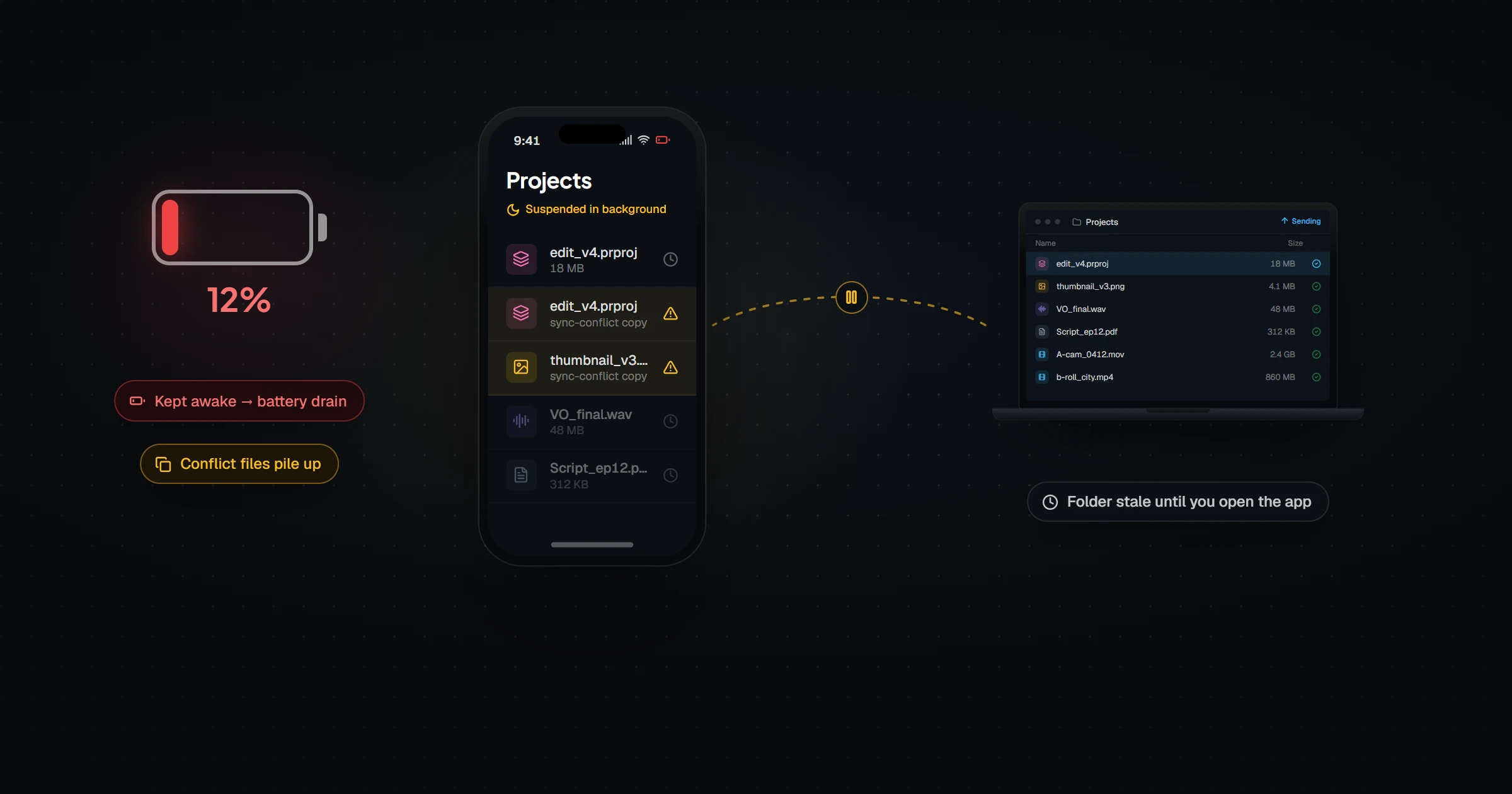
Syncthing on iOS: Why It Fails (and What Works)
Syncthing struggles on iPhone because Apple's sandboxing stops third-party apps from syncing reliably in the background. Here is why that causes stale folders, conflict files, and battery drain — and what guarantees real cross-platform parity instead.