How Relaaay Compares
Honest, side-by-side looks at the tools people use to move files between their devices — cloud storage, peer-to-peer sync, and one-off transfer apps — and where automatic folder sync fits differently. Same methodology on every page.
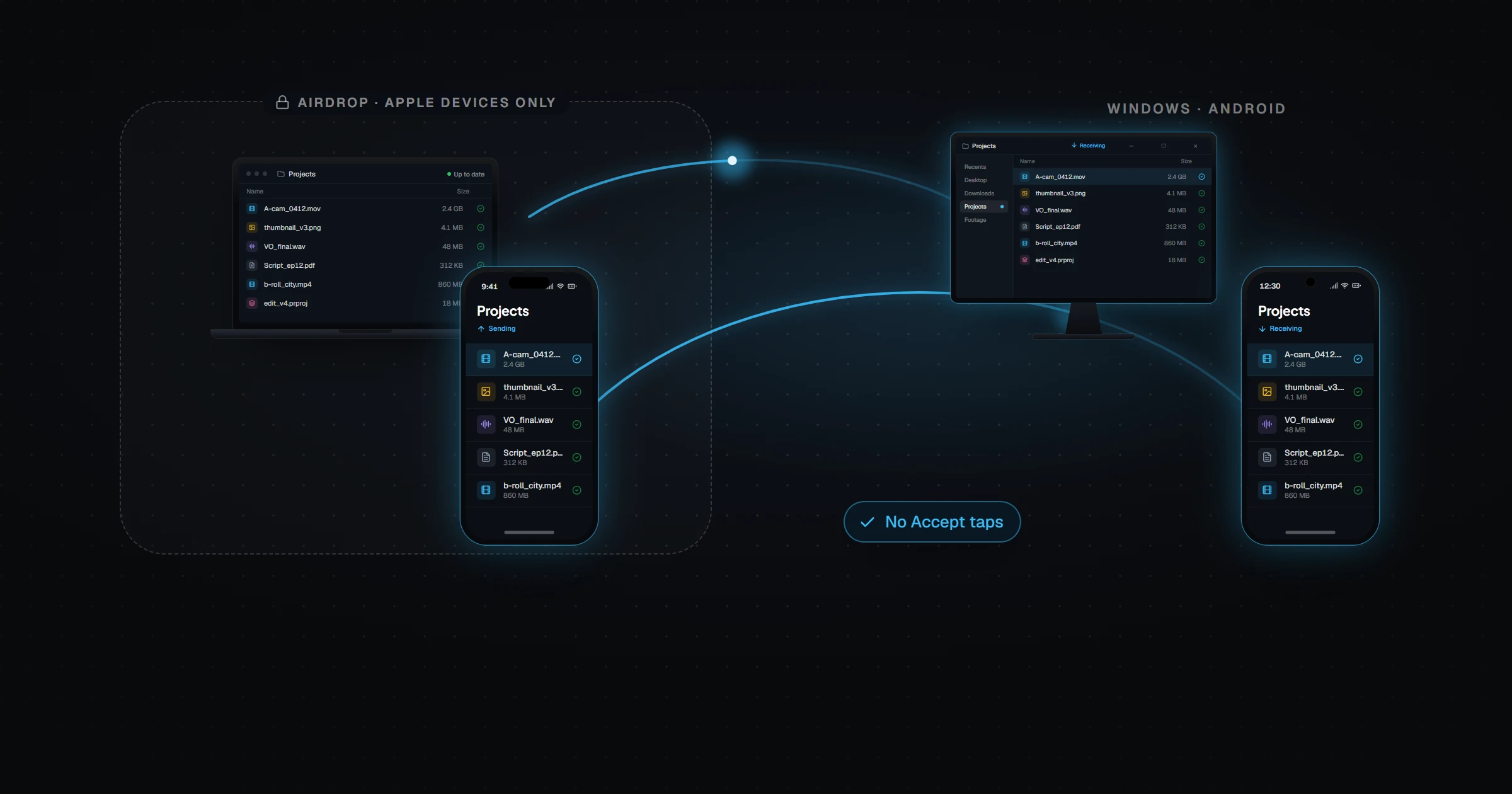
AirDrop Alternative for Windows and Android
AirDrop only works between Apple devices. Relaaay vs AirDrop: keep files in sync across iPhone, Windows, Mac, and Android automatically — no Accept taps.
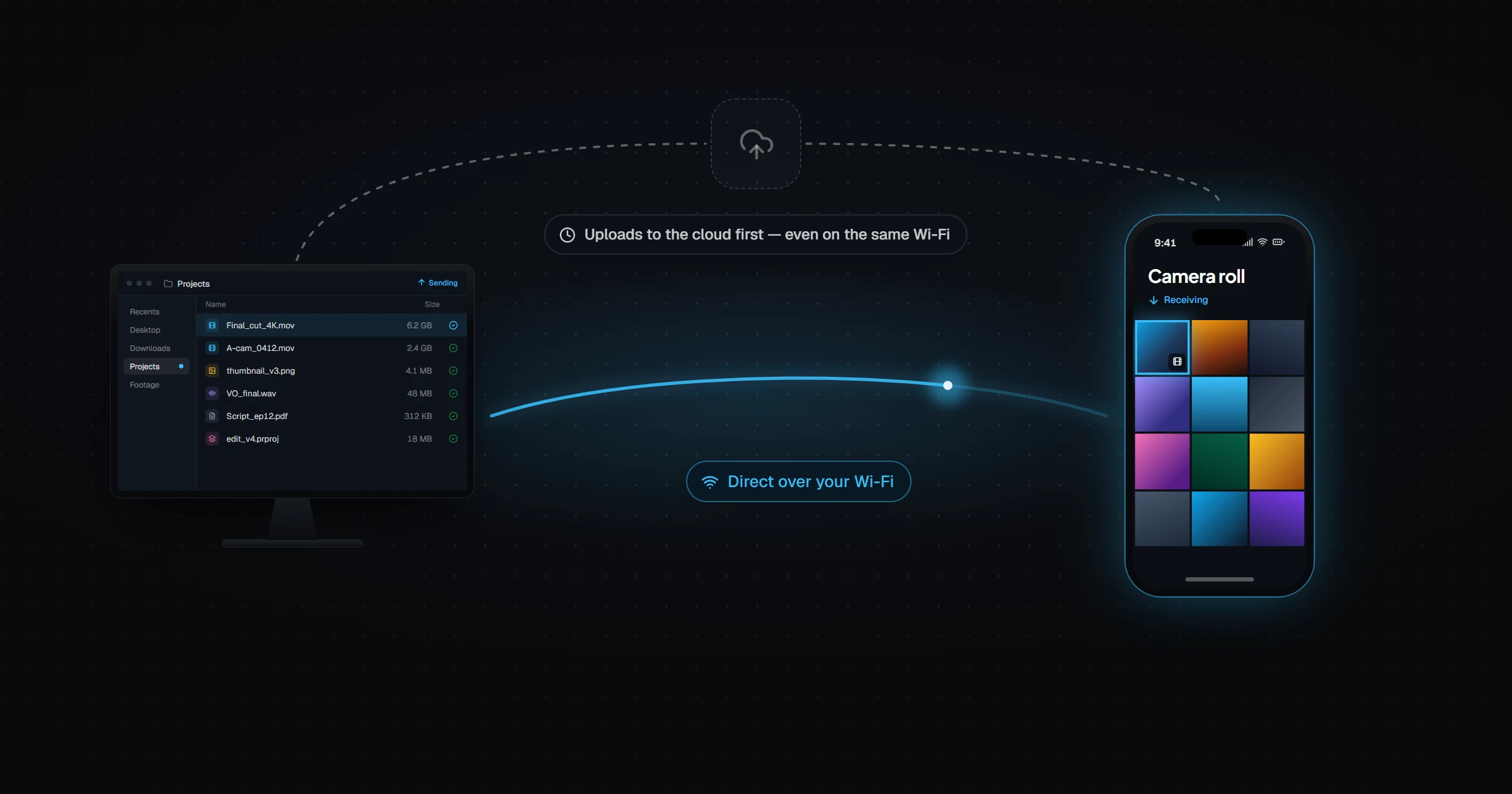
Dropbox Alternative for Syncing Your Own Devices
Relaaay vs Dropbox: automatic two-way sync between your phone and computers, direct over your network, without paying for storage you don't need.
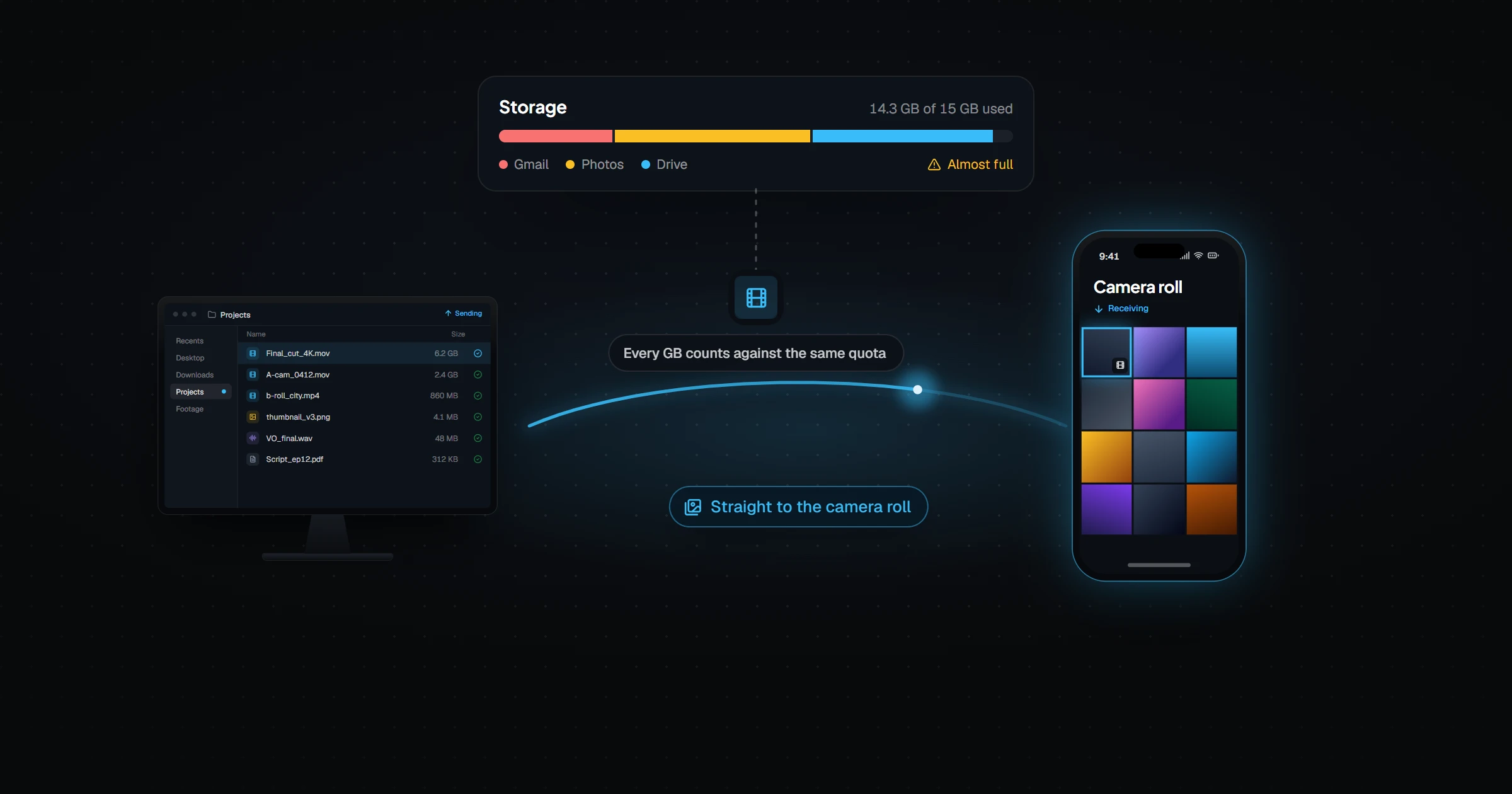
Google Drive Alternative for Device-to-Device Sync
Relaaay vs Google Drive: Drive is cloud storage for Docs and sharing. Relaaay delivers files between your own devices automatically, large videos included.
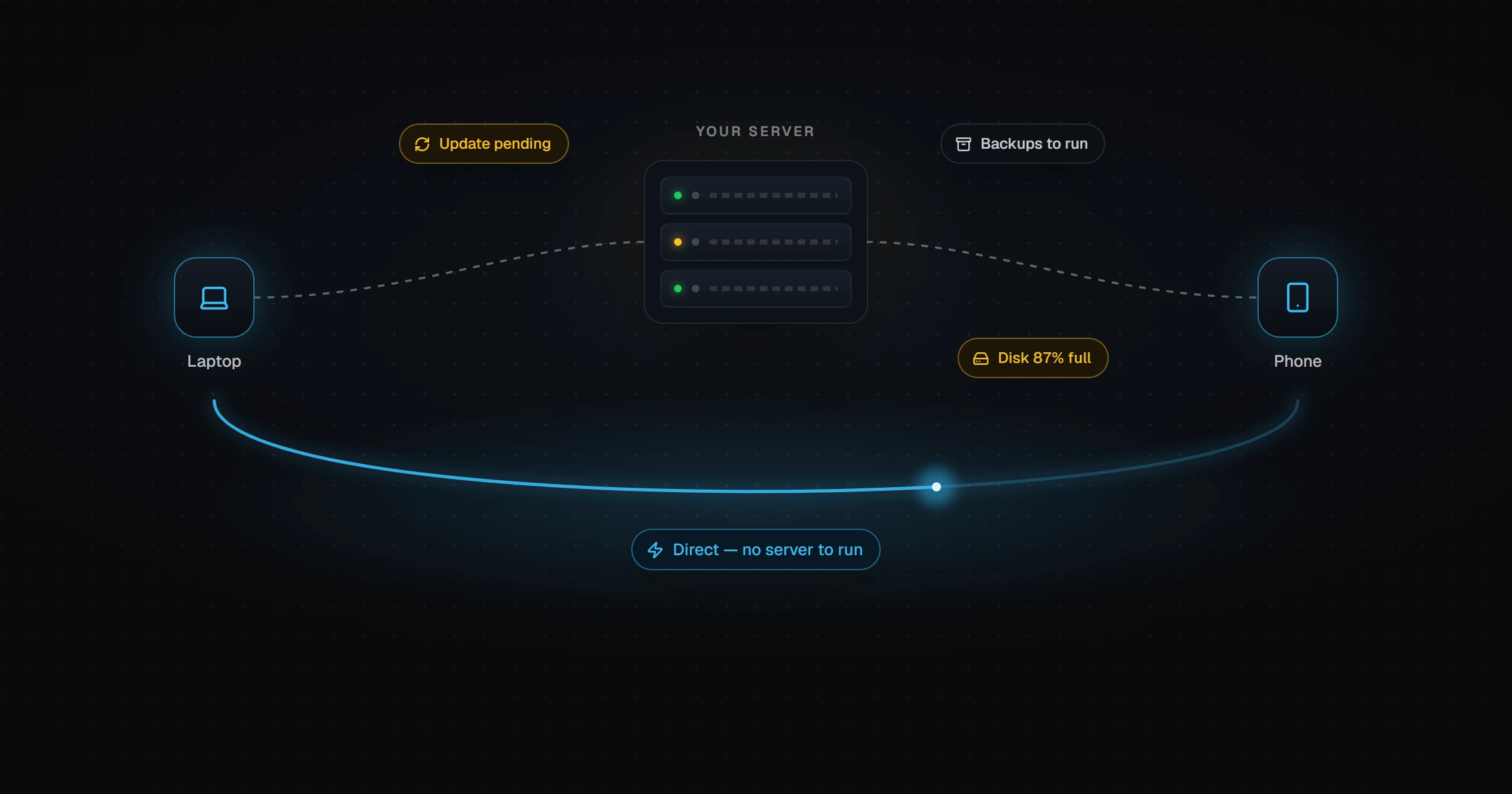
Nextcloud Alternative Without Running a Server
Relaaay vs Nextcloud: Nextcloud gives full ownership but you run the server. Compare it with zero-infrastructure sync across phone and desktop, honestly.
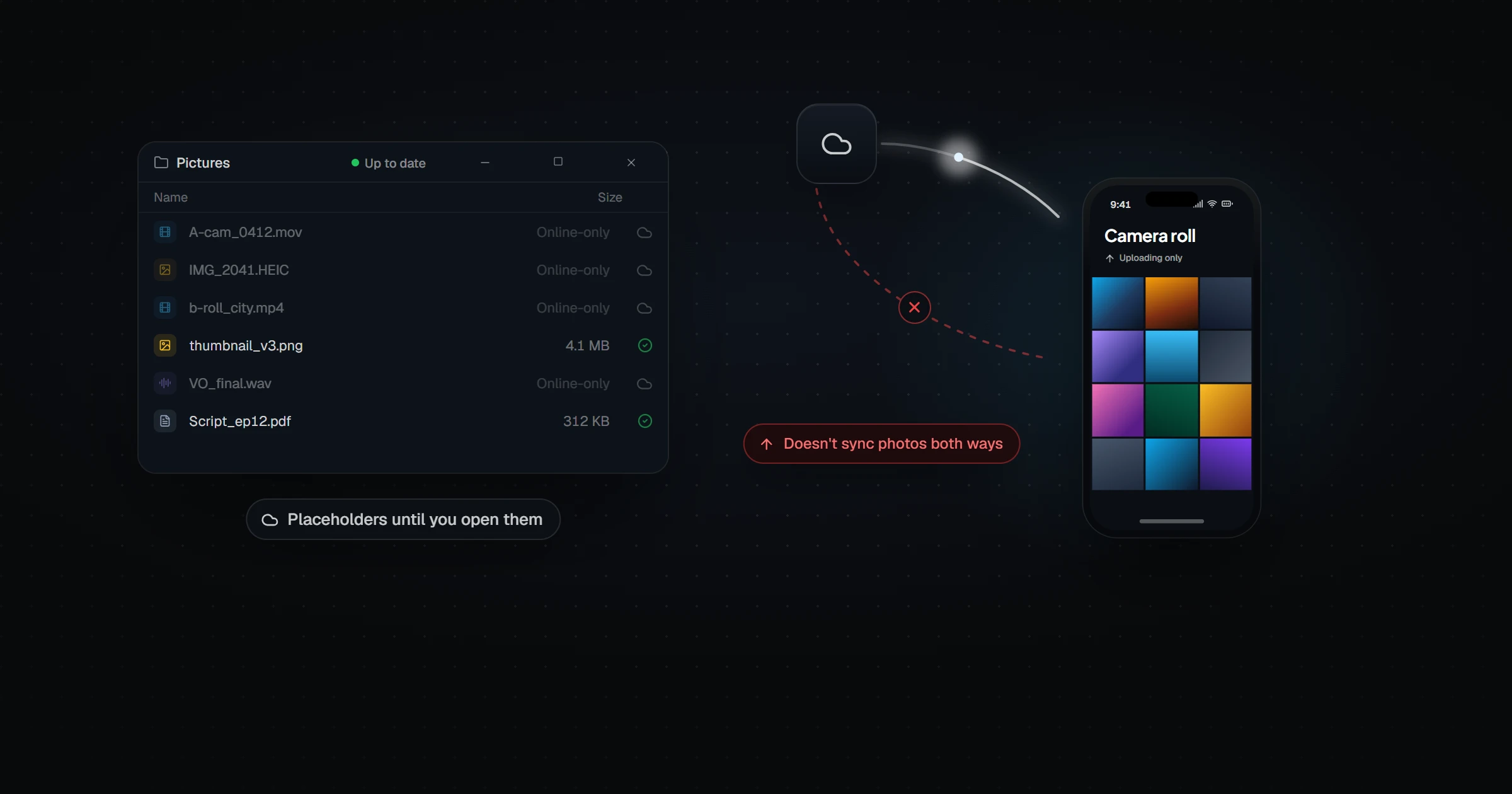
OneDrive Alternative for True Two-Way Phone Sync
Relaaay vs OneDrive: OneDrive backs up phone photos one way and uses placeholders on PC. Compare it with automatic two-way sync of real files on every device.
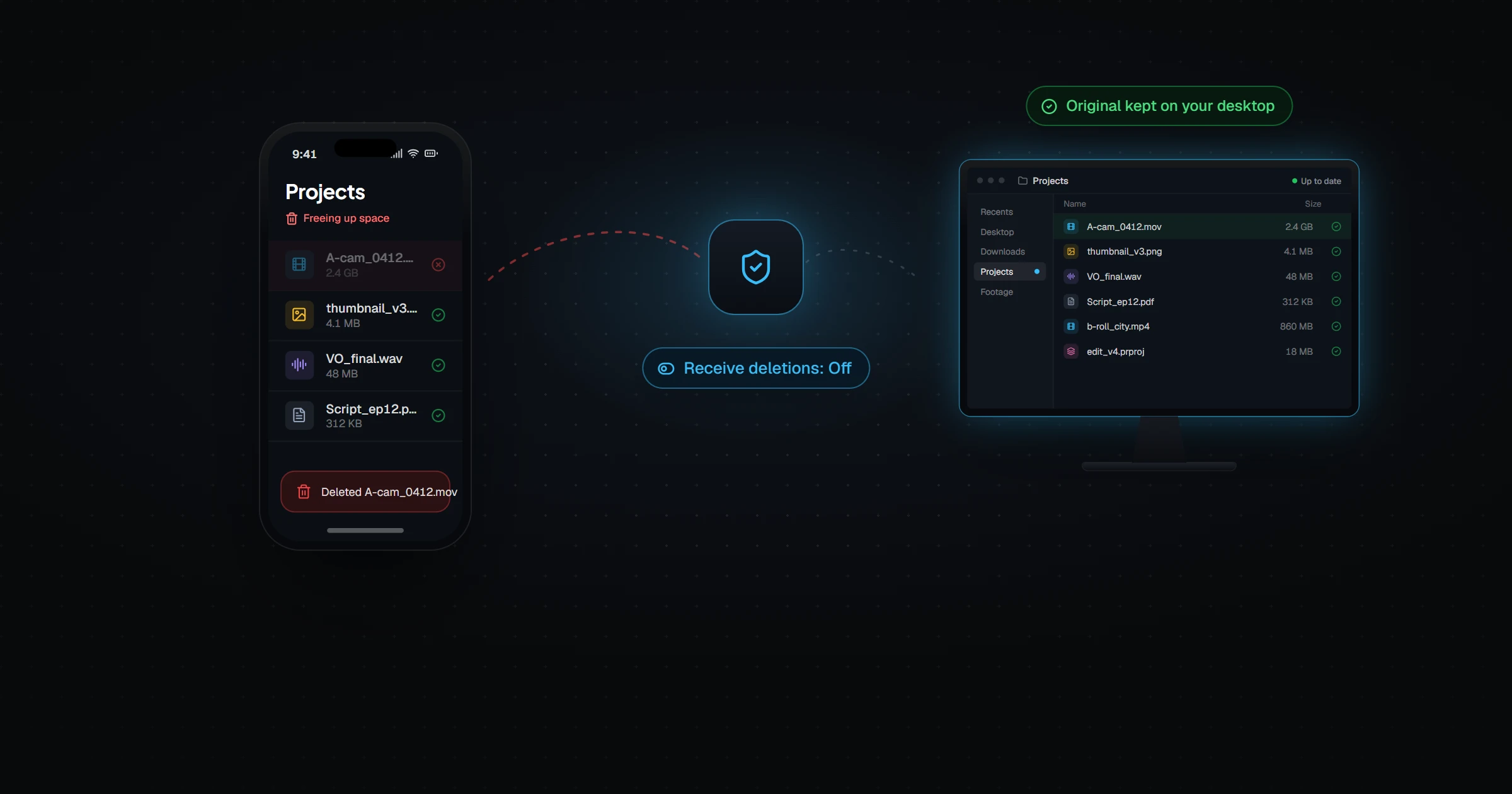
Resilio Sync Alternative With Safer Deletions
Relaaay vs Resilio Sync: both sync device-to-device. Compare deletion handling, iPhone background sync, setup, and what each one costs.
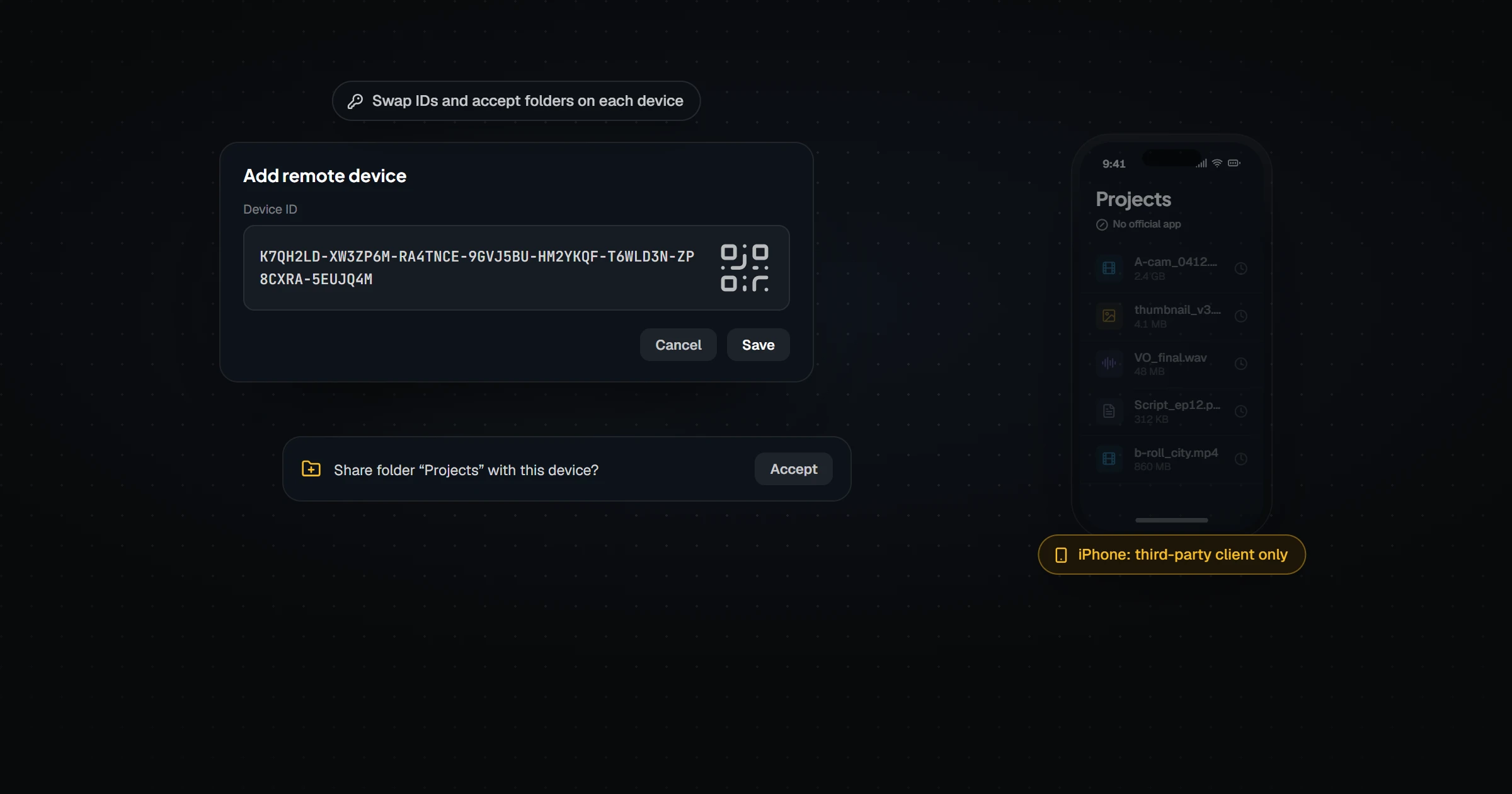
Syncthing Alternative That Works on iPhone
Relaaay vs Syncthing: Syncthing has no official iOS app and needs device IDs. Compare it with folder sync that treats iPhone and Android as first-class devices.
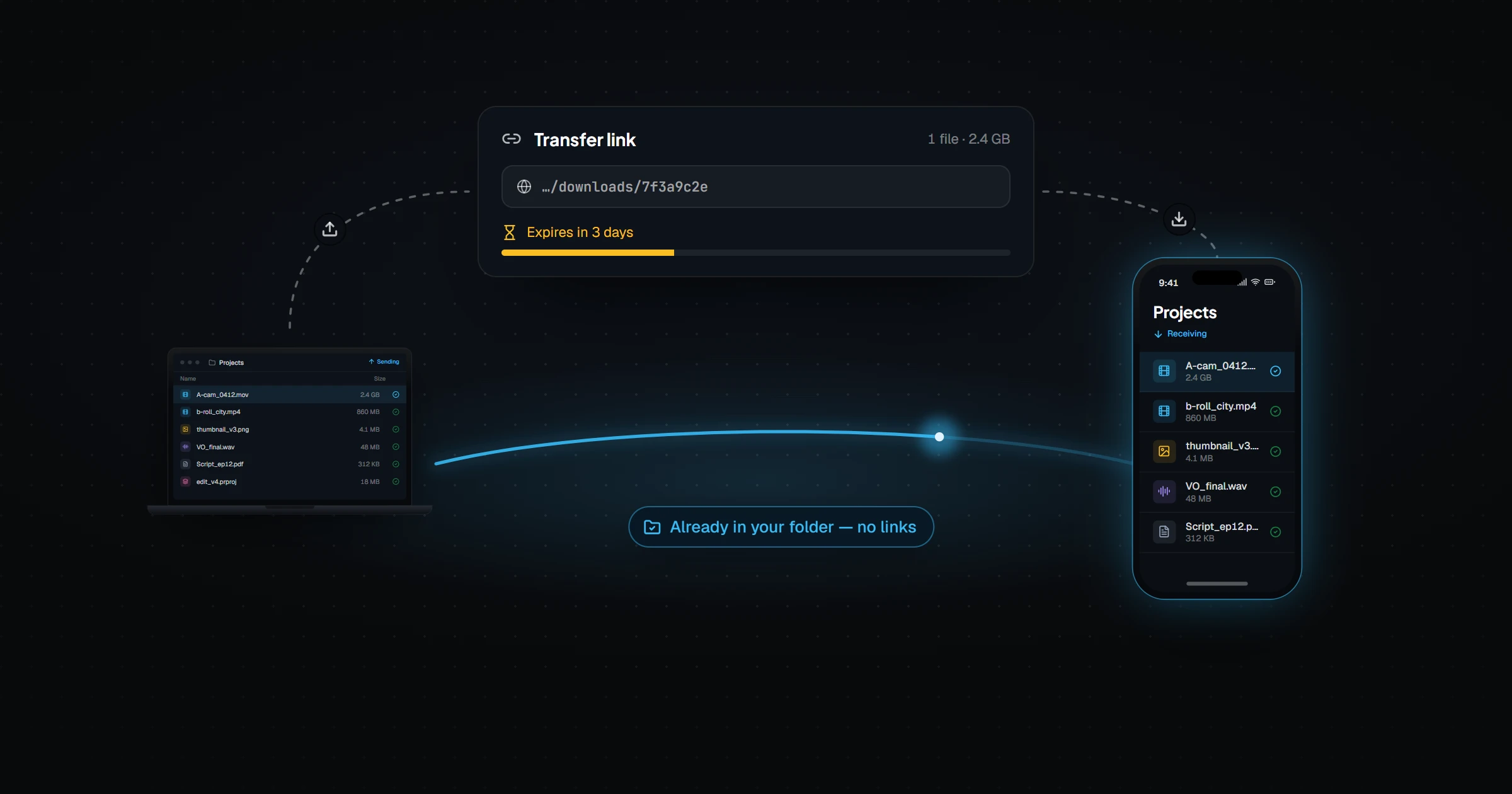
WeTransfer Alternative for Your Own Devices
Relaaay vs WeTransfer: stop uploading files to send them to yourself. Keep a folder in sync across your phone and computers with no links or expiring downloads.