FolderSync for iPhone? What to Use on iOS Instead
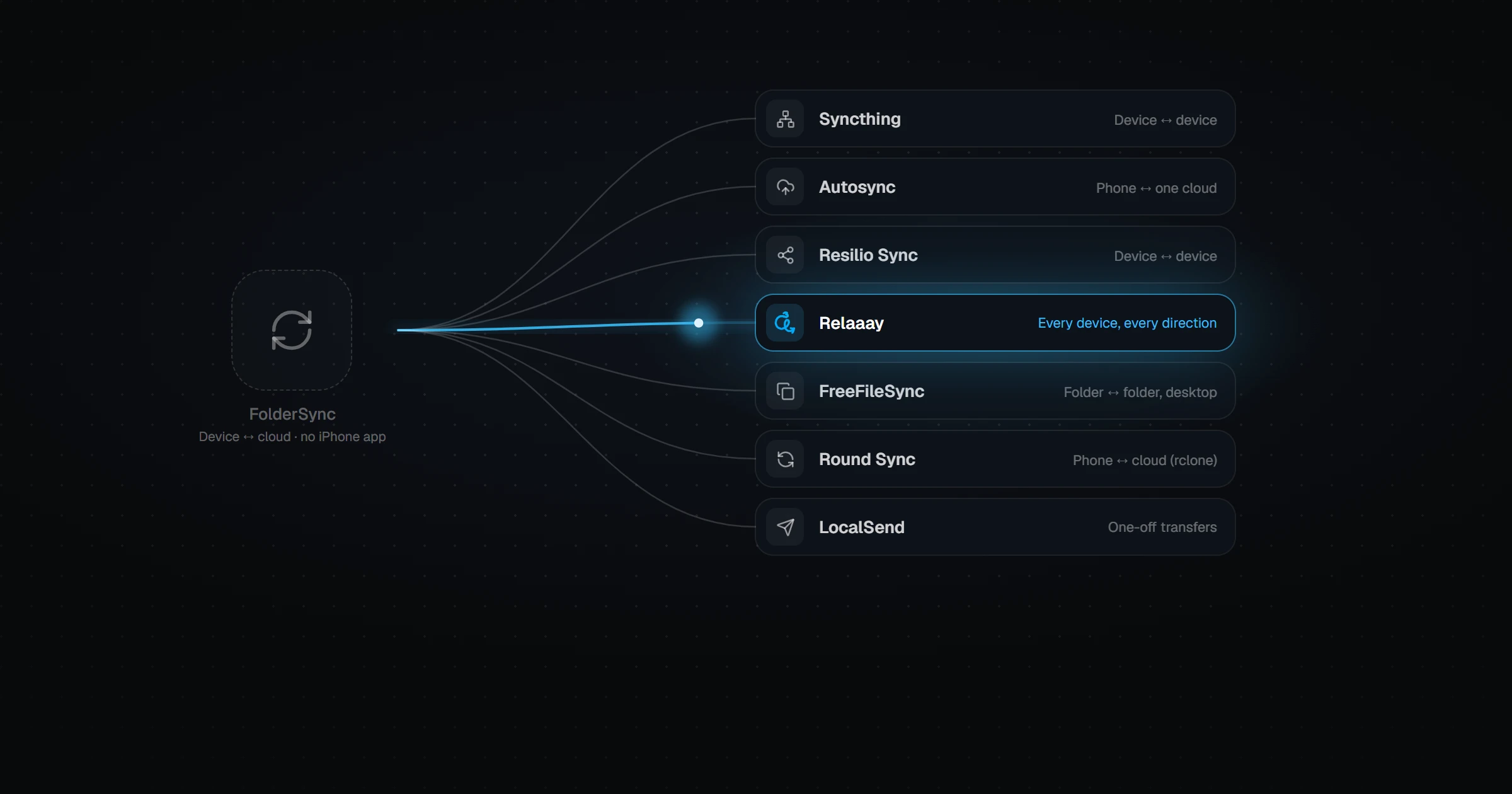
No, FolderSync is not available on iPhone or iPad. It runs on Android, Windows, macOS, and Linux only. iOS restricts how apps run in the background and access folders, so FolderSync-style scheduled sync does not translate directly. On iPhone, the closest options are iCloud Drive with the Files app, Resilio Sync, Syncthing clients like Möbius Sync, PhotoSync for photos, or a device-to-device sync app like Relaaay.
If you have used FolderSync on Android and switched to an iPhone — or added one to your setup — the first thing you notice is that FolderSync is not in the App Store.
That is not an oversight. Folder sync works differently on iOS, and understanding why makes it much easier to pick a replacement that actually works.
Is there a FolderSync app for iOS?
No. FolderSync is available on Android, and FolderSync Desktop covers Windows, macOS, and Linux. There is no iPhone or iPad version, and none has been announced.
Searches for "FolderSync iOS" often land on unrelated apps with similar names. None of them are made by Tacit Dynamics, FolderSync's developer.
Why is folder sync harder on iPhone?
Two iOS rules get in the way of FolderSync's design.
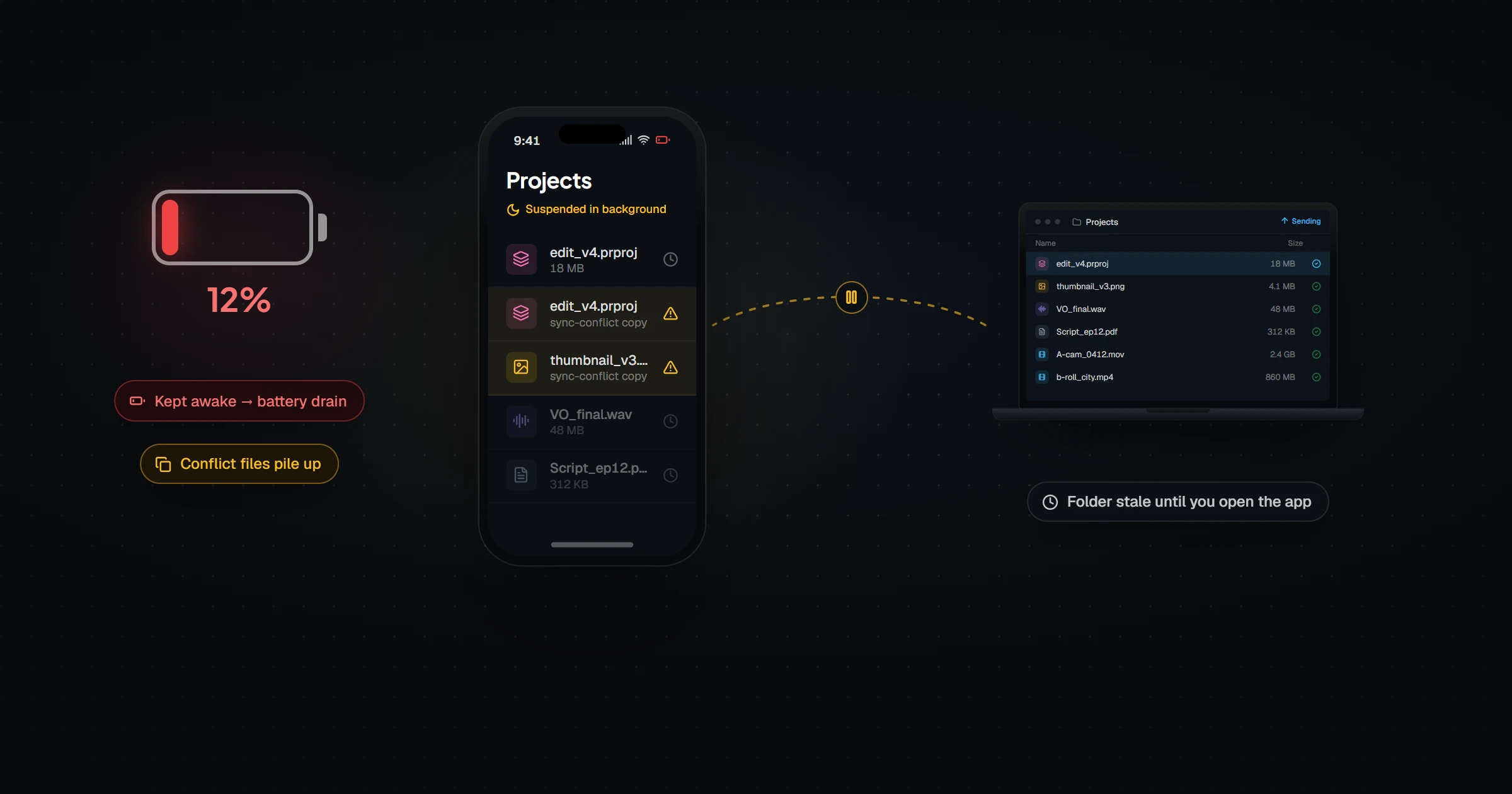
First, background execution is limited. Android lets an app run scheduled jobs reliably. iOS suspends most apps shortly after you leave them and decides itself when background work may run. A sync engine that expects to wake up every hour cannot count on that.
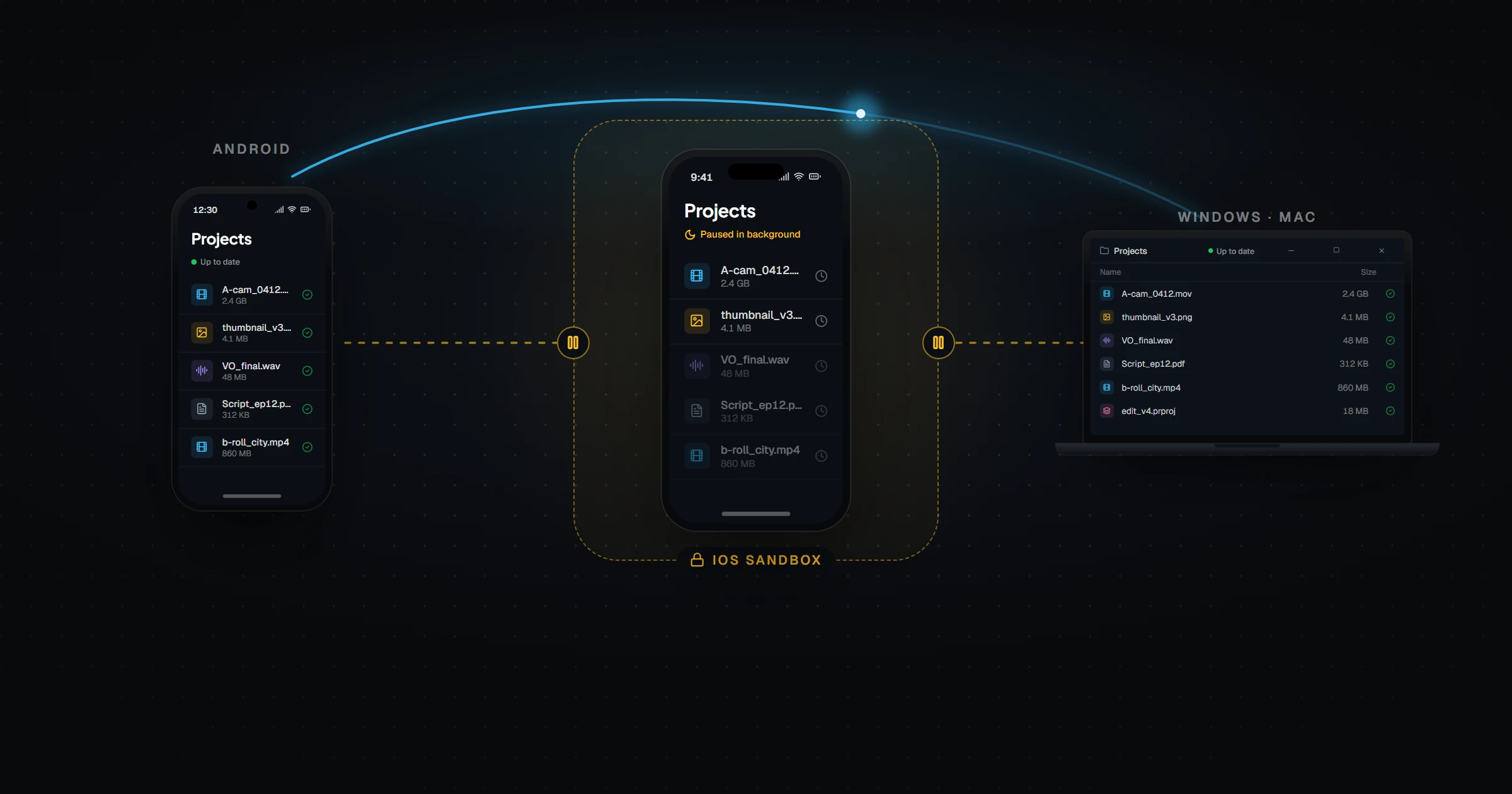
Second, file access is sandboxed. Each iOS app has its own container, and access to other folders goes through the Files app and user permission. There is no equivalent of pointing an app at any folder on the SD card.
We dug into the consequences for peer-to-peer sync in Syncthing on iOS: sandboxing, battery drain, and data loss.
What can iPhone users use instead of FolderSync?
| Option | Best for | Works with Windows / Android | Background behavior |
|---|---|---|---|
| iCloud Drive + Files app | All-Apple setups | Windows via iCloud app; no real Android support | Managed by iOS, reliable |
| PhotoSync | Backing up photos/videos to a NAS or cloud | Yes, as destinations | Limited background triggers |
| Resilio Sync | Peer-to-peer folder sync | Yes | Subject to iOS suspension |
| Möbius Sync (Syncthing client) | Existing Syncthing users | Yes | Subject to iOS suspension |
| Relaaay | One folder on iPhone, Android, Windows, and Mac | Yes | Designed around iOS delivery rules |
iCloud Drive: easiest if everything is Apple
If your other devices are a Mac and an iPad, iCloud Drive and the Files app already do most of what FolderSync did. It breaks down when a Windows PC or an Android phone is involved — Android has no official iCloud Drive app.
PhotoSync: good for camera-roll backup
If your FolderSync jobs were really "back up my camera folder to the NAS," PhotoSync covers that on iPhone. It can send photos and videos to SMB shares, cloud providers, and computers. It is a backup and transfer tool, not a two-way folder sync.
Resilio Sync and Möbius Sync: peer-to-peer, with caveats
Both keep folders in sync directly between devices and both have iOS apps. Both also depend on the app getting time to run, so on iPhone they often catch up only when you open them. See Relaaay vs Resilio Sync and Relaaay vs Syncthing for the details.
How to keep one folder in sync across an iPhone, a PC, and an Android phone
This is the setup FolderSync cannot reach, and it is the one Relaaay is built for.
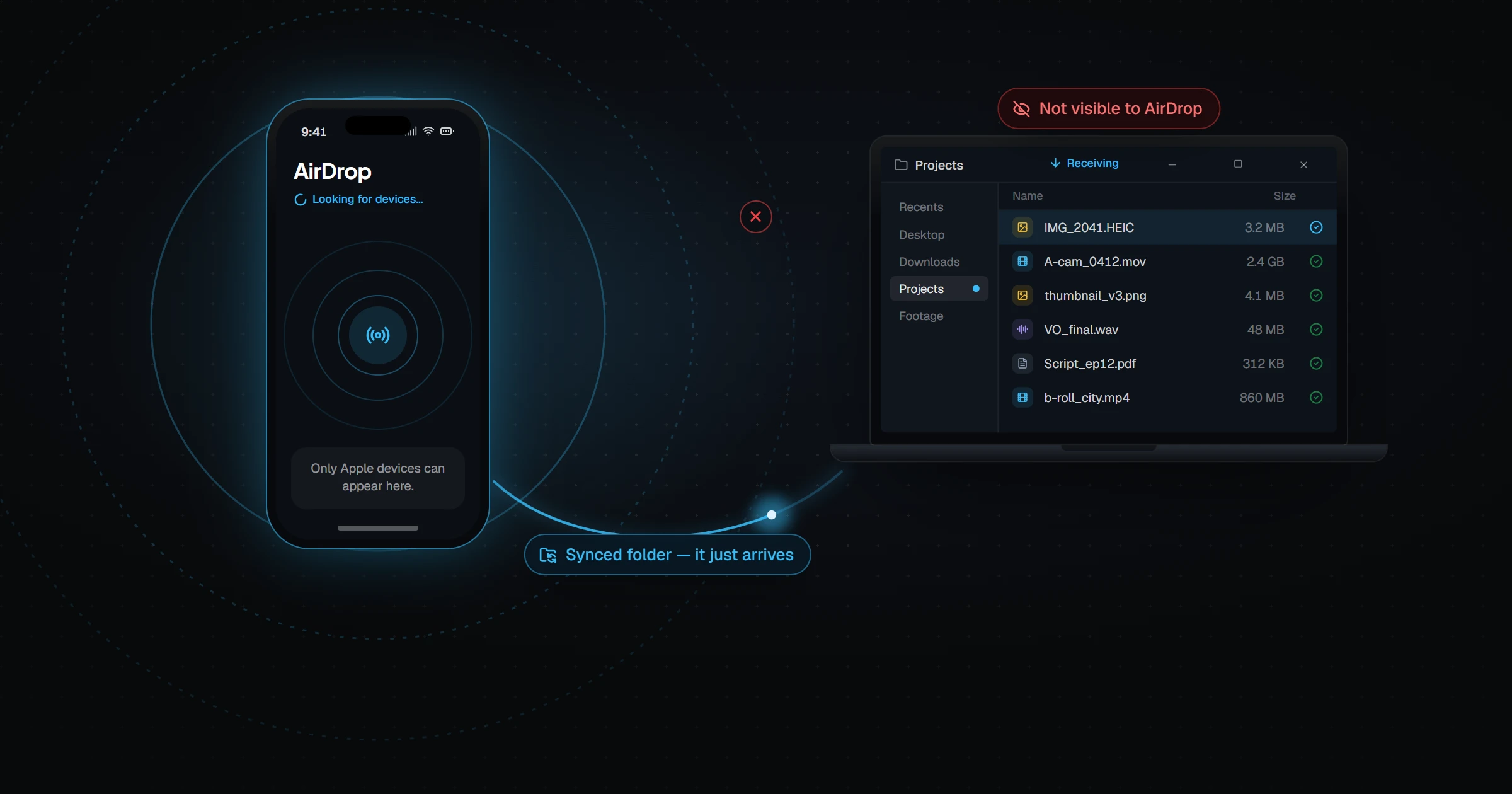
You link a folder on each device into a Folder Group — a folder on your Windows PC, one on your Android phone, and a folder or the photo library on your iPhone. Add a file on any of them and it shows up on the others. Sync runs in every direction, so the iPhone is not just a receiver.
When your devices share a network, files go straight between them. When they do not, Relaaay routes them over the internet, and on iPhone it delivers in a way iOS supports, so you are not babysitting an open app.
If you are leaving FolderSync behind because of an iPhone, join the Relaaay waitlist, or browse the other options in 7 FolderSync alternatives.