Syncthing Alternative That Works on iPhone
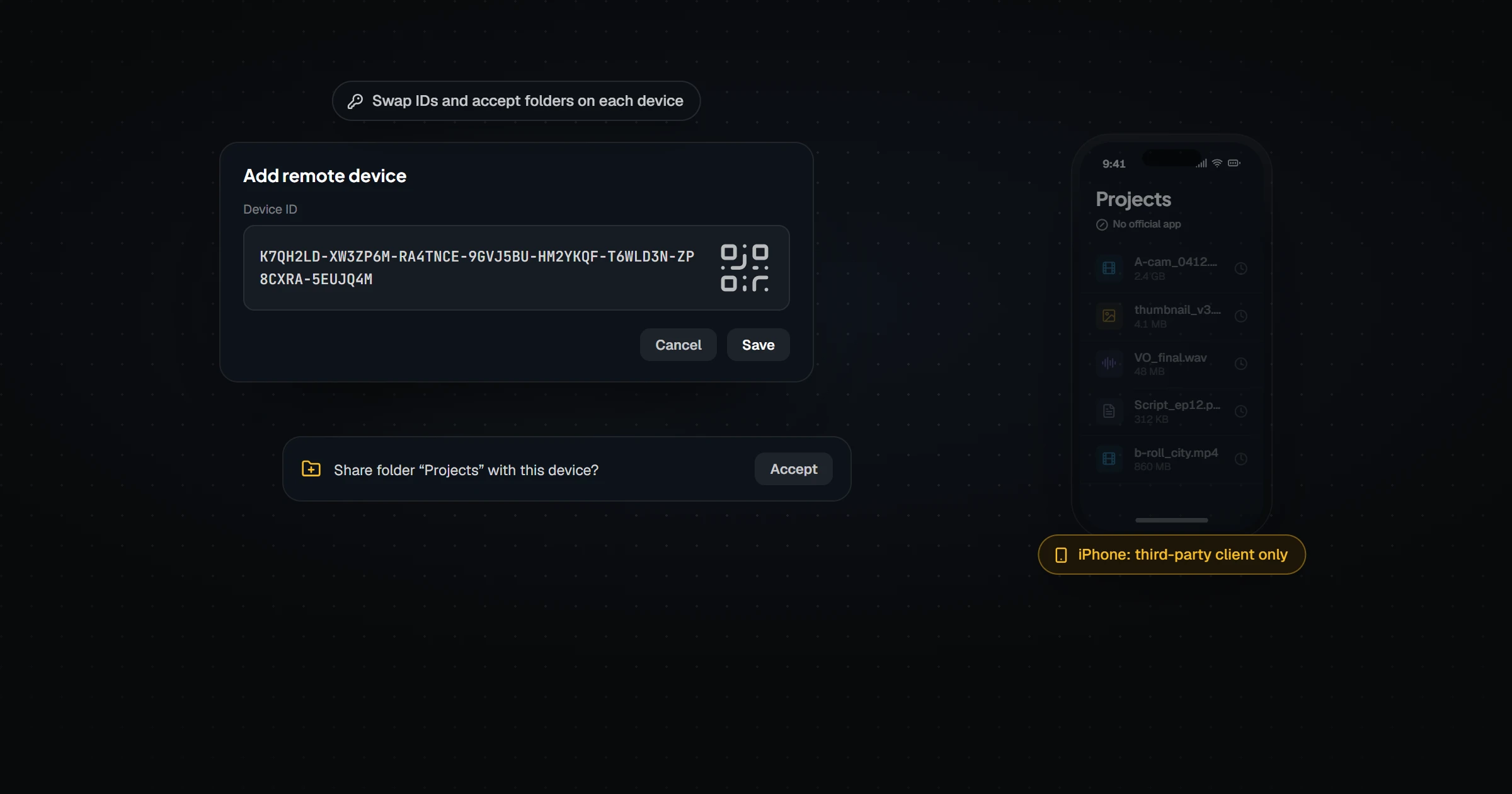
Syncthing is excellent open-source peer-to-peer folder sync between desktops, but it has never shipped a first-party iOS app — iPhone support depends on Möbius Sync, a paid third-party client, which still operates inside iOS's background-processing limits. Device pairing works by exchanging device IDs and accepting folders on each machine, which technical users enjoy and everyone else endures. Relaaay treats phones as first-class devices: sign in with one account, link a folder, and delivery works in the background on iOS and Android without pairing ceremonies.
Ask a room of self-hosters how they sync folders and Syncthing wins the show of hands. It's earned that: open source, fully decentralized, no accounts, no company in the middle — just devices finding each other and exchanging blocks. As a piece of engineering and a statement of principle, it's one of the best things in its category.
Its worldview, though, was shaped on desktops, where software runs as long as you like and the filesystem is yours. Phones — iPhones especially — refuse both assumptions, and that's exactly where most people's sync problems live today.
What Syncthing does well
Between computers, it's superb. Block-level transfers handle huge folders efficiently, file versioning protects against mistakes, ignore patterns give you surgical control, and the decentralized design means no vendor can raise prices, close down, or peek at your data — there's no vendor at all. It runs on nearly anything, including the NAS in your closet.
The depth of configuration is a feature, not an accident: for its intended audience, those knobs are the appeal.
Where it breaks down for phone-and-desktop sync
Three gaps, all structural rather than fixable-by-settings.
- The iPhone isn't really in the picture. There is no first-party Syncthing app for iOS — the project's community points iPhone users to Möbius Sync, a paid third-party client by an independent developer. It's actively maintained and does its job well within iOS's rules, but "buy a separate app from someone else, then configure it" is a fundamentally different proposition from platform support — and iOS's background-processing limits still apply to it.
- Setup is a pairing ceremony. No accounts means every device relationship is built by hand: exchange device IDs, confirm on both ends, share each folder to each device, decide its folder type. Multiply by every device and every folder. Technical users call this control; everyone else calls a friend who's technical.
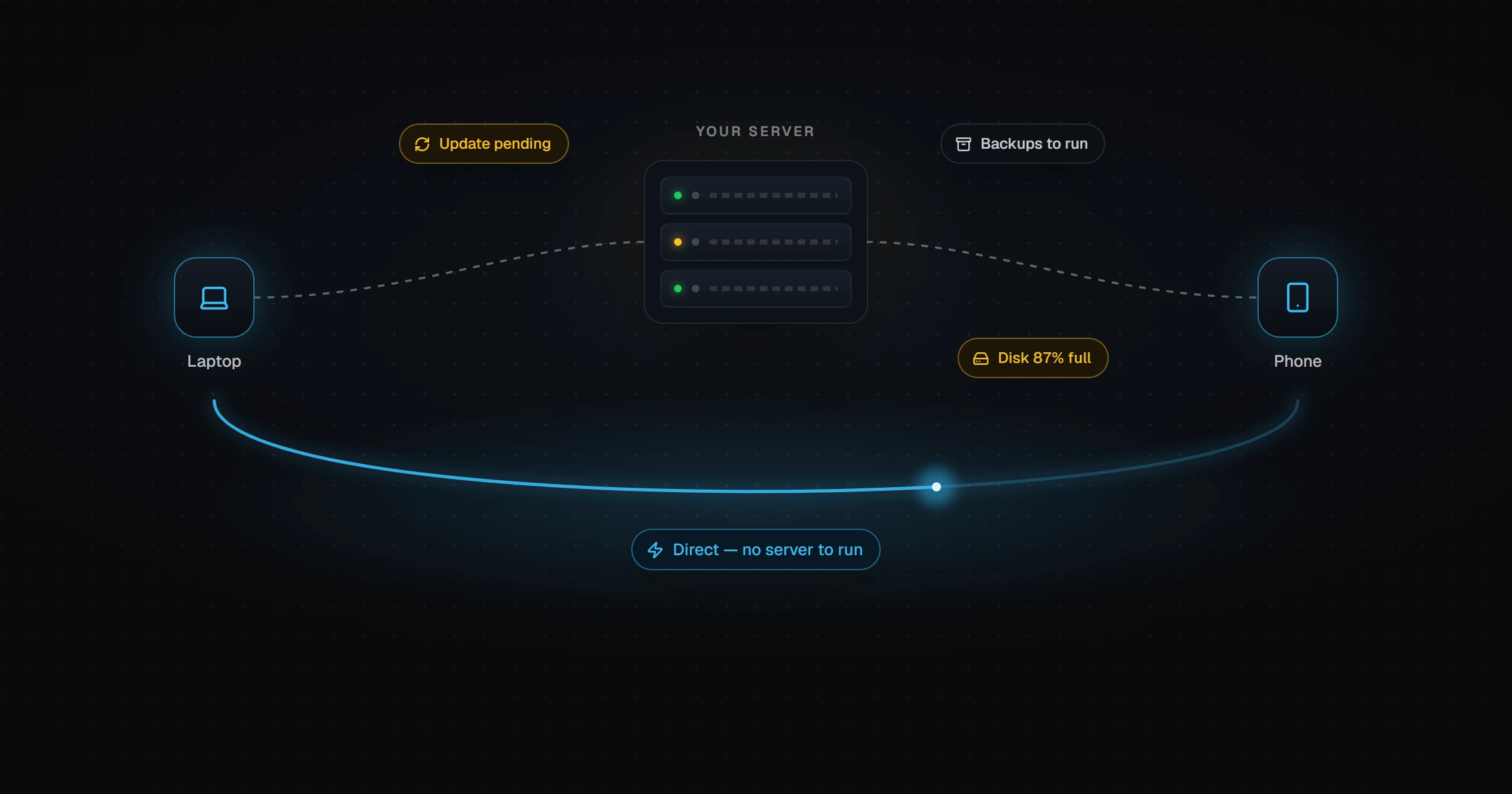
- Peers have to meet. Transfers happen when both devices are online together. A phone that's asleep when the desktop finishes exporting gets the files later — or you run an always-on intermediary peer, which is to say: you now maintain a server.
How they actually compare
| Syncthing | Relaaay | |
|---|---|---|
| Price and licensing | Free, open source | Free tier / paid plans; not open source |
| iOS support | No first-party app — requires Möbius Sync, a paid third-party client | First-party app, built for background delivery |
| Connecting devices | Exchange device IDs, accept on each machine, share folders per device | Sign in with one account; devices see each other |
| Configuration surface | Folder types, versioning, ignore patterns, advanced options — powerful and expected | Link a folder, choose a destination, done |
| Both devices offline at once | Sync waits until two peers are online together | Relay + deferred delivery — send now, receive when the device wakes |
| Privacy model | Fully decentralized — no accounts, no central service | Account-based; direct LAN transfer when devices share a network |
| Target user | Technical users comfortable with configuration | Anyone with files that need to be on their other devices |
Notice what the left column wins: price, license, decentralization. Those are real, and for a certain user they're decisive. The right column wins everything about phones and effort — which is decisive for everyone else.
What fills the gap
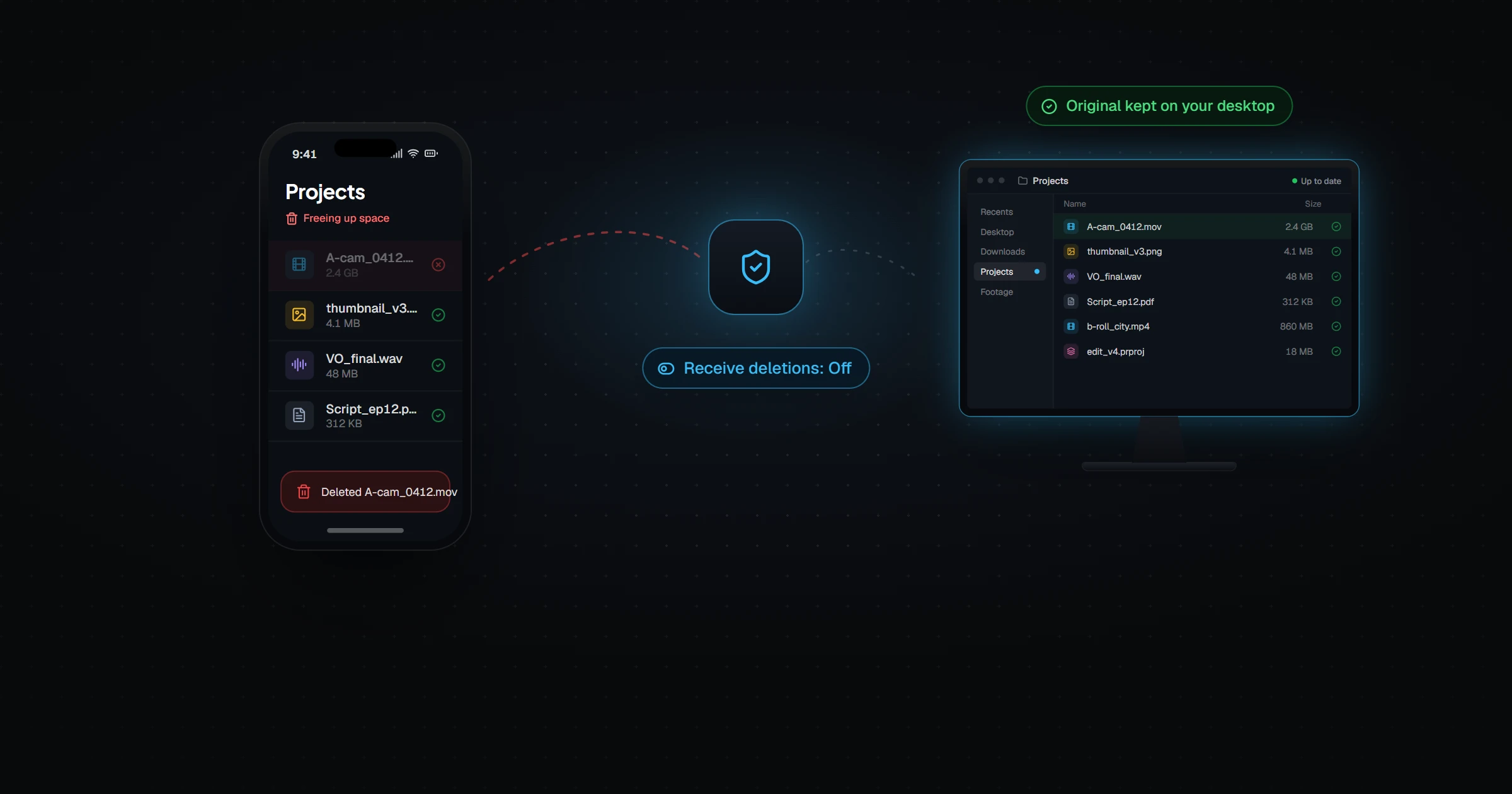
Relaaay starts from the account, not the pairing: sign in everywhere, and your devices already know each other. The mobile apps are first-party on both iOS and Android, engineered around each platform's background rules rather than fighting them, so a file exported on the desktop is on the phone without the phone being begged. And because delivery doesn't require both peers awake at the same moment, the timing problem Syncthing solves with an always-on server simply doesn't exist — files sent while the phone sleeps arrive when it wakes.
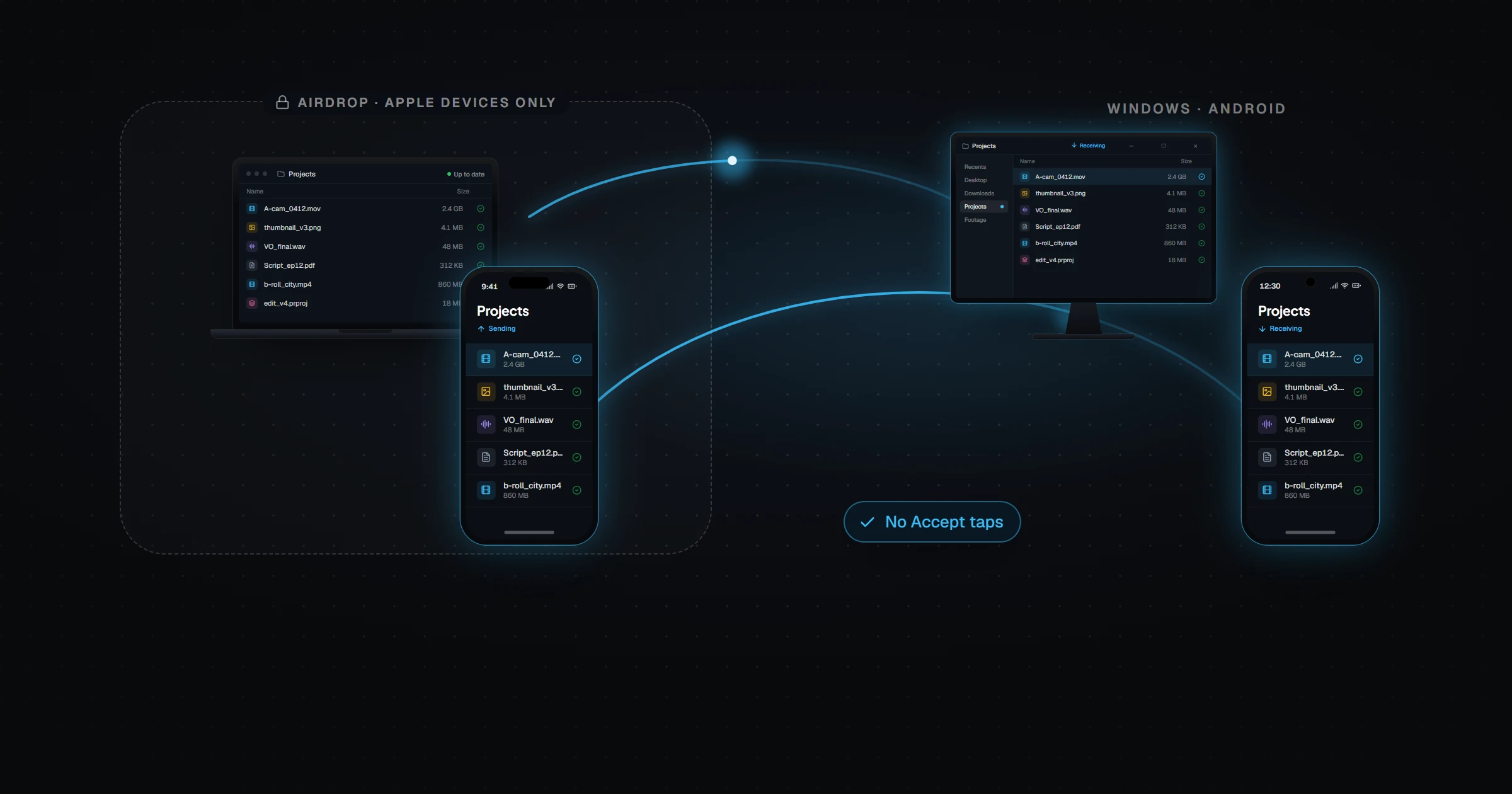
When devices do share a network, transfers run directly between them, the same local-first instinct Syncthing users value.
Syncthing assumes a patient operator and cooperative devices. Phones supply neither. Sync that includes a phone has to be built for the phone's rules.
If your sync lives between desktops and you like owning every knob, Syncthing remains the honest recommendation. The moment the folder needs to reach an iPhone — automatically, without a third-party client and a configuration evening — that's the job Relaaay was built around. For the full breakdown of what happens to a Syncthing folder once iOS suspends the app, see Syncthing on iOS: sandboxing, battery drain, and data loss. And if the choice in front of you is really "send this now" versus "keep this synced," LocalSend vs Syncthing draws that line clearly.