LocalSend vs Quick Share: Which Should You Use?
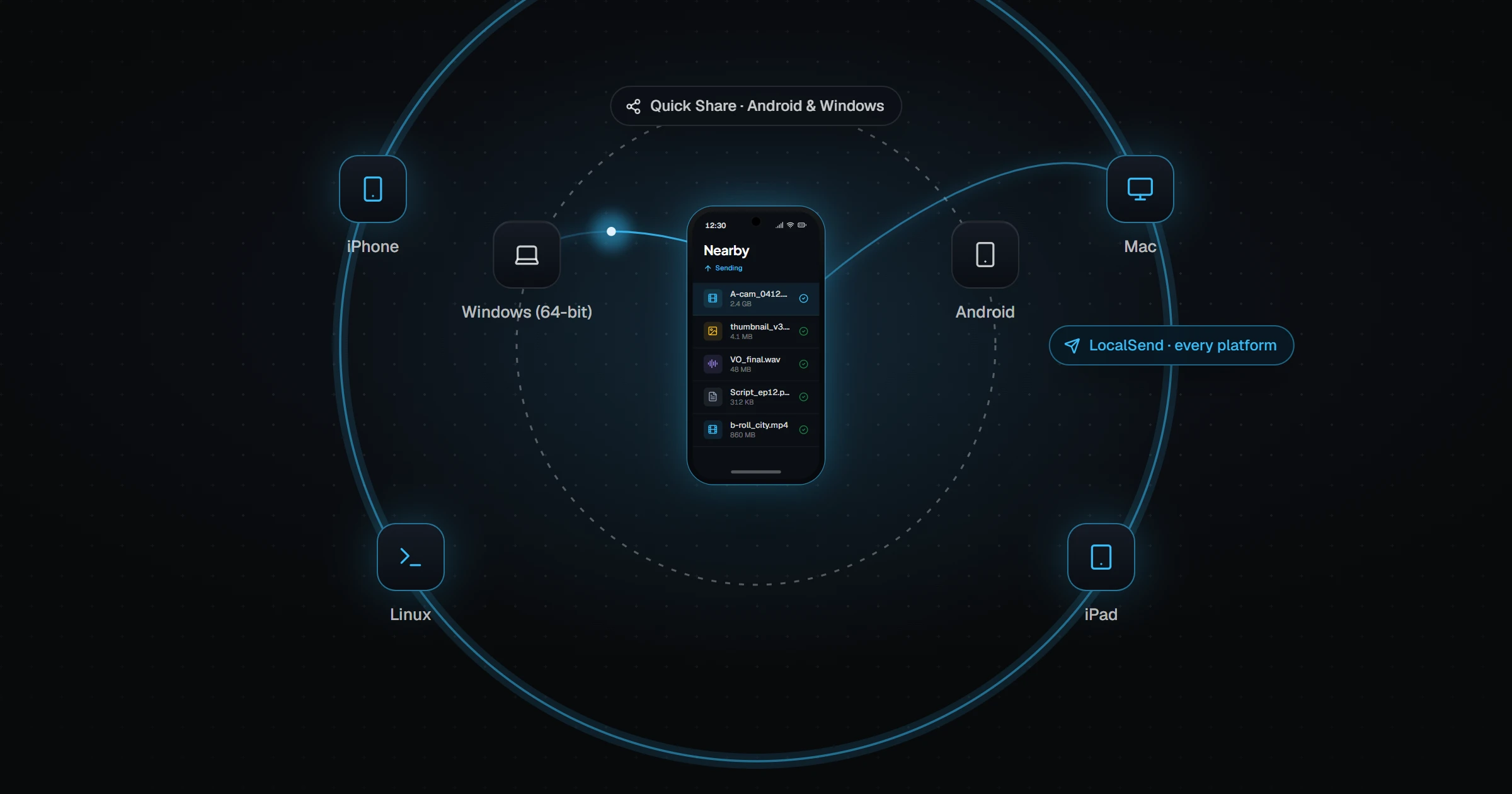
Use Quick Share if you have a recent Android phone and a 64-bit Windows PC — it is built in, fast, and newer Pixel and Galaxy phones can even swap files with iPhones via AirDrop. Use LocalSend if you need every platform, including iPhone, Mac, and Linux, or want open source. Both are for one-off sends to nearby devices; neither keeps a folder in sync automatically.
LocalSend and Quick Share both promise the same thing: tap a device nearby and the file arrives. Which one works better depends almost entirely on which devices you own.
How do LocalSend and Quick Share work?
LocalSend is a free, open-source app you install on each device. Devices on the same Wi-Fi network discover each other, and files transfer directly over the local network with HTTPS encryption. No account, no internet.
Quick Share is Google's built-in sharing system on Android (it absorbed Samsung's Quick Share and Google's Nearby Share). It uses Bluetooth to find nearby devices and a fast Wi-Fi connection to move files. On Windows, it needs Google's Quick Share app.
LocalSend vs Quick Share at a glance
| LocalSend | Quick Share | |
|---|---|---|
| Android | App install | Built in |
| Windows | Yes (Windows 7+) | 64-bit Windows 10+, no ARM |
| macOS / Linux | Yes | No |
| iPhone / iPad | Yes (app) | Via AirDrop, on supported recent phones only |
| Needs same Wi-Fi network | Yes | No — uses Bluetooth + Wi-Fi direct |
| Range | Anywhere on the network | Nearby, about 5 m |
| Internet needed | No | No |
| Open source | Yes | No |
| Account | None | None required |
When is Quick Share the better choice?
If you have an Android phone and a 64-bit Windows laptop, Quick Share is the least effort. It is already on your phone, it does not need both devices on the same router, and transfers are fast.
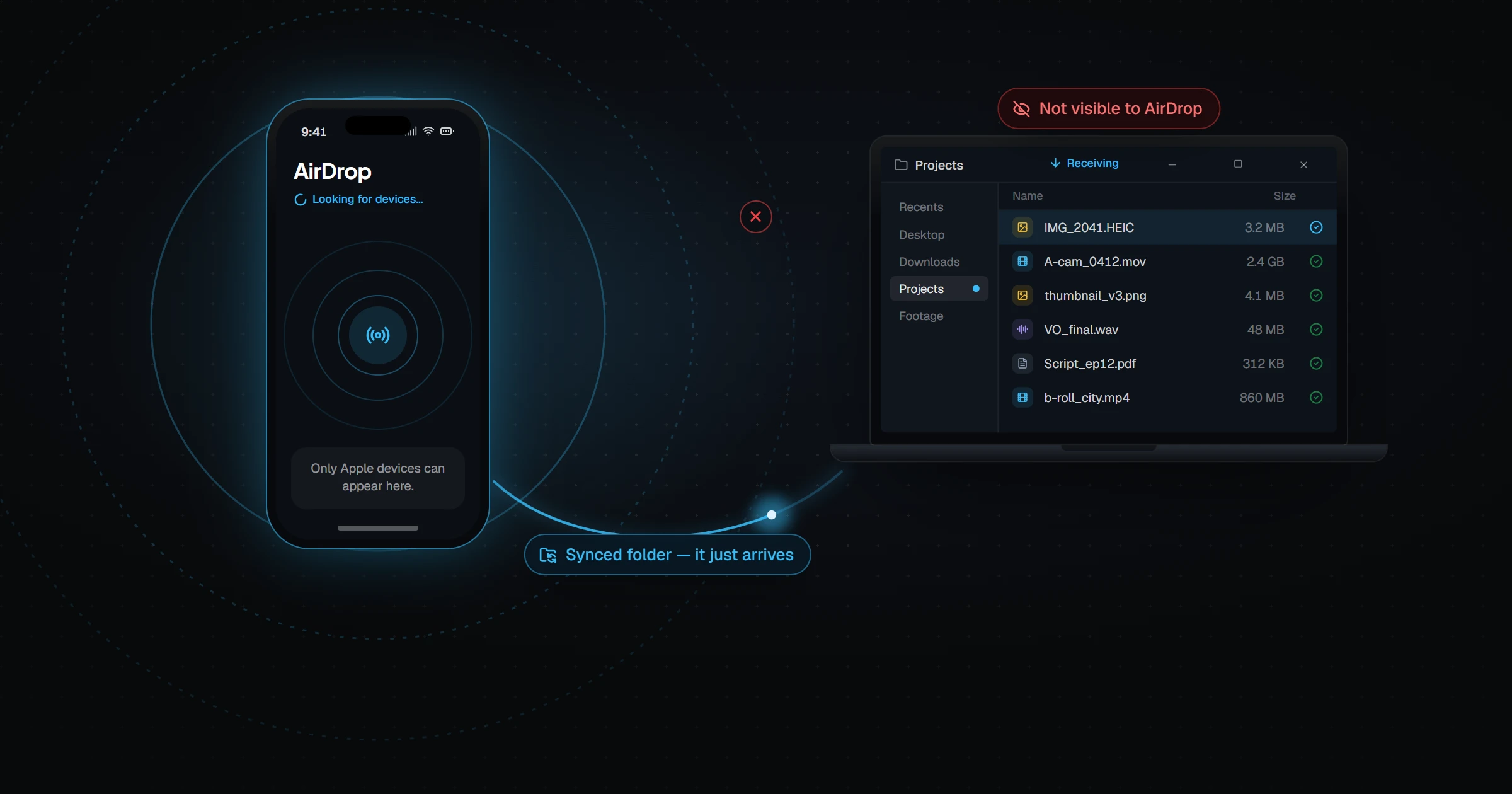
It also got a big upgrade: starting with the Pixel 10 in late 2025, and then Pixel 9 (not 9a), Galaxy S26, and other flagships in 2026, Quick Share can exchange files with iPhones and Macs through AirDrop, in both directions. That makes it the first built-in Android-to-iPhone option. Our AirDrop to Windows guide covers the Windows side of that gap.
When is LocalSend the better choice?
LocalSend wins whenever your setup goes beyond Android and Windows. It runs on Mac, Linux, and iPhone, and every device can both send and receive. It also works on Windows on ARM and older PCs that Quick Share does not support.
It is open source and needs no Google services, which matters to privacy-focused users. The catch is that devices must be on the same local network, and networks with client isolation — common on hotel, office, and campus Wi-Fi — can block discovery.
Where does Send Anywhere fit?
Send Anywhere solves a different problem: distance. You get a one-time 6-digit key, and the recipient can download over the internet from anywhere. LocalSend and Quick Share only work between nearby devices.
What neither one does
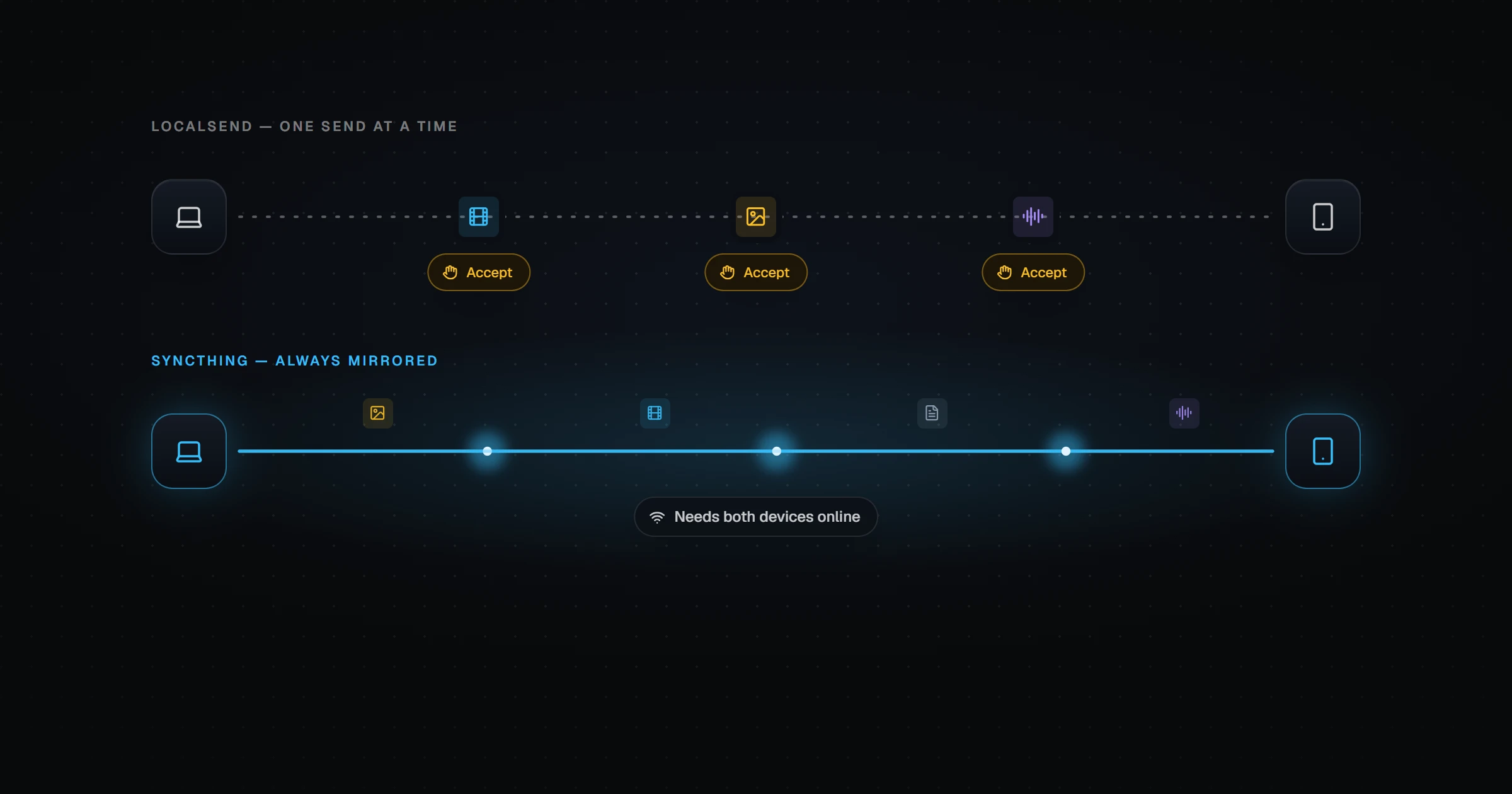
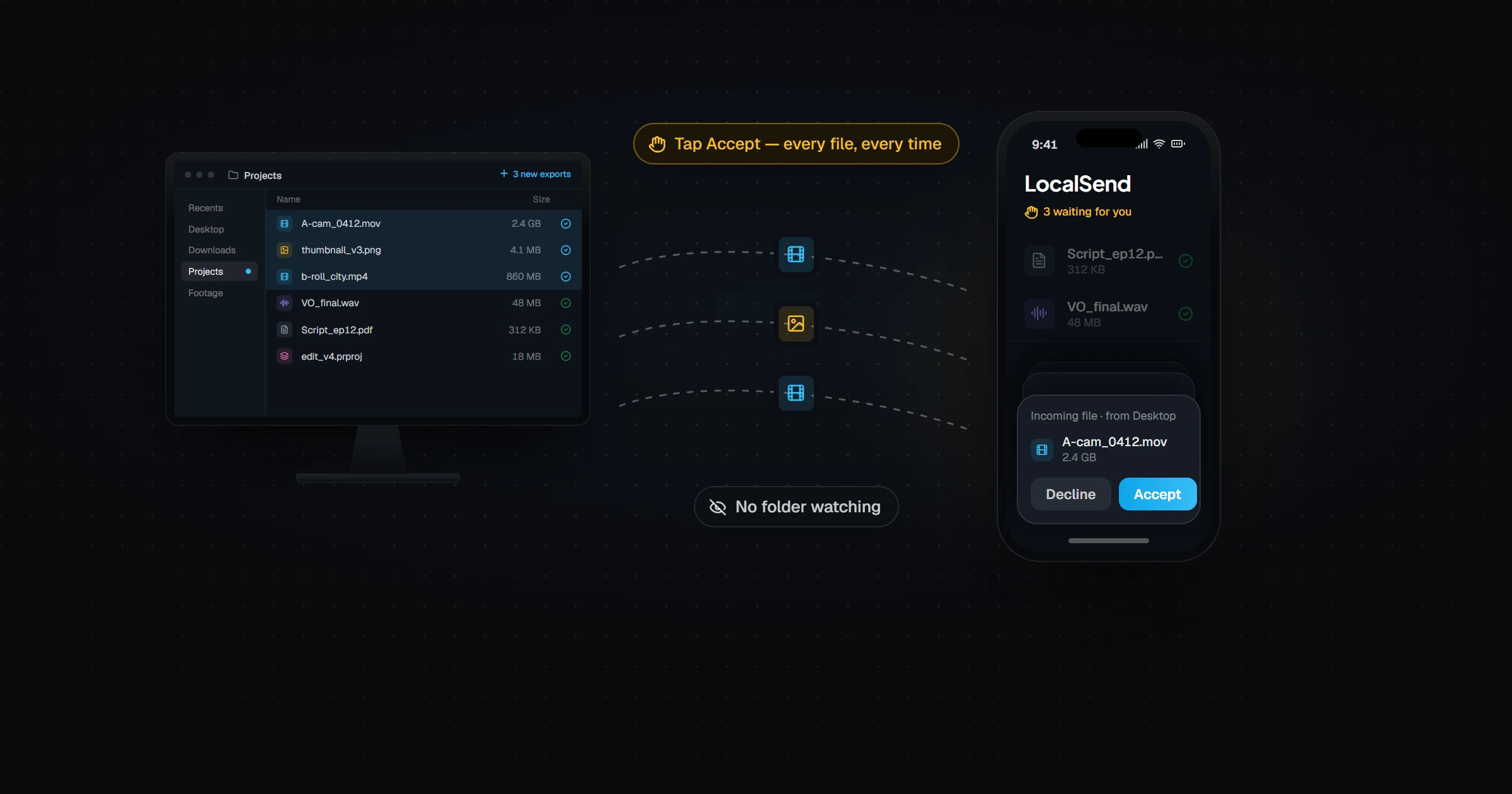
LocalSend and Quick Share are both send tools. Every transfer is a manual action: pick the file, pick the device, accept on the other side. Neither watches a folder or keeps one up to date.
If you find yourself sending the same kinds of files to the same devices every day — exports, photos, documents — that is a sync problem, not a sharing problem. We explain the difference in LocalSend vs Syncthing and why LocalSend can't sync a folder.
Relaaay handles that case. You link a folder on each device once — Windows, Mac, Android, or iPhone — and anything you add on one device is already on the others, directly over your network when devices are together and over the internet when they are not.