Syncthing on Android in 2026: What to Use Now
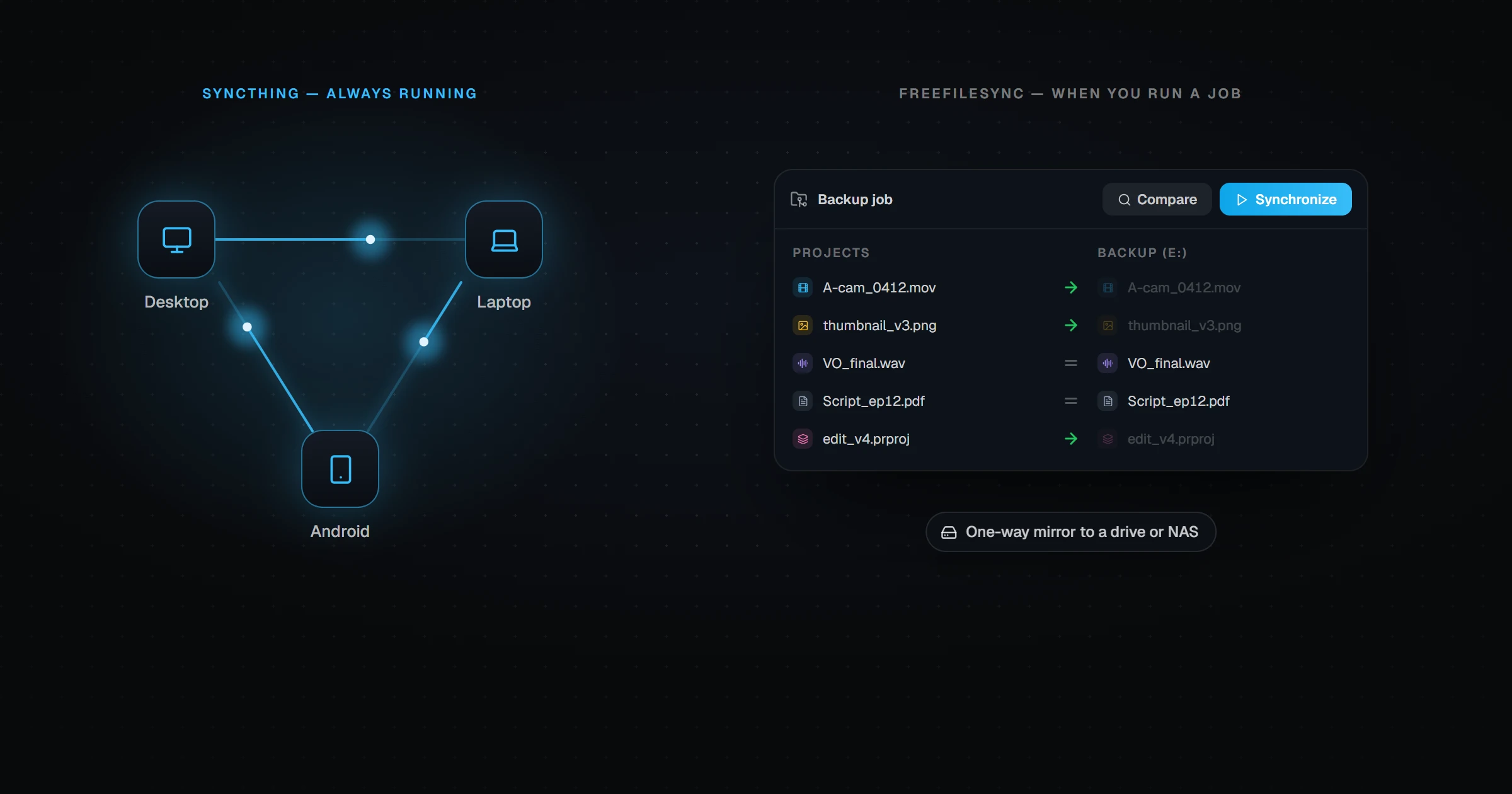
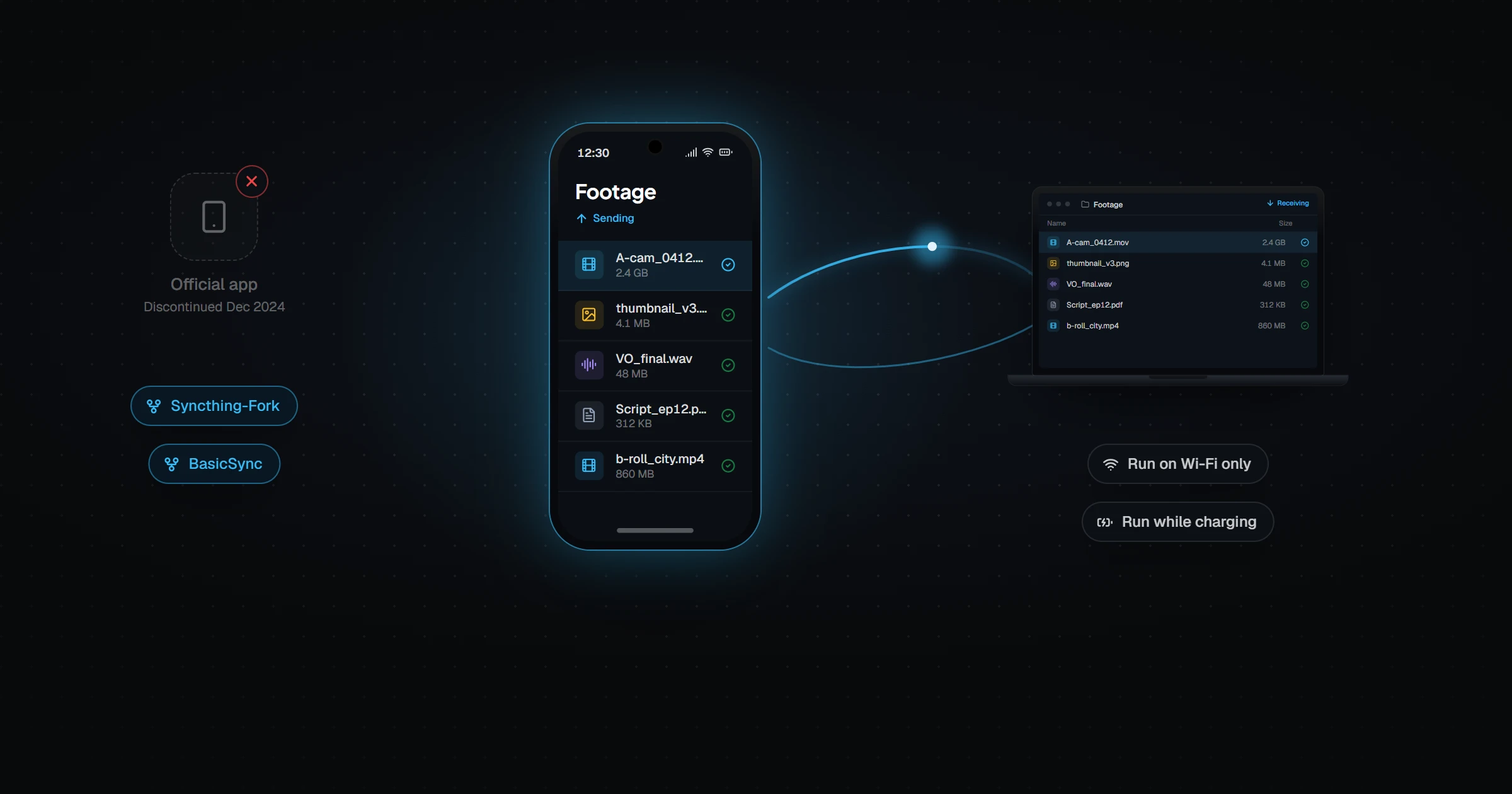
The official Syncthing app for Android was discontinued in December 2024. In 2026, Android users run Syncthing through community apps instead: Syncthing-Fork, a full-featured wrapper with its own settings screens, or BasicSync, a minimal app that controls when Syncthing runs and leaves configuration to Syncthing's web interface. Both are free, open source, and distributed through F-Droid. Battery drain is mostly controlled by run conditions such as Wi-Fi only and charging only.
For years, Syncthing on Android meant one app: the official one on Google Play. That app is gone, and the search results are still full of outdated advice about it.
Here is where things stand in November 2026, and what to install if you want Syncthing on your phone.
What happened to the official Syncthing Android app?
The Syncthing project discontinued its Android app in December 2024. The maintainers pointed to two problems: Google Play's review process kept rejecting updates, largely over the broad file-access permission Syncthing needs, and there was nobody left with the time to fight it.
Syncthing itself was not discontinued. The desktop versions for Windows, macOS, and Linux are as active as ever. Only the official Android wrapper stopped.
What are the Syncthing apps for Android now?
| App | What it is | Setup style | Where to get it |
|---|---|---|---|
| Syncthing-Fork | Full-featured community wrapper | Native Android settings screens | F-Droid, GitHub |
| BasicSync | Minimal wrapper focused on when Syncthing runs | Syncthing's own web interface | F-Droid, GitHub |
| Official Syncthing app | Discontinued December 2024 | — | No longer updated |
Syncthing-Fork: the closest to the old app
Syncthing-Fork predates the shutdown, so it was the obvious place for users to move. After some uncertainty about who would maintain it, development has continued under new maintainers, and it tracks current Syncthing releases.
It gives you native screens for devices, folders, and run conditions, which is what most people expect from a phone app. If you used the official app, this will feel familiar.
BasicSync: deliberately minimal
BasicSync was written after the official app ended, by a developer who wanted something small enough to keep maintaining. It embeds Syncthing as a library and mostly decides when it runs — on Wi-Fi, on charge, or on a schedule.
Everything else happens in Syncthing's own web interface, with a folder picker and QR scanner added for phones. It suits people who already know Syncthing and want fewer moving parts.
How do you stop Syncthing draining your battery?
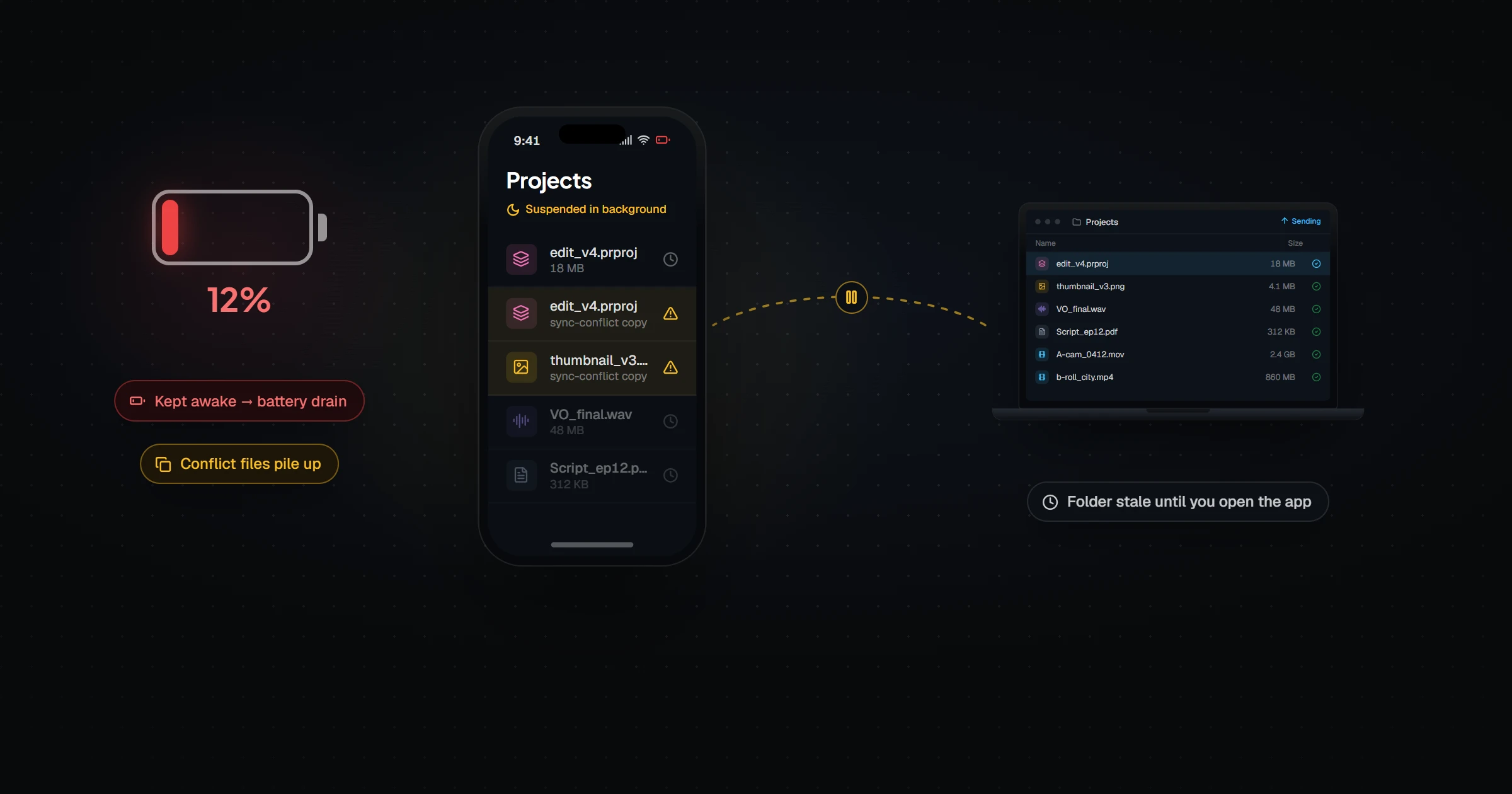
Syncthing is designed for computers that stay on. On a phone it holds connections open and rescans folders, and that is where battery drain comes from.
| Setting | Effect |
|---|---|
| Run only on Wi-Fi | Stops mobile-data syncing and most background wake-ups |
| Run only while charging | Syncs overnight; near-zero daytime drain |
| Run on a schedule | Syncs in short windows instead of all day |
| Longer rescan interval | Fewer full folder scans on large folders |
| Exclude from battery optimization | Prevents Android killing it mid-sync, at some battery cost |
The trade-off is real: the more you restrict Syncthing, the less "continuous" your sync becomes. Files only move while it is allowed to run.
What about iPhone?
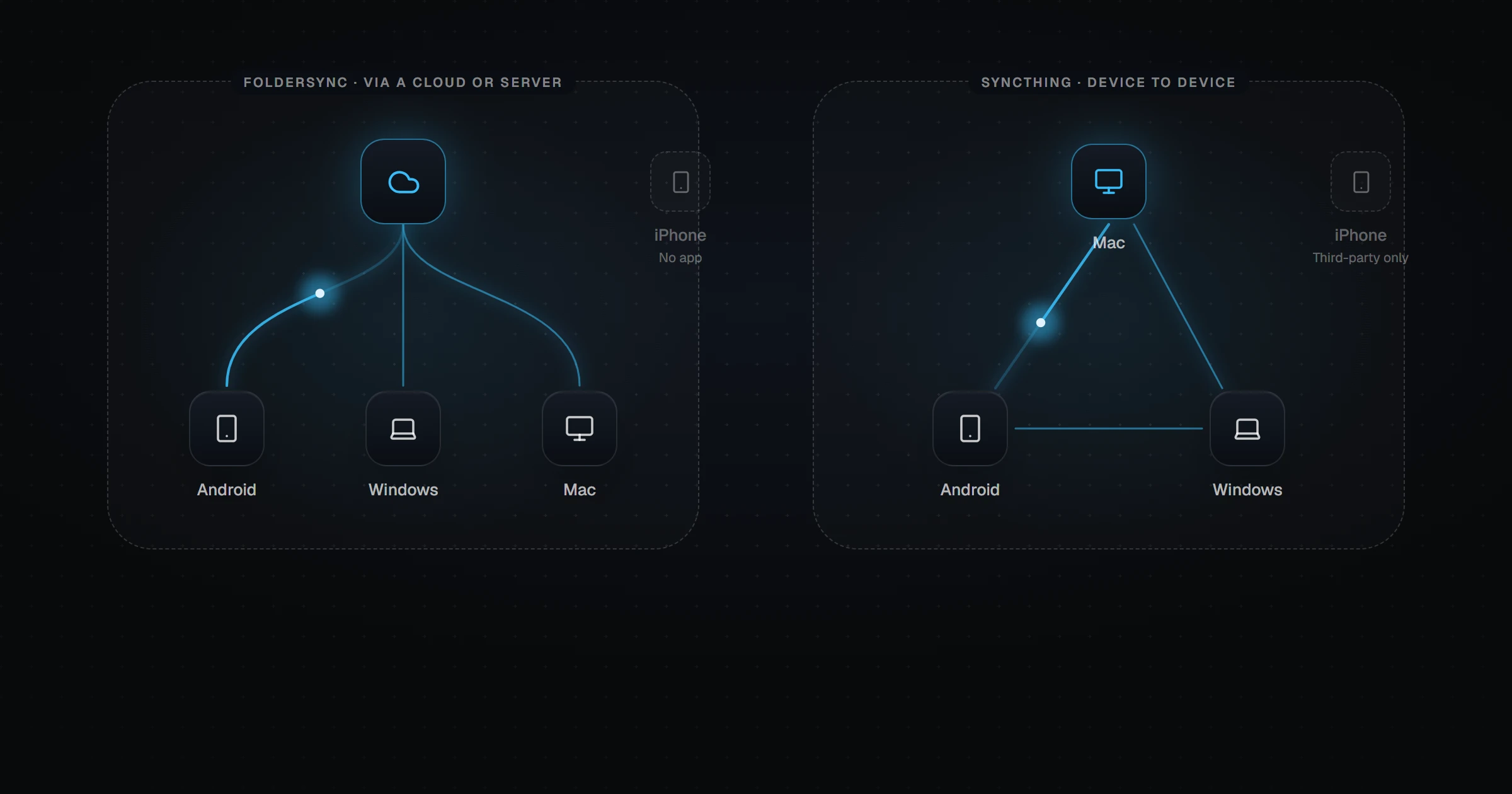
There is no official Syncthing app for iOS, and the shutdown did not change that. Third-party clients exist, but Apple suspends background apps aggressively, so they cannot keep folders in sync without being opened. We explain why in Syncthing on iOS.
Is it time to look beyond Syncthing on your phone?
If your devices are Android and computers, Syncthing-Fork or BasicSync will keep doing a good job. Many people are happy configuring run conditions once and forgetting about them.
If an iPhone is in the picture, or you want sync that does not depend on both devices being awake at once, compare the options in FolderSync vs Syncthing and 7 FolderSync alternatives. Relaaay links a folder on each device — Android, iPhone, Windows, and Mac — into a Folder Group, and a file added on any of them arrives on the others in the background. Try the free beta.