Syncthing vs FreeFileSync: Sync or Mirror?
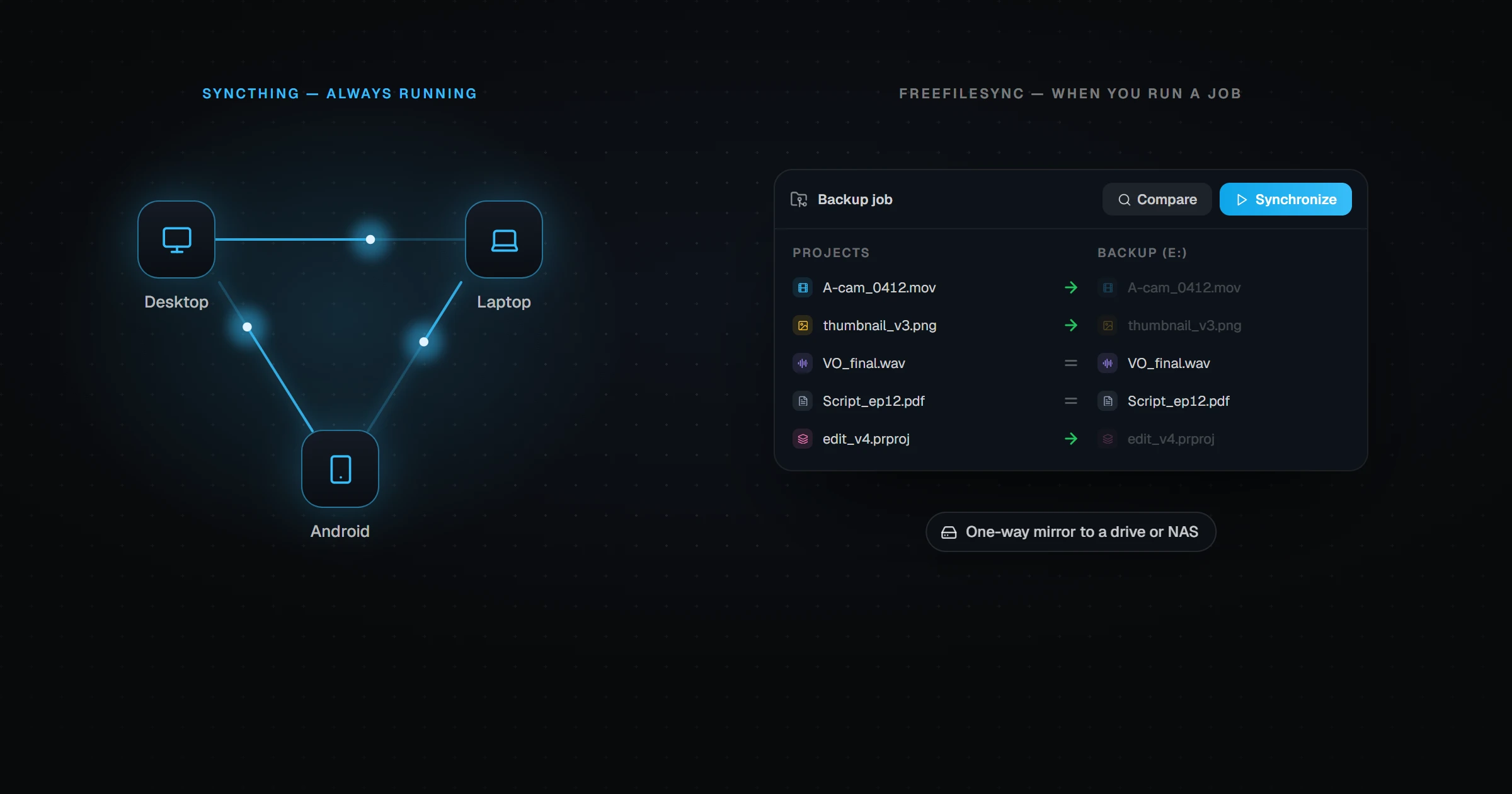
Syncthing and FreeFileSync are both free and open source, but they solve different problems. Syncthing runs continuously in the background and keeps a folder identical across several devices over the network. FreeFileSync compares two folders and copies the differences when you run a job — ideal for backups to external drives or a NAS. Use Syncthing for live multi-device sync, FreeFileSync for controlled mirroring and backups.
Syncthing and FreeFileSync show up in the same "best free file sync" lists, so it is natural to compare them. But they are built for different jobs, and picking the wrong one leads to frustration.
The short version: Syncthing is a live sync service. FreeFileSync is a folder comparison and mirroring tool.
How does Syncthing work?
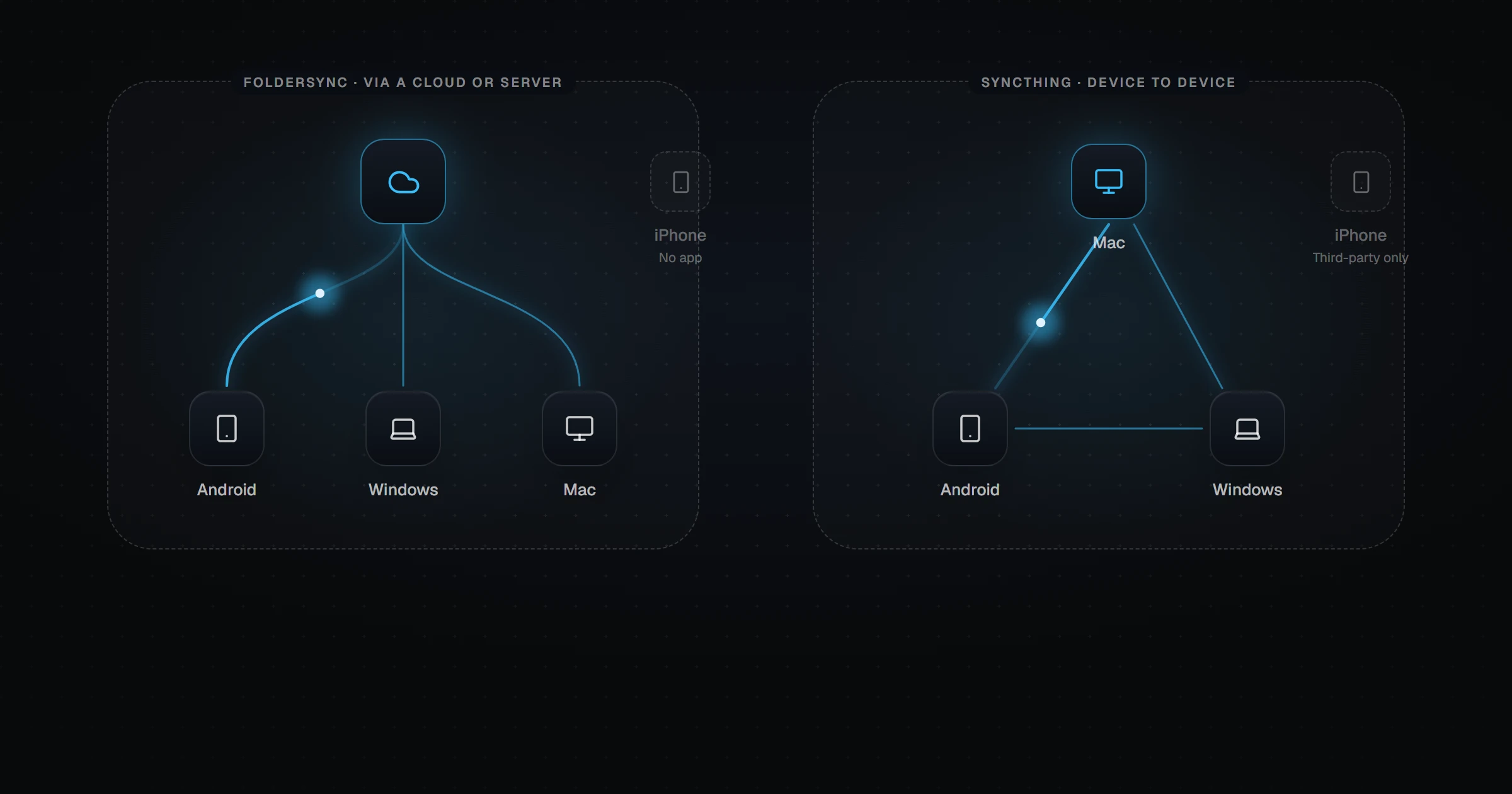
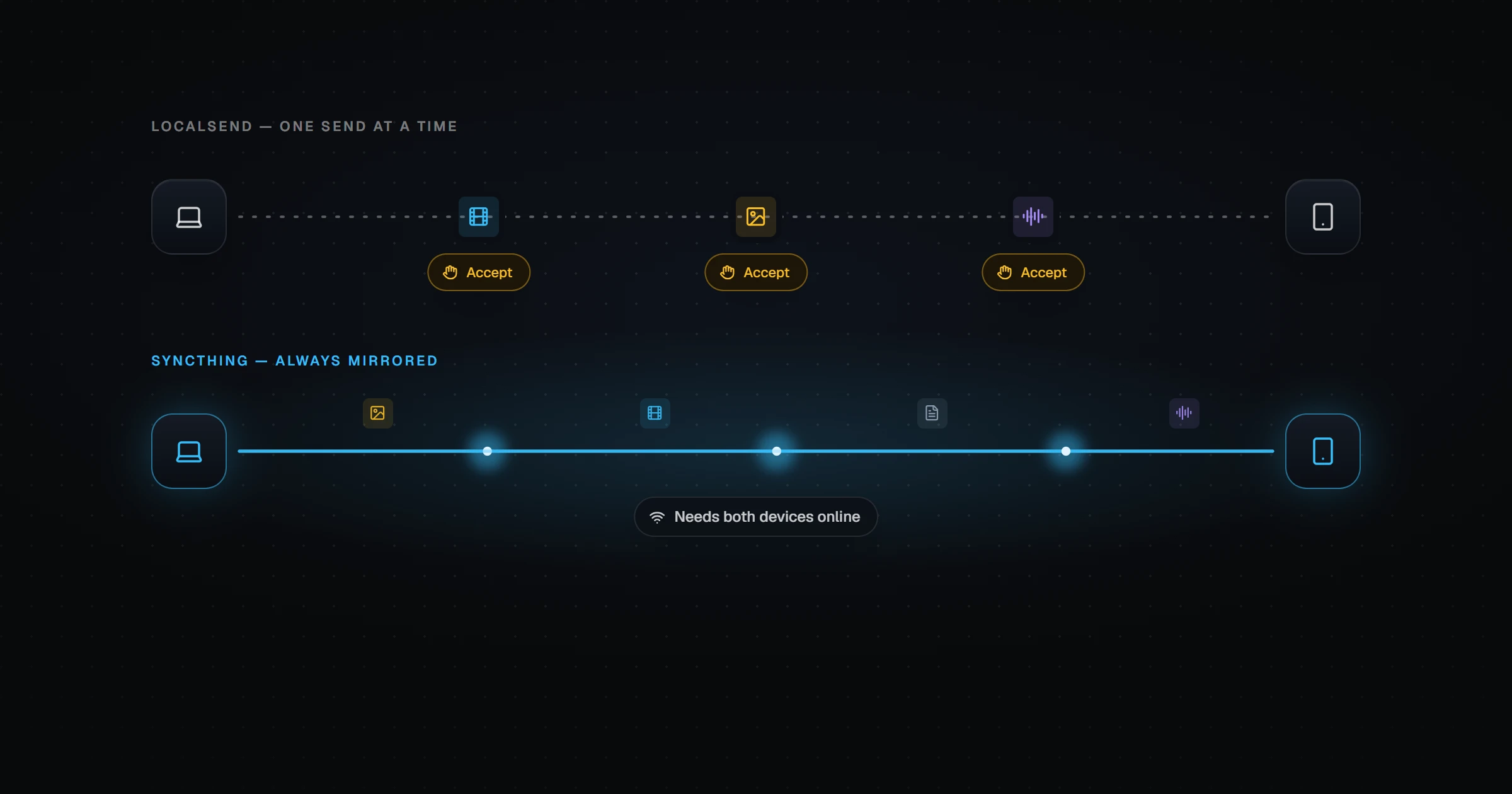
Syncthing runs in the background on each device and watches the folders you share. When a file changes, it sends the change directly to your other devices over the network, encrypted, with no cloud account involved.
There is no "run" button. Once configured, folders stay identical on every device that is online. It runs on Windows, macOS, Linux, and BSD; on Android it ships through the community-maintained Syncthing-Fork app since the official Android app was discontinued in December 2024.
How does FreeFileSync work?
FreeFileSync compares two folders — on the same computer, an external drive, a NAS, or an SFTP/FTP server — and shows you exactly what differs. You choose Mirror, Update, or Two-way, review the preview, and run it.
It is fast, transparent, and very good at large backups. Its companion tool, RealTimeSync, can watch a folder and trigger a saved FreeFileSync job whenever something changes.
Syncthing vs FreeFileSync at a glance
| Syncthing | FreeFileSync | |
|---|---|---|
| Type | Continuous background sync | On-demand compare and mirror |
| Platforms | Windows, macOS, Linux, BSD, Android (Syncthing-Fork) | Windows, macOS, Linux |
| Mobile | Android via fork; iPhone via third-party clients | None |
| Devices involved | Many devices over a network | Two folders per job |
| Preview before changes | No | Yes |
| Real-time | Yes, by design | Via RealTimeSync |
| Remote targets | Other Syncthing devices | Local, network shares, SFTP, FTP, some cloud |
| Versioning | Built-in file versioning options | Versioning folder per job |
| Open source | Yes | Yes (optional Donation Edition) |
When should you use Syncthing?
Use Syncthing when you want a folder to simply be the same on several machines without thinking about it — a working folder shared between a desktop and a laptop, or a notes vault on several computers.
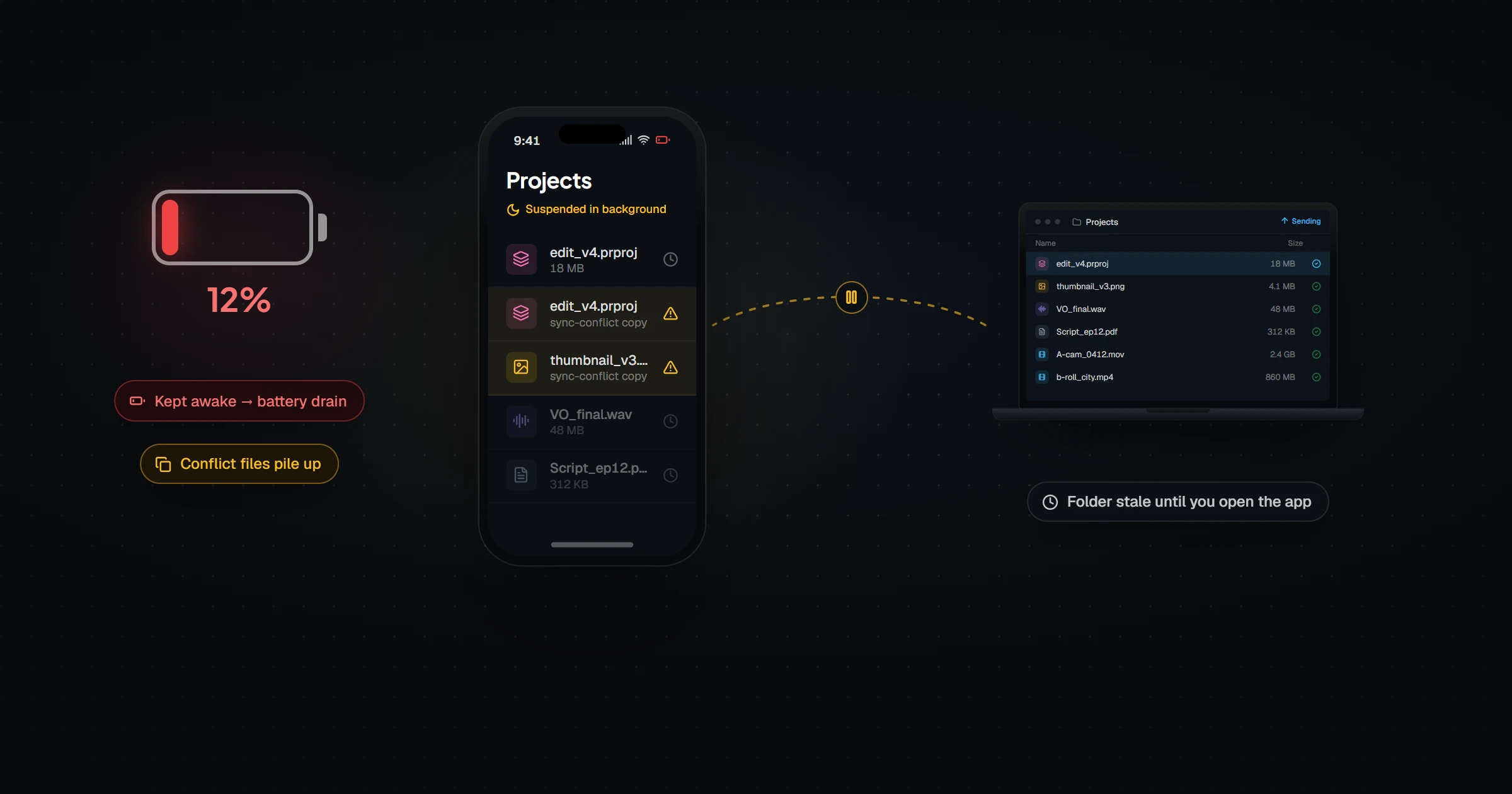
The trade-offs: it needs devices online at the same time to exchange changes, setup involves device IDs and folder sharing, and iPhone support is unreliable because iOS suspends background apps. We cover that in Syncthing on iOS.
When should you use FreeFileSync?
Use FreeFileSync when you want control: backing up a projects folder to an external drive every evening, mirroring a photo archive to a NAS, or checking exactly what changed before copying.
Its preview step is a safety feature Syncthing does not have. A bad deletion in Syncthing propagates; in FreeFileSync you see it before you click Synchronize.
Can you use both together?
Yes, and it is a strong combination. Syncthing keeps your live folder current across devices, and FreeFileSync takes a scheduled mirror of it to an external drive. Sync is not a backup, so pairing a sync tool with a backup tool is good practice.
What neither one covers
Neither tool handles a phone well across both platforms. FreeFileSync has no mobile app at all, and Syncthing's iPhone story depends on third-party clients fighting iOS background limits.
If the folder you care about needs to be on an iPhone and an Android phone as well as your computers, Relaaay is built for that. You link a folder on each device once; files added anywhere appear everywhere, directly between devices on the same network and over the internet when they are apart. For the Syncthing side of that comparison, see Relaaay vs Syncthing and FolderSync vs Syncthing.