Nextcloud Alternative Without Running a Server
Nextcloud is a self-hosted platform: your files sync through a server you run, patch, back up, and troubleshoot yourself — full data ownership in exchange for ongoing sysadmin work. Sync between your own devices also round-trips through that server, so its speed and uptime set your ceiling. Relaaay requires no server for you to run: files arrive automatically whether devices share a network or are apart, and aren't stored permanently anywhere. If self-hosting is the point, Nextcloud is the real thing. If sync is the point, you can skip the server.
Nextcloud deserves to be taken seriously on its own terms. It isn't trying to be a convenient app — it's trying to be your cloud, with you as the operator. Files, calendars, contacts, video calls, collaborative documents: an entire Google-Workspace-shaped platform that runs on hardware you control and answers to nobody else.
For the self-hosting community, that's not a feature list, it's a philosophy. And if that philosophy is why you're here, no hosted product — Relaaay included — is a substitute. The honest comparison is about everyone else: the people who arrived at Nextcloud because they wanted their folders in sync, and inherited a server to keep alive.
What Nextcloud does well
Ownership, completely. Your files sit on your disk, behind your firewall, under your jurisdiction — a stronger privacy position than any hosted service can offer, Relaaay included. The ecosystem is enormous, with hundreds of apps turning a file server into a full workspace. Sync clients exist for every major platform. And its end-to-end encryption app, whatever its historical rough edges, offers something genuinely rare: folders even your own server can't read.
The project is mature, actively developed, and backed by a real company with enterprise customers. This is not abandonware you're betting on.
Where it breaks down for everyday device sync
Every strength above is purchased with the same coin: you are now a system administrator.
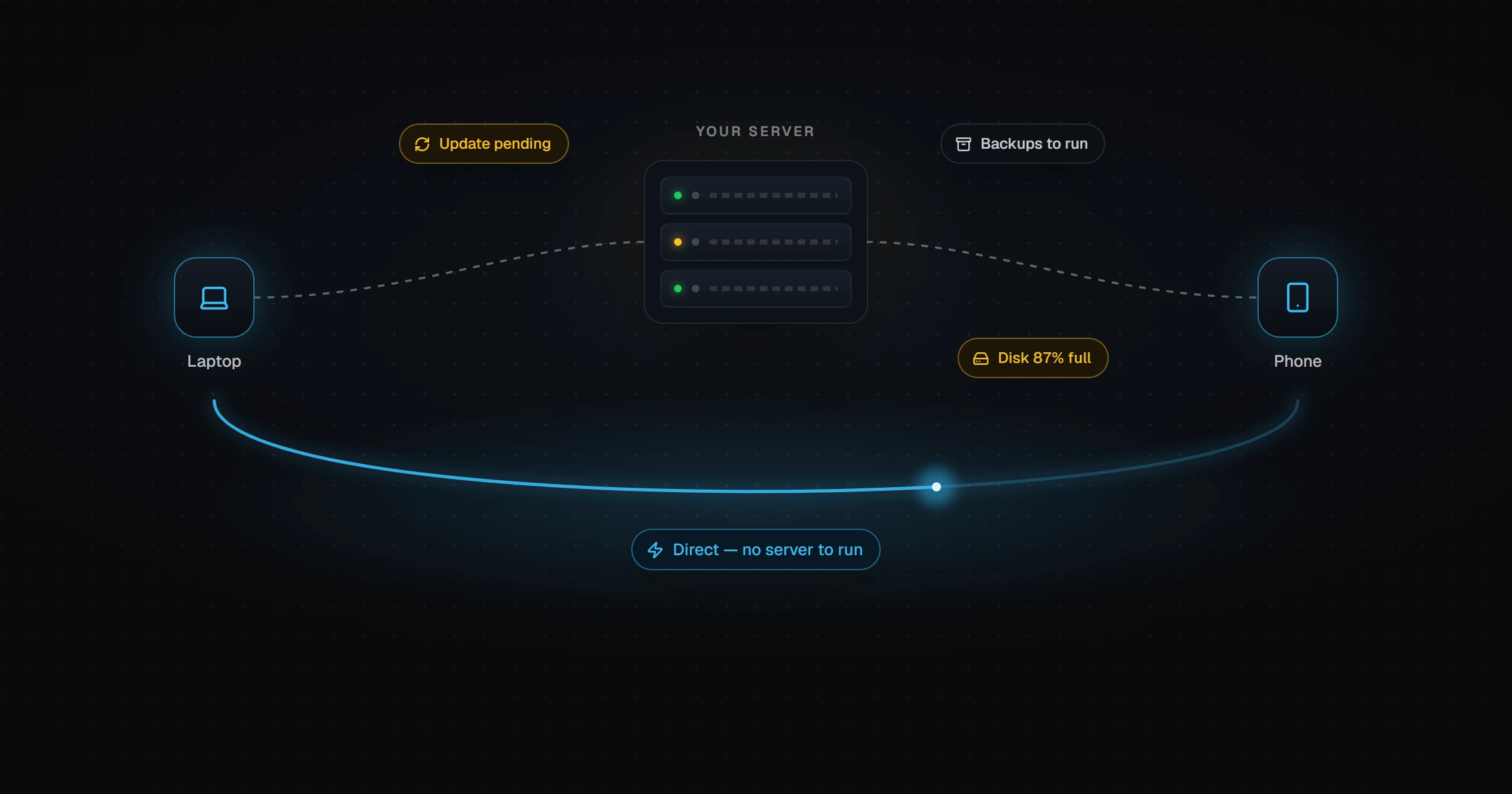
- The server is a standing obligation. Provisioning is the easy weekend. Then come the platform upgrades several times a year, the apps that lag behind each release, the TLS renewals, the disk that fills, the backup you hope restores. Miss enough Sundays and you're running an outdated, internet-facing server holding your personal files.
- Your server is also your bottleneck. Every sync between your own devices routes through it. A phone and a desktop on the same Wi-Fi still push the file up to your VPS and pull it back down — through whatever uplink that VPS has, whenever it's up.
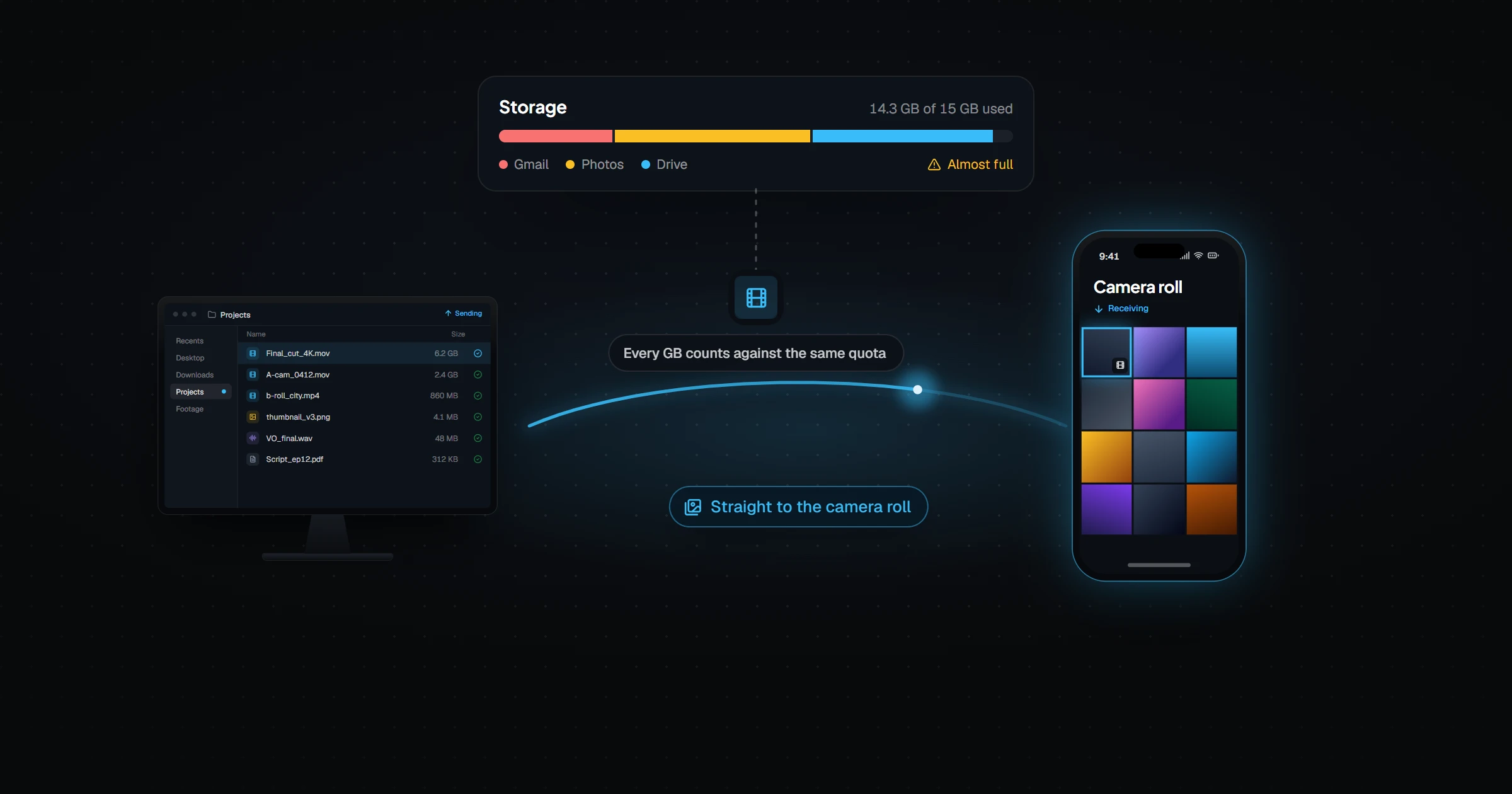
- Mobile is functional, not automatic. The apps handle photo auto-upload and on-demand browsing well, but background delivery of new server files into a phone's local storage runs into the same OS restrictions every sync tool faces — with only your configuration skills to tune around them.
- The platform is the product. If all you wanted was folder sync, you're maintaining calendars, office suites, and an app store's worth of surface area to get it.
How they actually compare
| Nextcloud | Relaaay | |
|---|---|---|
| Who runs the infrastructure | You — VPS or home server, updates, backups, TLS, monitoring | No one — there is no server to run |
| Data ownership | Complete — files live on hardware you control | Files are delivered device-to-device; transit copies expire automatically |
| End-to-end encryption | Available via its E2EE app for chosen folders | Not offered — transfers are encrypted in transit, not end-to-end |
| Sync path between two of your devices | Through your server — its bandwidth and uptime are the ceiling | Works whether devices are together or apart |
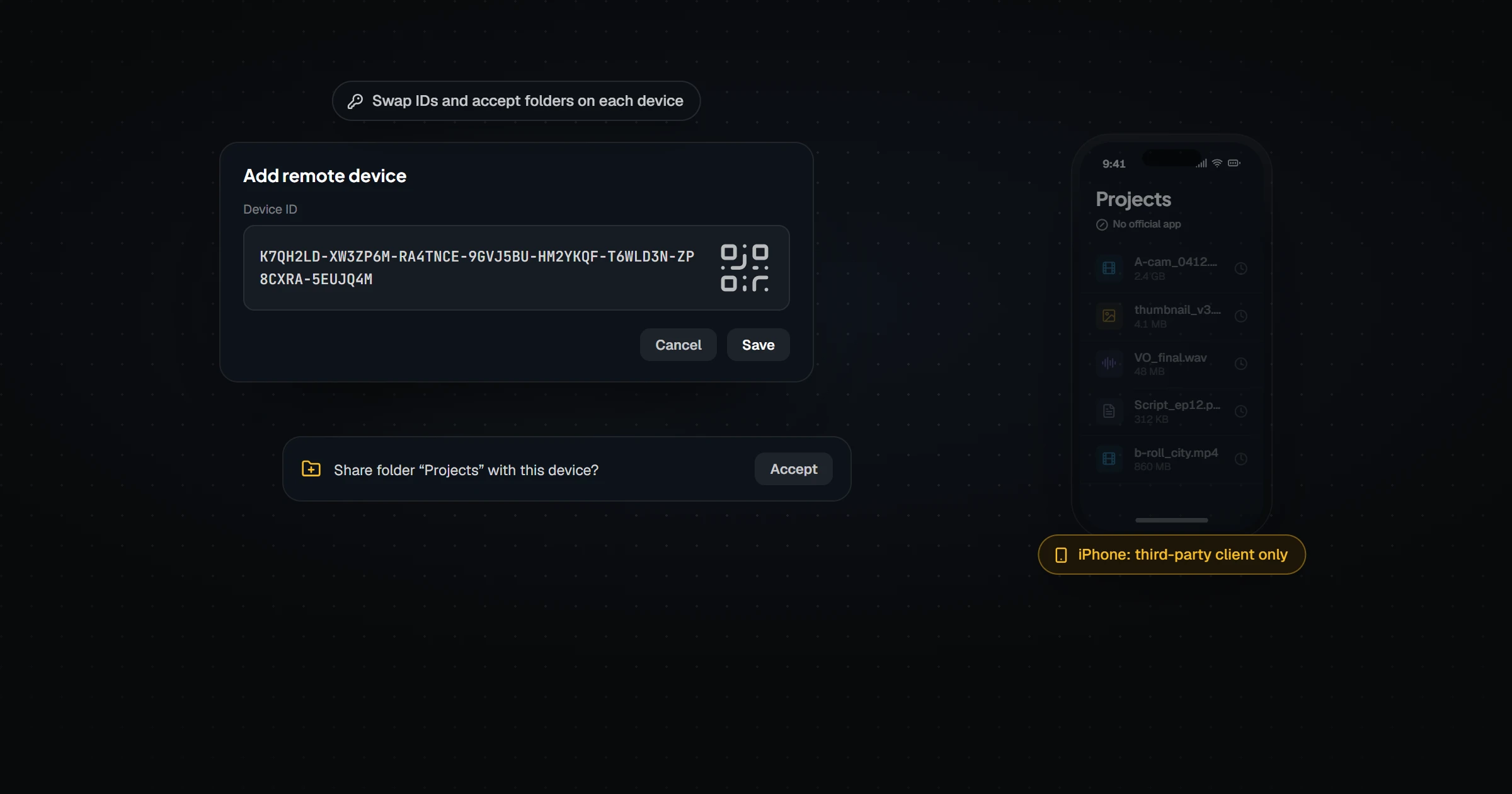
| Setup effort | Hours — server provisioning, install, apps, clients | Minutes — install apps, link a folder |
| Beyond file sync | Huge app ecosystem — calendar, contacts, office, talk | File delivery only, by design |
| Cost | Software is free; hosting typically $5–20+/mo plus your time | Free / Creator $12/mo / Pro $24/mo / Agency $59/mo |
This one comes down to what the server means to you. If it's the point — sovereignty, principle, control — Nextcloud is the genuine article. If it's overhead you accepted to get sync, it's the most expensive part of your setup, paid in time.
What fills the gap
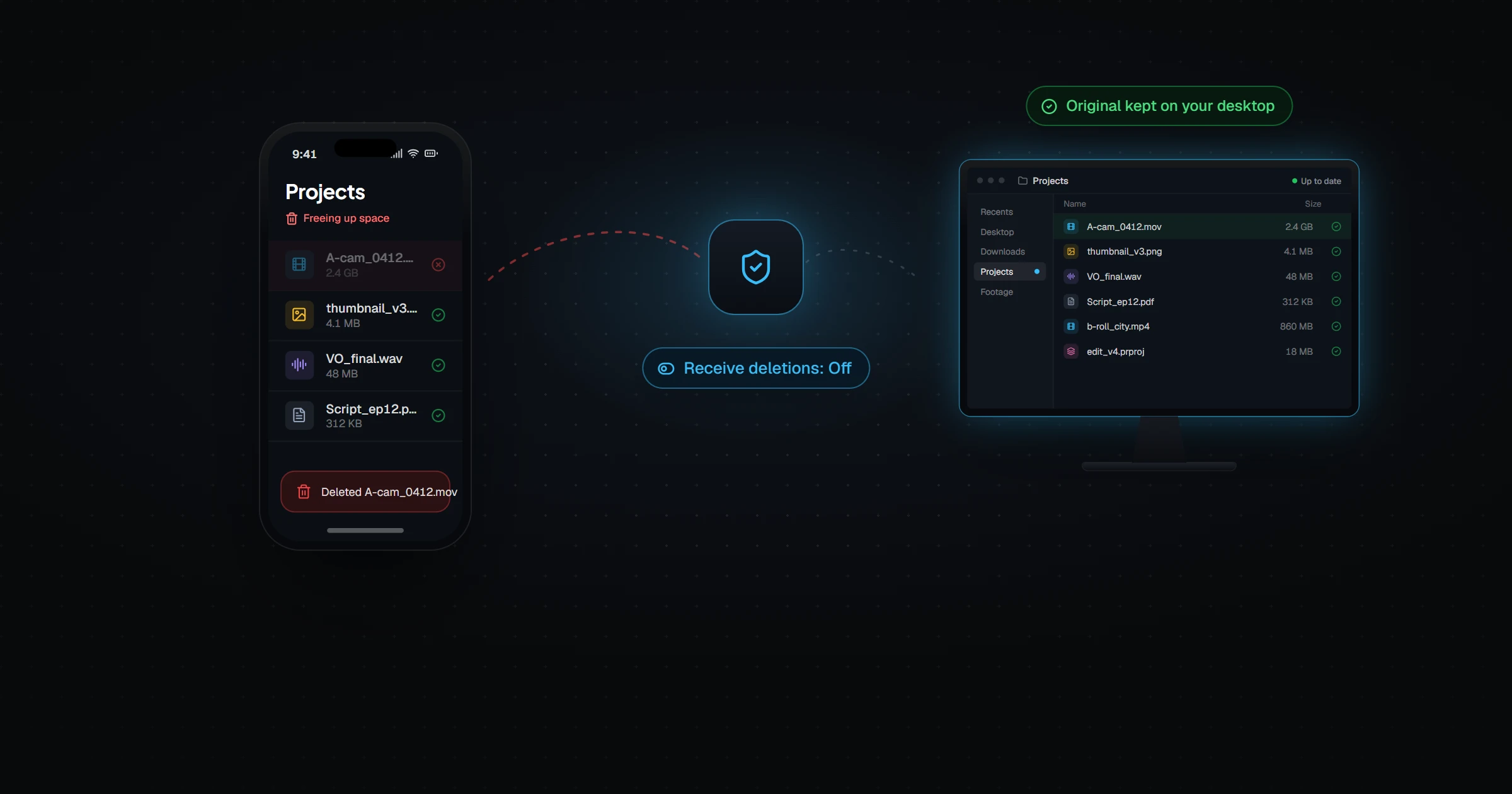
Relaaay removes the middle tier entirely. There's no instance to stand up, so there's nothing to patch, back up, monitor, or lose sleep over. Devices in a Folder Group deliver files automatically whether they share a network or are in different places. Files aren't parked permanently as an archive; they're delivered, then temporary delivery copies expire.
To be equally honest in the other direction: Relaaay does not offer end-to-end encryption, and your files do transit infrastructure you don't own when devices sync remotely. If those are dealbreakers, Nextcloud is the right call, and this page won't pretend otherwise.
Self-hosting answers "who controls my files?" Sync answers "are my files where I need them?" Choose the tool by the question you're actually asking.
If you enjoy running the server, keep running it — sincerely. If the server was only ever the price of admission for keeping folders in sync, Relaaay is the version where you stop paying it.