Resilio Sync vs Syncthing: Which Is Better?
Choose Syncthing if you want fully open-source, free, cloud-free sync between computers and Android devices. Choose Resilio Sync if you need an official iPhone app, selective sync with placeholder files, or simpler sharing — and its free version now includes every former Pro feature. Both are peer-to-peer and both struggle on iOS, where the system suspends background apps.
Resilio Sync and Syncthing are the two best-known ways to sync folders directly between your own devices, with no cloud storage account in the middle. They look similar on the surface and differ a lot underneath.
Resilio also changed its pricing in 2026, which reshapes the old "free vs paid" comparison.
How do Resilio Sync and Syncthing differ?
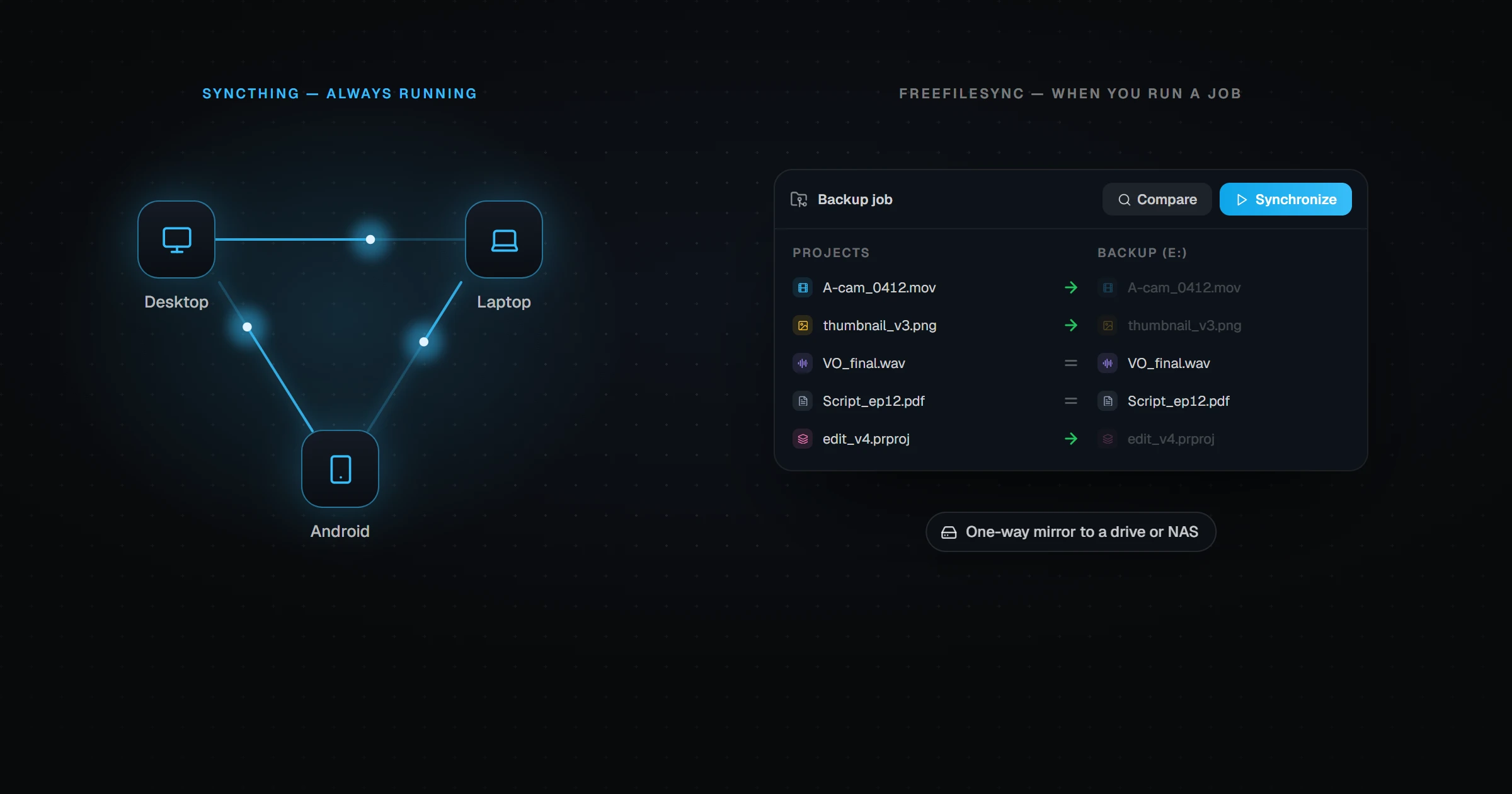
Syncthing is a free, open-source project. It runs on each device, watches the folders you share, and exchanges changes directly and encrypted between devices.
Resilio Sync (Sync Home) is proprietary software from Resilio, now part of Nasuni. It uses a BitTorrent-style protocol, so a device can download pieces of a file from several peers at once. It has polished apps on every major platform, including iPhone.
Resilio Sync vs Syncthing at a glance
| Syncthing | Resilio Sync Home | |
|---|---|---|
| Price | Free | Free (former Pro features now included) |
| Open source | Yes | No |
| Windows / macOS / Linux | Yes | Yes |
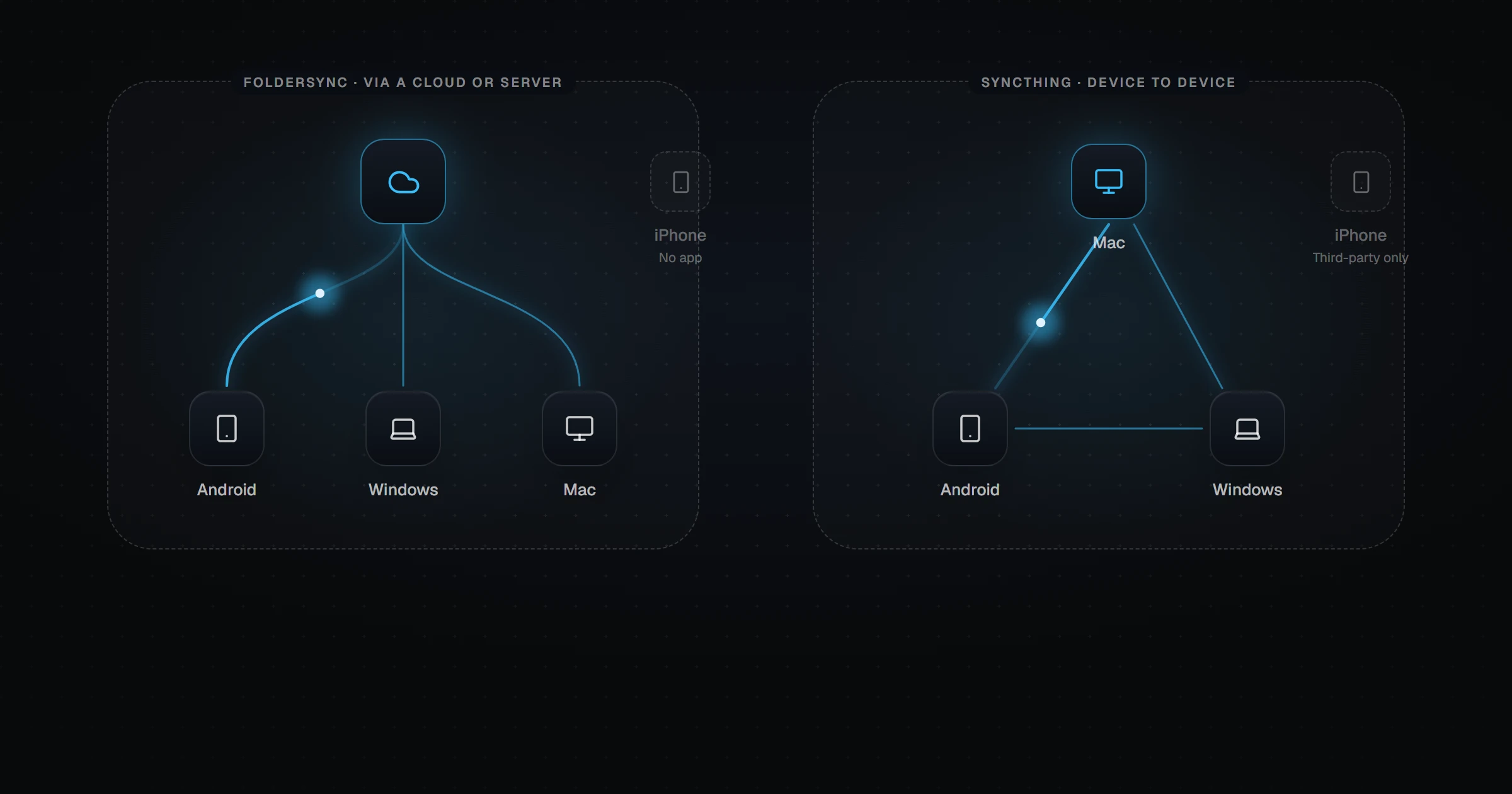
| Android | Via community Syncthing-Fork | Official app |
| iPhone | Third-party clients only | Official app |
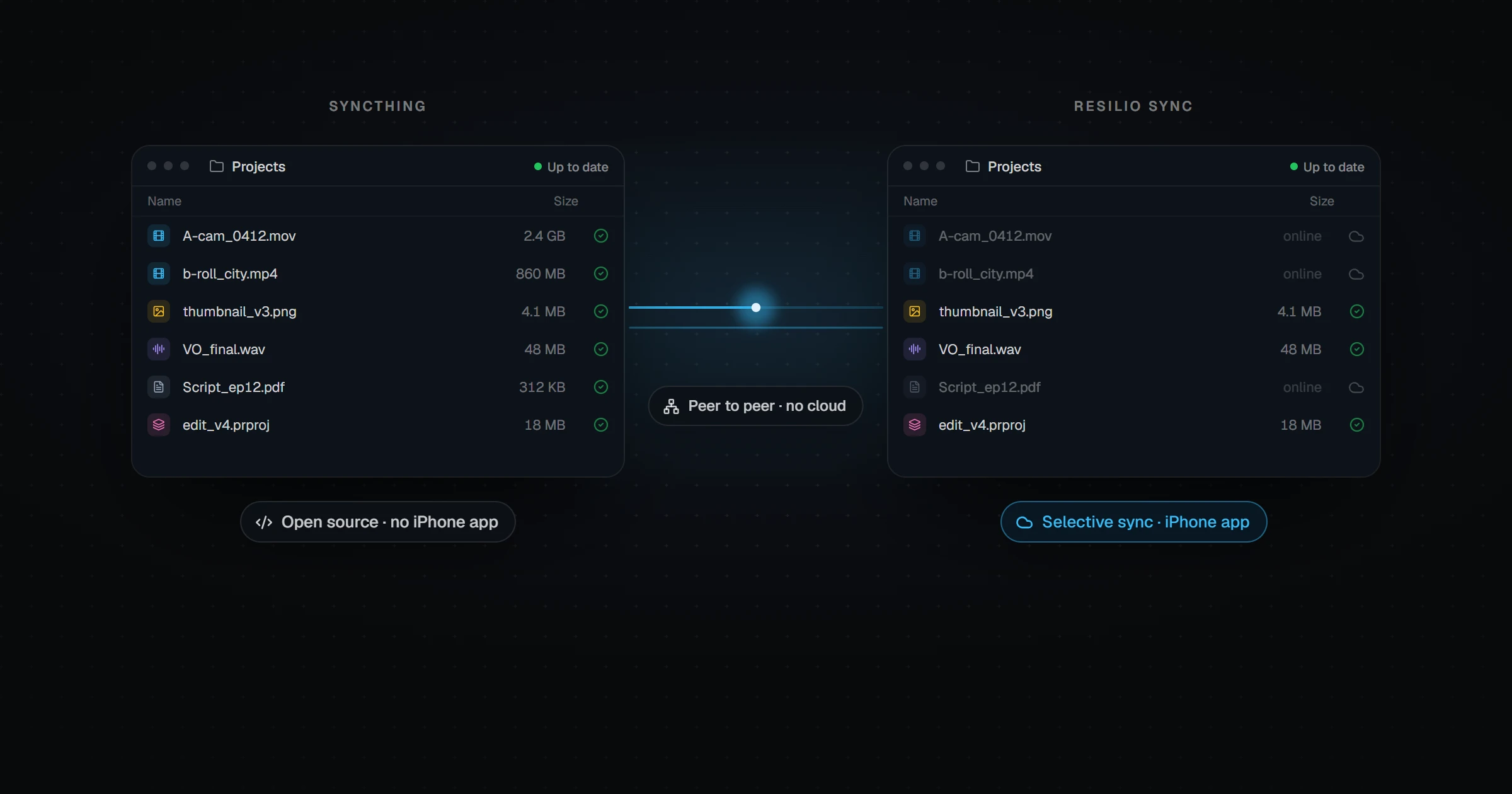
| Selective sync / placeholders | No (ignore patterns only) | Yes |
| Sharing with other people | Possible, manual device pairing | Built-in links and permissions |
| Many-peer speed | Good | Excellent (swarm transfers) |
| Background on iOS | Suspended by iOS | Suspended by iOS |
Is Resilio Sync free now?
Yes. Resilio announced that the free Sync download now includes all the features that used to require a Sync Pro plan — selective sync with placeholder files, advanced folder permissions, and bandwidth controls among them.
That removes Syncthing's old "it's free" advantage on price alone. The remaining difference is philosophy: Syncthing is open source and auditable; Resilio is not.
Which is better on Android?
Resilio has an official, actively developed Android app. Syncthing's official Android app was discontinued in December 2024, and users now install the community-maintained Syncthing-Fork, which works well but depends on volunteer maintainers.
Which is better on iPhone?
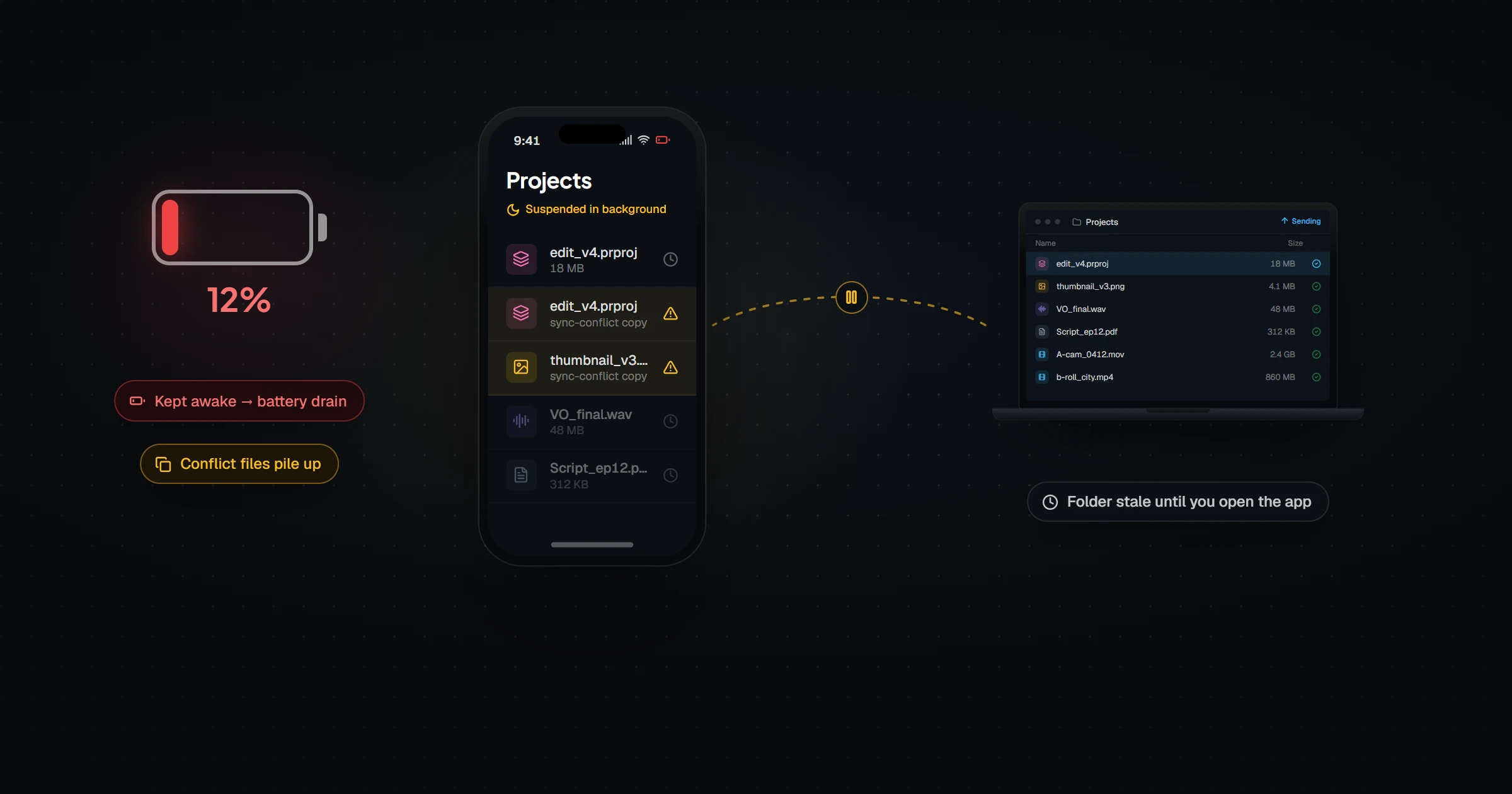
Resilio has an official iOS app; Syncthing does not. But both run into the same wall: iOS suspends apps shortly after you leave them, and peer-to-peer sync needs the app running to exchange changes. In practice, both catch up when you open the app rather than quietly in the background. We explain why in Syncthing on iOS.
Which is safer with deletions?
Both mirror deletions by default, which is what sync is supposed to do — and also how a mistake on one device spreads to all of them. Both offer file versioning or archive folders to recover from that. Our Relaaay vs Resilio Sync page looks at the low-storage edge case in detail.
Which should you choose?
Choose Syncthing if open source matters, your devices are mostly computers and Android phones, and you are comfortable with device IDs and folder setup.
Choose Resilio Sync if you want official apps everywhere including iPhone, selective sync for big libraries, or easy sharing with other people — and you are fine with closed-source software.
What if the iPhone is the device that matters?
If your goal is to have files already waiting on your phone — say, exports from your desktop ready to post — the iOS background limit is the deciding factor, not the protocol.
Relaaay is built around that. You link a folder on each device into a Folder Group, and it syncs in every direction: directly between devices on the same network, over the internet when they are apart, and on iPhone in a way iOS supports, so you do not need the app open. See Relaaay vs Syncthing for the full comparison.