Dropbox Alternative for Syncing Your Own Devices
Dropbox syncs a folder across your own desktops well, but on mobile it requires opening the app and manually saving each file — there is no automatic delivery to your camera roll. Every file also uploads to Dropbox's servers first, even when two devices share the same Wi-Fi (its LAN Sync feature only speeds up the download side between desktops), and it charges for the total storage you keep. Relaaay delivers files automatically, including straight to a phone's camera roll, works whether your devices are together or apart, and doesn't charge for permanent storage since files aren't kept forever.
Dropbox invented the synced folder. Drop a file in on one computer, and it quietly appears on every other computer signed into the same account — no uploading, no downloading, just a folder that behaves the same everywhere. For desktop-to-desktop sync, that idea has held up for well over a decade.
The gap shows up the moment your phone enters the picture, and the moment the goal shifts from "keep this backed up" to "get this file onto my phone right now."
What Dropbox does well
Between desktops, Dropbox's core sync is genuinely reliable. It handles versioning, conflict resolution, shared team folders, and link-based sharing better than almost anything else in the category. If your workflow is desktop-to-desktop and you already pay for storage, it works exactly as advertised.
It also has real staying power: your files live there permanently, searchable and recoverable, which is exactly what long-term storage and team collaboration need. And its LAN Sync feature is a genuinely smart optimization — desktops on the same network can pull already-synced data from each other instead of re-downloading it from the cloud.
Where it breaks down for device-to-device delivery
The trouble starts on mobile, and compounds from there.
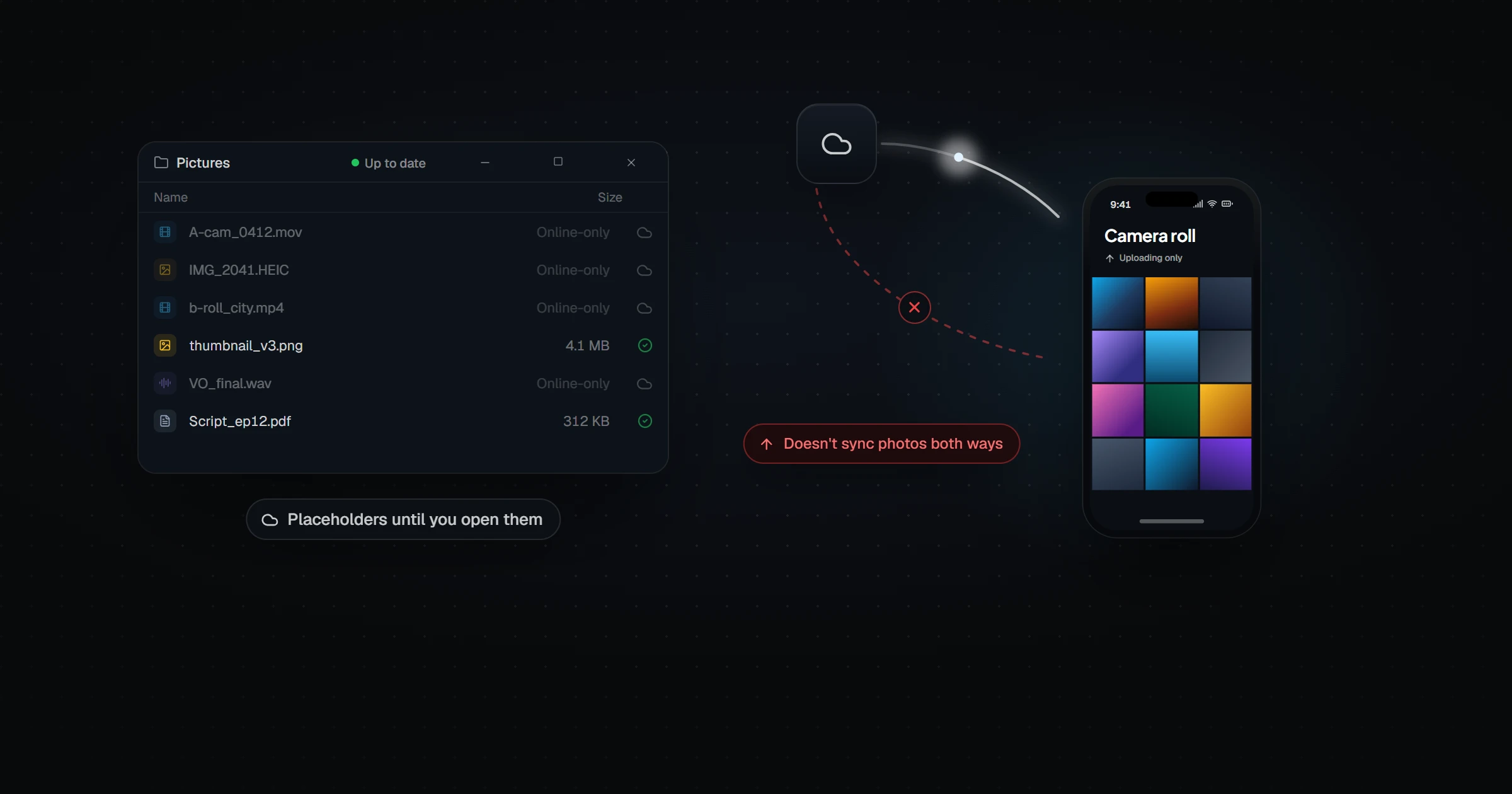
- Mobile is manual. The Dropbox app is built for browsing and previewing cloud files, not for writing into your device's native photo library. Every file still needs you to open the app, find it, and tap "Save to Camera Roll" — for every single file, every time.
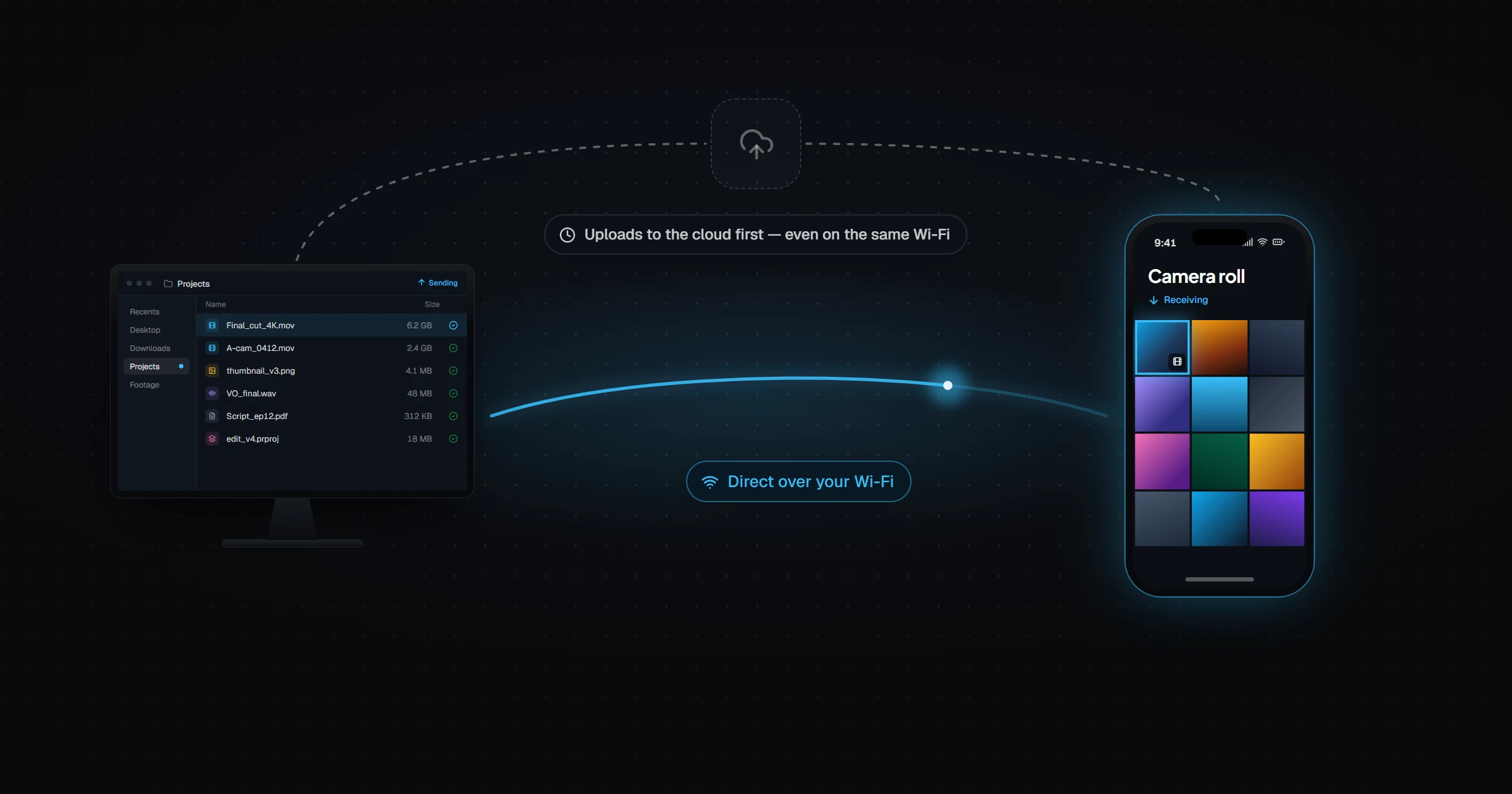
- Every file still goes through the cloud first. LAN Sync helps, but only on the way down, and only between desktops: the file must fully upload to Dropbox's servers before anything can sync, and your transfer waits on that upload no matter how close the two devices are sitting. Phones never use LAN Sync at all.
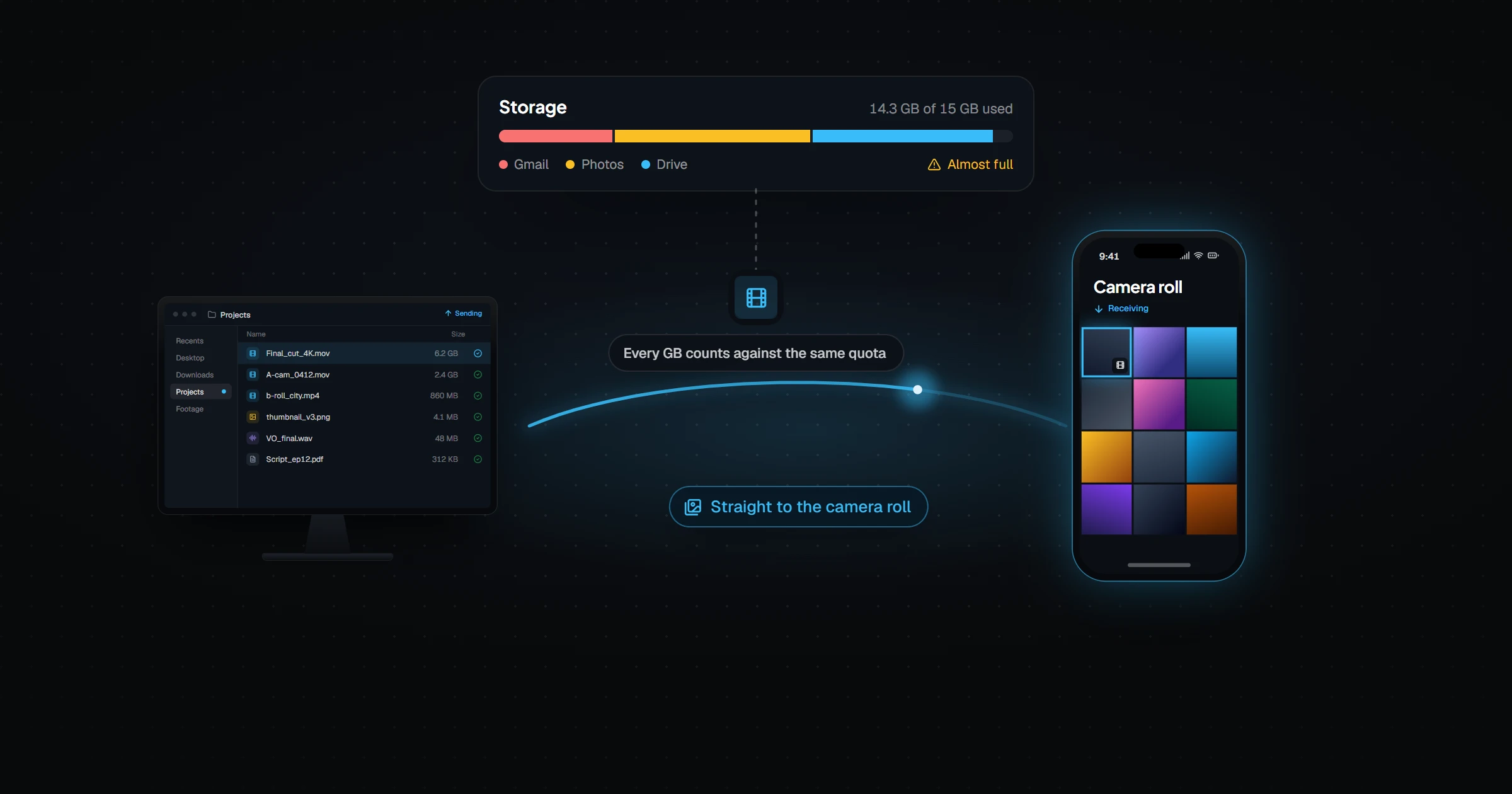
- You pay for storage, not for delivery. Dropbox's pricing scales with how much you keep stored, so a folder of large video exports or renders can push you into a bigger plan — even if all you actually needed was for those files to pass through on their way to a phone.
- Large batches strain the pipeline. People moving many large files at once report transfers that stall in a "Finalizing" state or arrive incomplete, turning what should be instant into something you have to babysit.
How they actually compare
| Dropbox | Relaaay | |
|---|---|---|
| Desktop-to-desktop sync | Yes, mature and reliable | Yes |
| Automatic delivery to phone camera roll | No — manual save required | Yes |
| Direct transfers over LAN | Partial — LAN Sync speeds desktop downloads, but every file still uploads to Dropbox's servers first; mobile never benefits | Yes — devices transfer directly, skipping the cloud entirely, phones included |
| Billing model | Pay for storage kept | Pay for bandwidth used; files aren't stored permanently |
| Team folders, sharing links, versioning | Yes | No — built for personal device sync, not team collaboration |
| Setup | Account + app on each device | Account + app, then create a Folder Group |
| Cost | Free tier / $10–20/mo paid plans | Free / Creator $12/mo / Pro $24/mo / Agency $59/mo |
Dropbox is still the better tool if what you need is durable, shared, versioned storage for a team. It is the wrong tool if what you need is "the file I just exported should already be on my phone."
What fills the gap
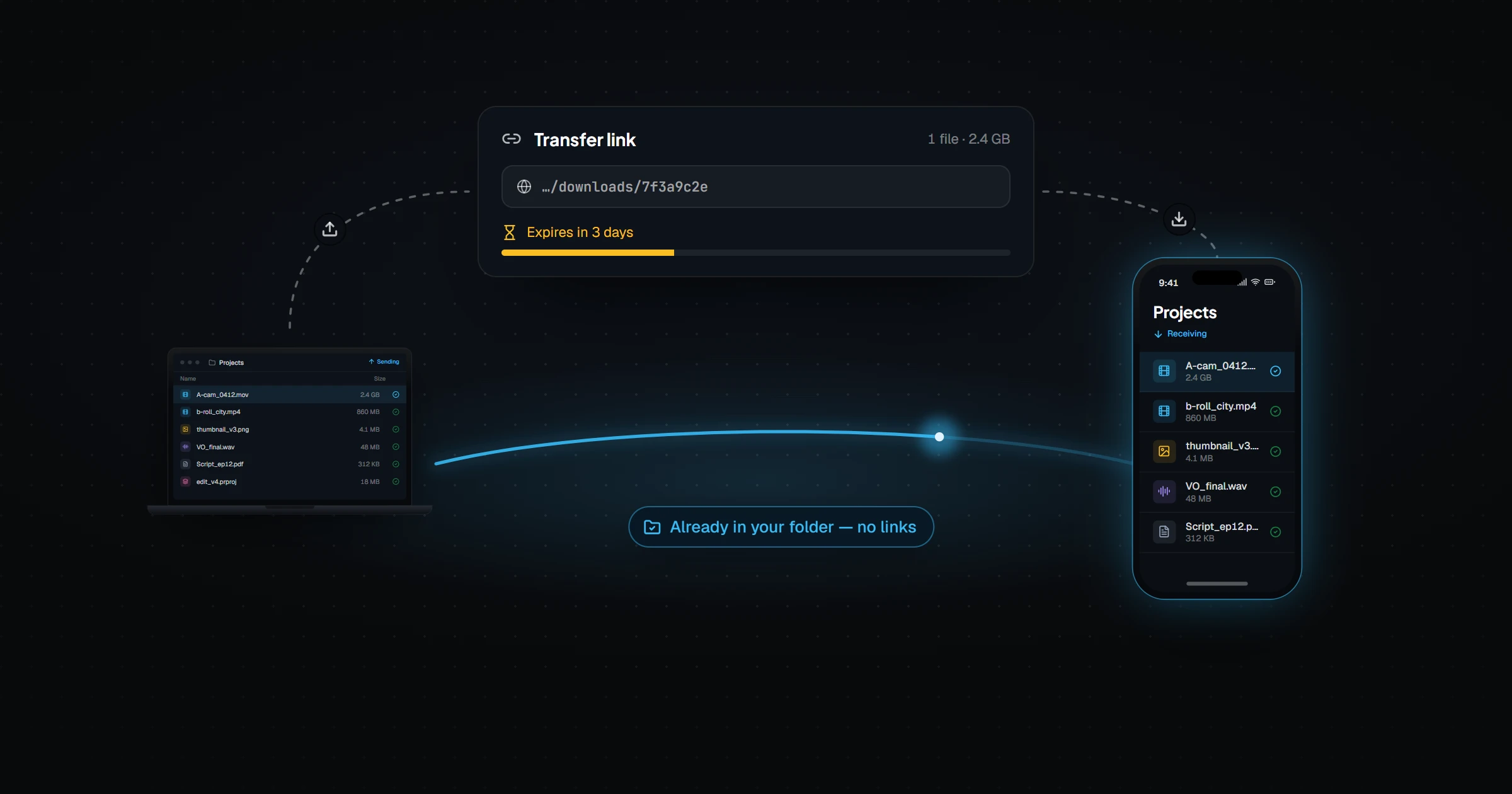
Relaaay is built for the second job. You link a folder once on each device, and anything added to it is delivered automatically — including straight into a phone's camera roll, with no app-opening or manual saving involved.
Relaaay works whether your devices are together or apart, and the file is still waiting when your phone reconnects. Because Relaaay isn't a storage product, files aren't kept indefinitely — they're delivered and then expire, so you aren't paying for a growing archive you never meant to keep.
Dropbox keeps your files. Relaaay gets them where they're going. Most people who move files between their own devices every day actually want the second thing.
If your workflow is genuinely about long-term shared storage, keep Dropbox. If it's about a file leaving your desktop and needing to already be on your phone, that's the gap Relaaay was built to close.