OneDrive Alternative for True Two-Way Phone Sync
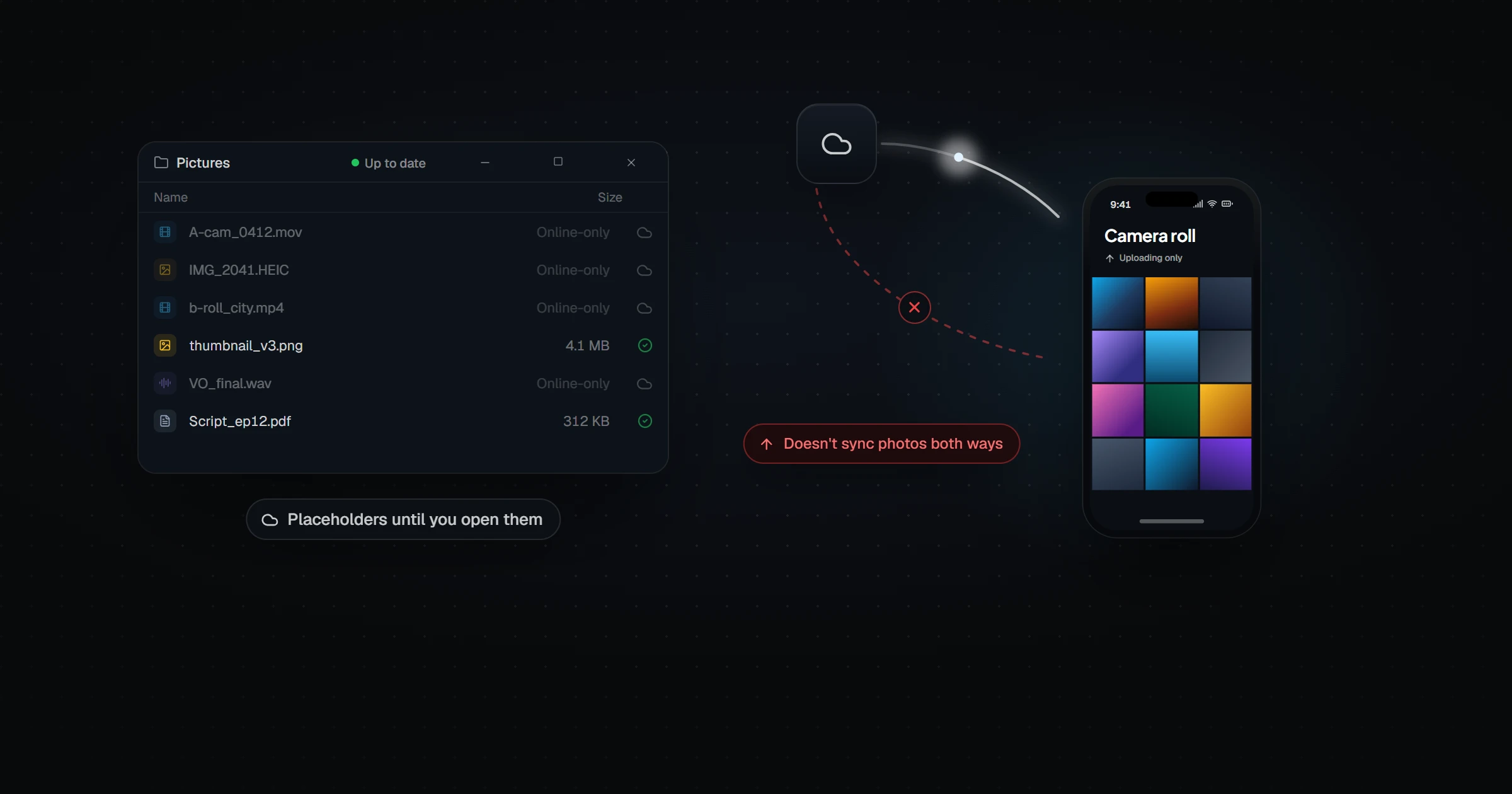
OneDrive is deeply integrated into Windows, but two of its conveniences hide asymmetries. Files On-Demand shows placeholder files that aren't actually on your disk until you open them, and Camera Upload moves photos in one direction only — phone to cloud, never cloud to phone. Microsoft's own documentation confirms it "does not sync photos both ways." Relaaay is symmetric by design: any device in a Folder Group both sends and receives, files arrive as real local files, and delivery to a phone's camera roll happens automatically.
If you use Windows, OneDrive is already there — signed in, wired into File Explorer, quietly offering to back up your Documents folder. That head start makes it the path of least resistance, and for backup it's a reasonable one. Microsoft has built a competent storage service and bundled it well.
The friction appears when you expect it to behave like device sync — when "this file is in OneDrive" is supposed to mean "this file is on my phone" or even "this file is on my laptop's disk." OneDrive means neither of those things by default, and the gap catches people at the worst moments.
What OneDrive does well
Its integration is the real asset. Explorer shows sync status on every file, Office documents save straight into it, and the Personal Vault adds protected storage with extra authentication. If your household runs on Microsoft 365, the storage allowance is already paid for, and Camera Upload gives every phone photo an off-device copy without anyone thinking about it.
As a backup destination and a Microsoft 365 companion, it earns its default status.
Where it breaks down for device-to-device delivery
OneDrive's convenience features are one-directional or conditional in ways the interface doesn't make obvious.
- Camera Upload only goes up. Photos flow from phone to cloud, never the reverse. There is no mechanism that places a file from your PC into your phone's gallery automatically — Microsoft's own documentation is explicit that it "does not sync photos both ways." The return trip is always manual.
- A visible file isn't necessarily a present file. Files On-Demand shows placeholders that look identical to real files but hold no data until opened. Board a flight, open your "synced" folder, and discover which files were placeholders — the discovery mechanism is failure.
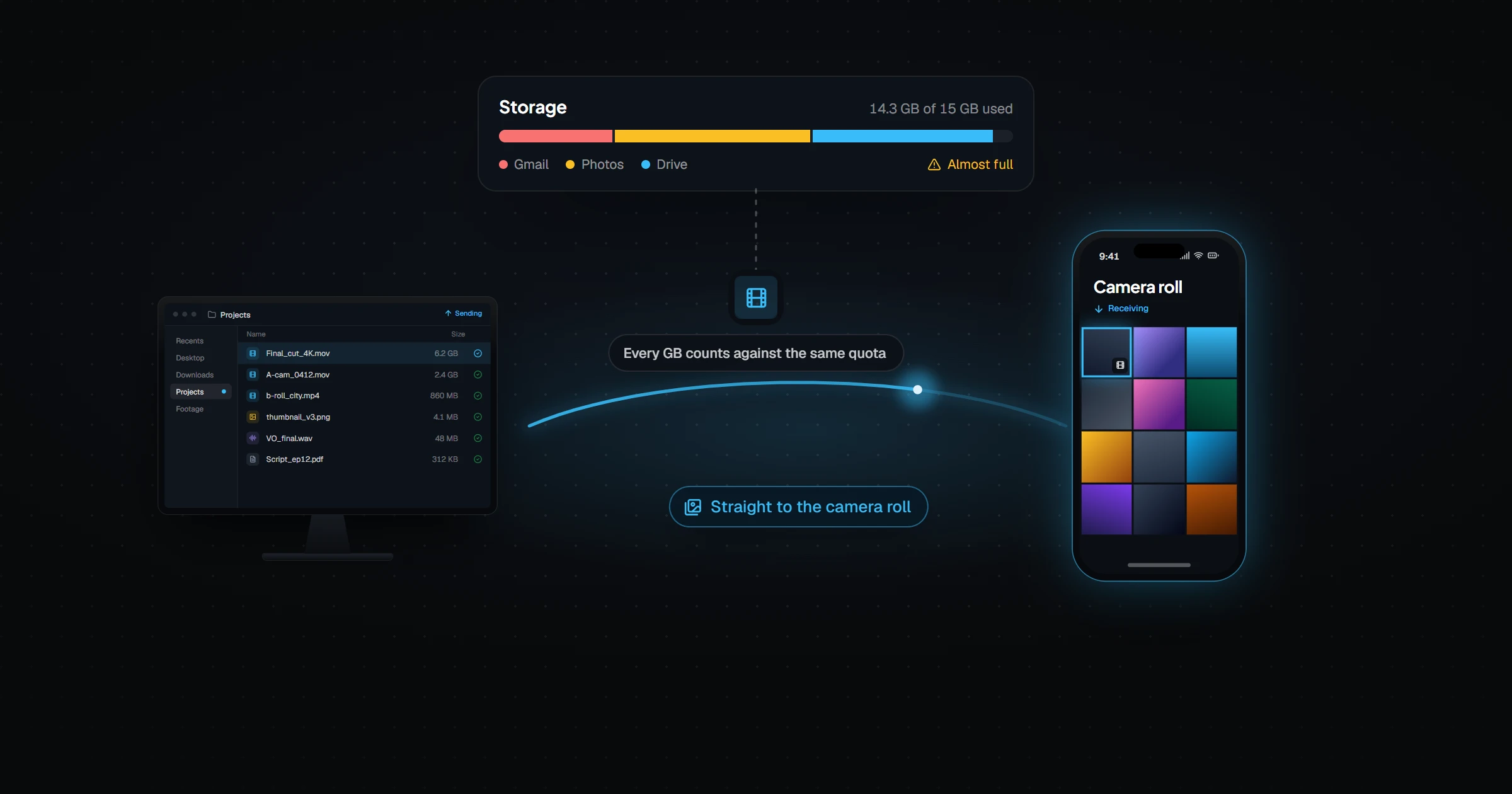
- The quota is a shared pool. OneDrive storage is intertwined with your Microsoft 365 subscription and mailbox allowance. Large video files compete for space with everything else Microsoft counts against you.
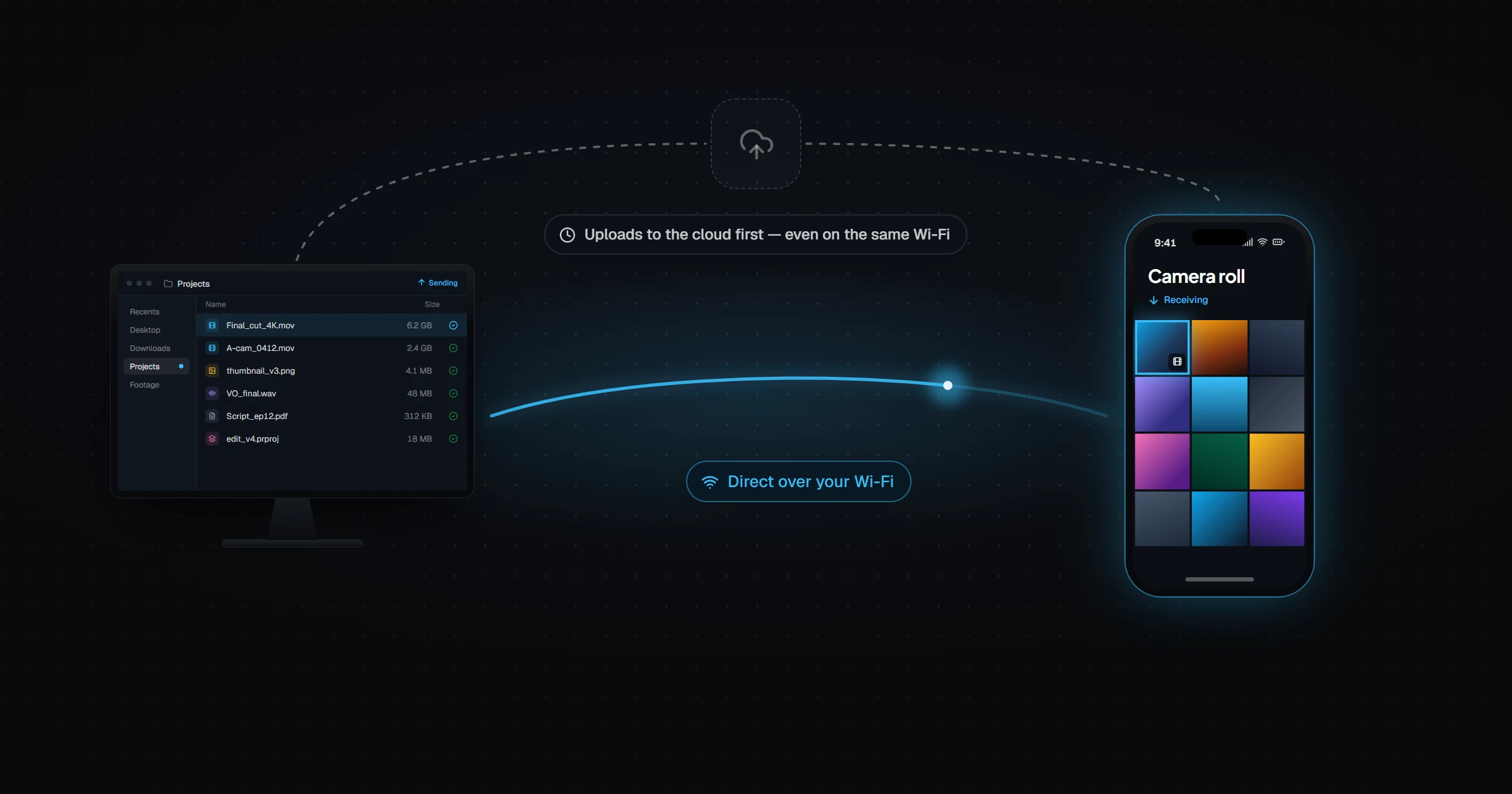
- Same-desk transfers take the long way around. Two machines a meter apart still exchange files through Microsoft's data centers, at whatever speed your uplink allows.
How they actually compare
| OneDrive | Relaaay | |
|---|---|---|
| Windows integration | Native — built into Explorer and Microsoft 365 | Desktop app on Windows and macOS |
| Phone photos to PC | Yes — Camera Upload backs up to the cloud | Yes — delivered to the linked folder automatically |
| PC files to phone, automatically | No — Camera Upload is one-way; files must be opened or saved manually on the phone | Yes — new files arrive on the phone in the background |
| Is the file actually on the device? | Not always — Files On-Demand placeholders download only when opened | Yes — delivered files are real local files |
| Storage quota | Shared with your Microsoft 365 / Outlook allowance | None consumed — files aren't stored permanently |
| Direct transfers over LAN | No — routes through Microsoft's servers | Yes, when devices share a network |
| Cost | 5 GB free / Microsoft 365 storage plans | Free / Creator $12/mo / Pro $24/mo / Agency $59/mo |
OneDrive answers "is there a copy of this somewhere safe?" Relaaay answers "is this file, right now, on the device in my hand?" Those sound similar and are engineered completely differently.
What fills the gap
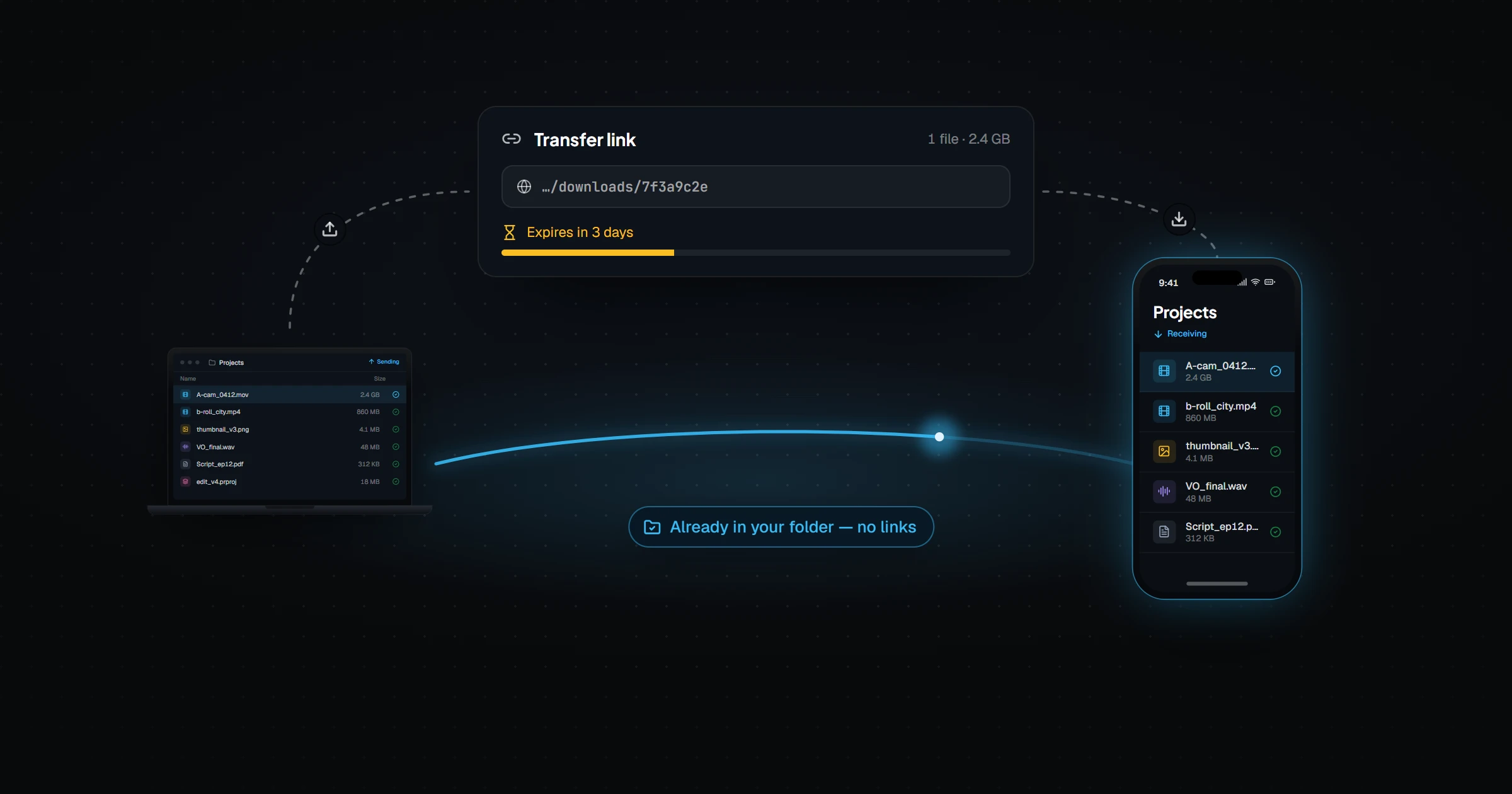
Relaaay has no concept of a one-way direction. Every device in a Folder Group is a full participant: your PC's exports reach your phone the same way your phone's photos reach your PC, with nothing extra to configure. What arrives is a real local file — openable offline, visible in the camera roll — not a placeholder pointing at a server.
And when your devices are on the same network, which for a PC and a phone in the same home is most of the time, the transfer runs directly between them instead of detouring through a data center.
OneDrive tells you your file is safe in the cloud. Relaaay makes sure it's on the device you're about to pick up.
Keep OneDrive for backup and the Microsoft 365 plumbing. For the folder whose files need to genuinely exist on every device you own, in both directions — that's the job Relaaay was built for.