WeTransfer Alternative for Your Own Devices
WeTransfer is a one-off delivery service: you upload a file, get a link, and the recipient has a few days to download it before it disappears. Its 2026 free tier allows 3 GB across at most 10 transfers per 30 days, with links expiring after 3 days. That's fine for handing a file to a client once — but if you're WeTransferring files to yourself between your own devices, every transfer is a manual chore. Relaaay replaces that loop entirely: link a folder once on each device, and new files are delivered automatically, with no upload step, no link, and no countdown.
WeTransfer earned its place by doing one thing with almost no friction: getting a big file from you to somebody else. No account for the recipient, no software to install — upload, share the link, done. For freelancers delivering work to clients, that simplicity is the whole appeal.
But look at who a lot of those transfers are actually addressed to. It's the same person on both ends. A render that needs to reach the laptop. Phone footage that needs to reach the editing machine. When the recipient is you, WeTransfer's simplicity inverts into a treadmill — because the service forgets everything the moment a transfer completes, and tomorrow's file means starting from zero.
What WeTransfer does well
As a handoff tool, it's genuinely hard to beat. Recipients need nothing but a browser. The interface is one screen. There's no folder hierarchy to manage, no sync state to reason about, no client software on the receiving end — qualities that matter enormously when the other party is a client you'll never onboard onto your own tools.
The paid tiers add real substance for creative teams too: bigger transfers, longer-lived links, branded portals, and review features.
Where it breaks down as a personal transfer routine
The moment WeTransfer becomes a habit between your own devices, its design works against you.
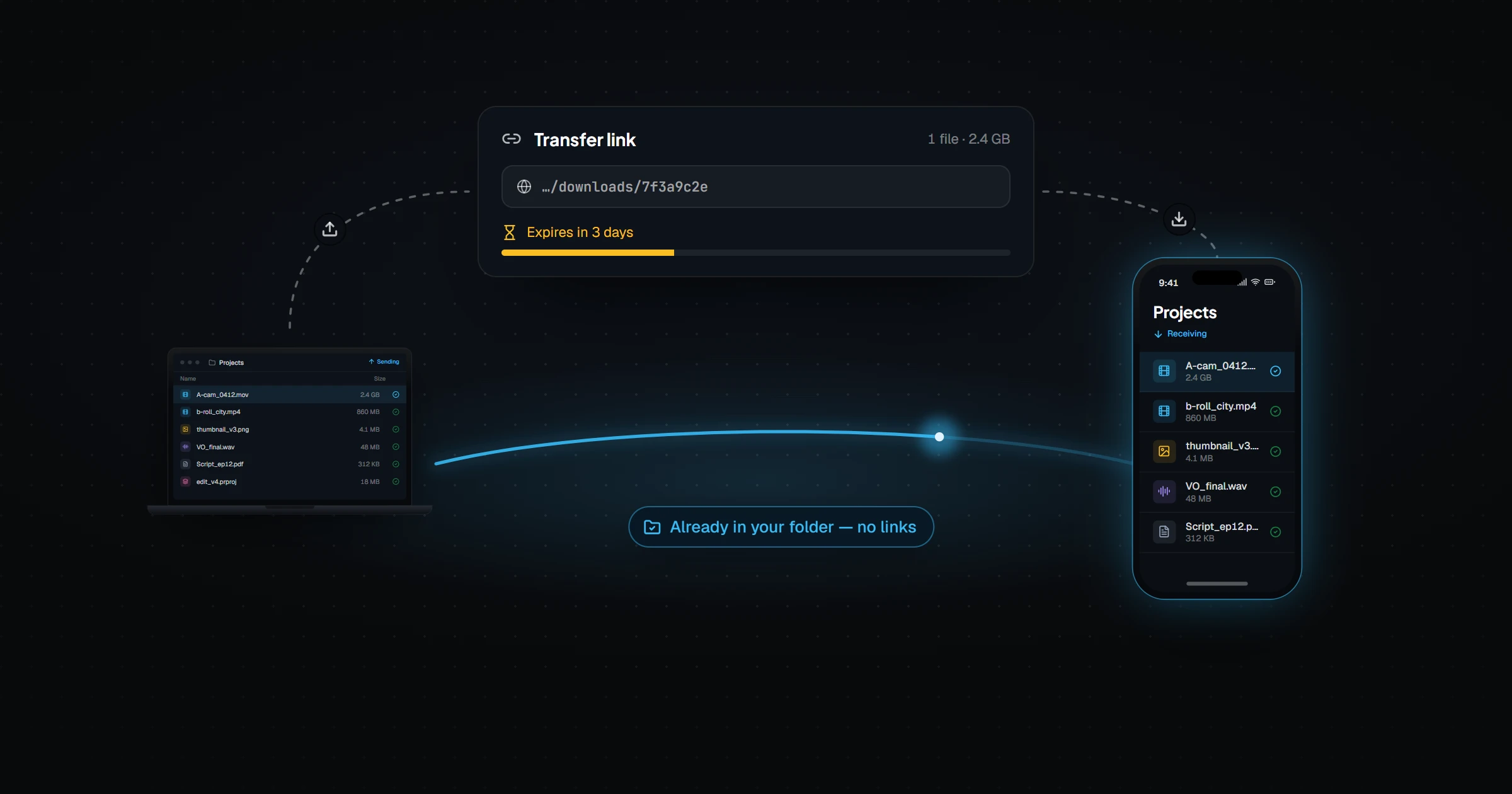
- Every file is a fresh production. Select, upload, wait for the progress bar, copy the link, get the link to your other device, open it, download. That's six steps that automation should be doing — repeated identically for the thousandth file as for the first.
- The clock is always running. Free links die after 3 days. Send yourself something on Friday, get busy, and by Tuesday the file is gone and the upload starts over.
- The free tier is tighter than people remember. Since the Bending Spoons acquisition, free usage is capped at 3 GB total across no more than 10 transfers per rolling 30 days. A single large project export can consume the month's allowance in one send.
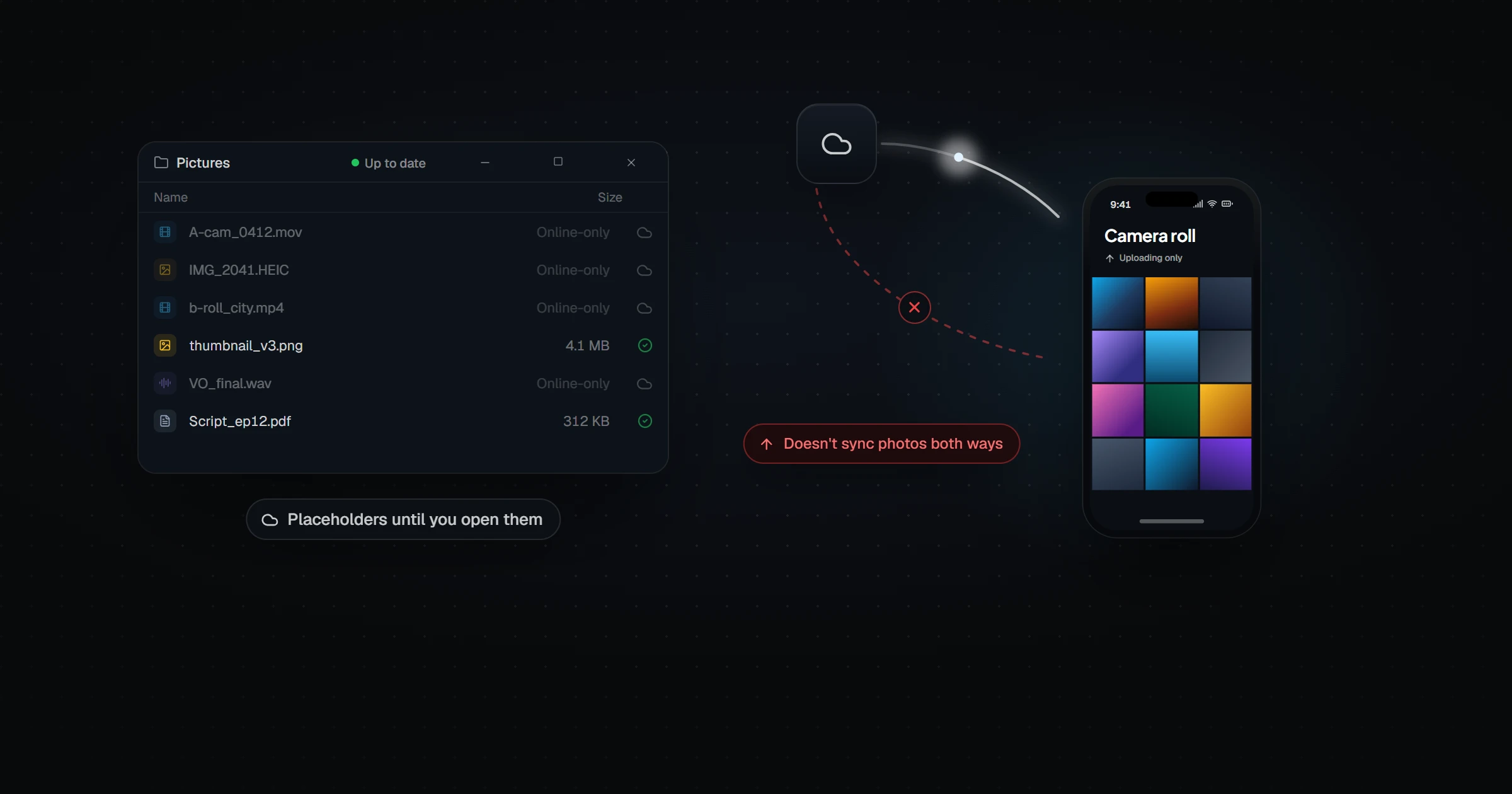
- Nothing is connected to anything. No folder watching, no history that helps you, no notion that these two devices belong to the same person and will be doing this again tomorrow.
How they actually compare
| WeTransfer | Relaaay | |
|---|---|---|
| Core job | Send a file to someone else, once | Keep your own devices continuously up to date |
| Effort per file | Manual every time — upload, wait, copy link, open link, download | None — delivery happens automatically in the background |
| Free tier (2026) | 3 GB total across up to 10 transfers per 30 days | 2 GB per file, 15 GB/mo of cloud uploads, 2 devices; receiving and nearby transfers are free |
| Availability window | Links expire after 3 days on the free plan | Files are delivered to the device itself — nothing to expire on arrival |
| Folder awareness | None — every transfer is assembled by hand | Folder Groups — one setup covers every future file |
| Works without internet | No | Yes — direct LAN transfer when devices share a network |
| Sending to other people | Yes — recipients just need the link, no account | No — built for your own devices, not for recipients |
These two tools barely overlap, and that's the honest takeaway: WeTransfer is an envelope, Relaaay is a conveyor. The mistake isn't using WeTransfer — it's using an envelope for a delivery that happens every day between the same two places.
What fills the gap
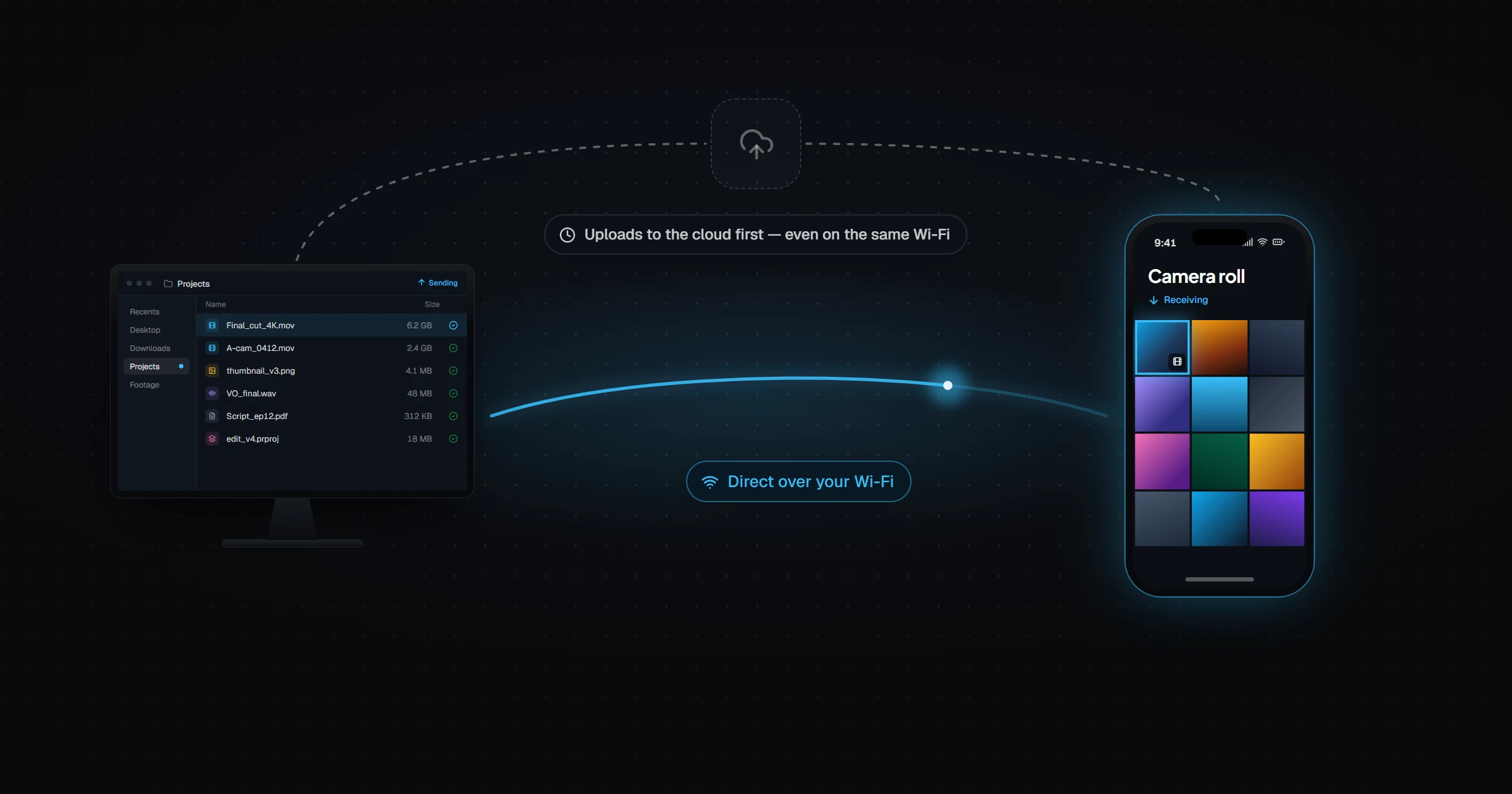
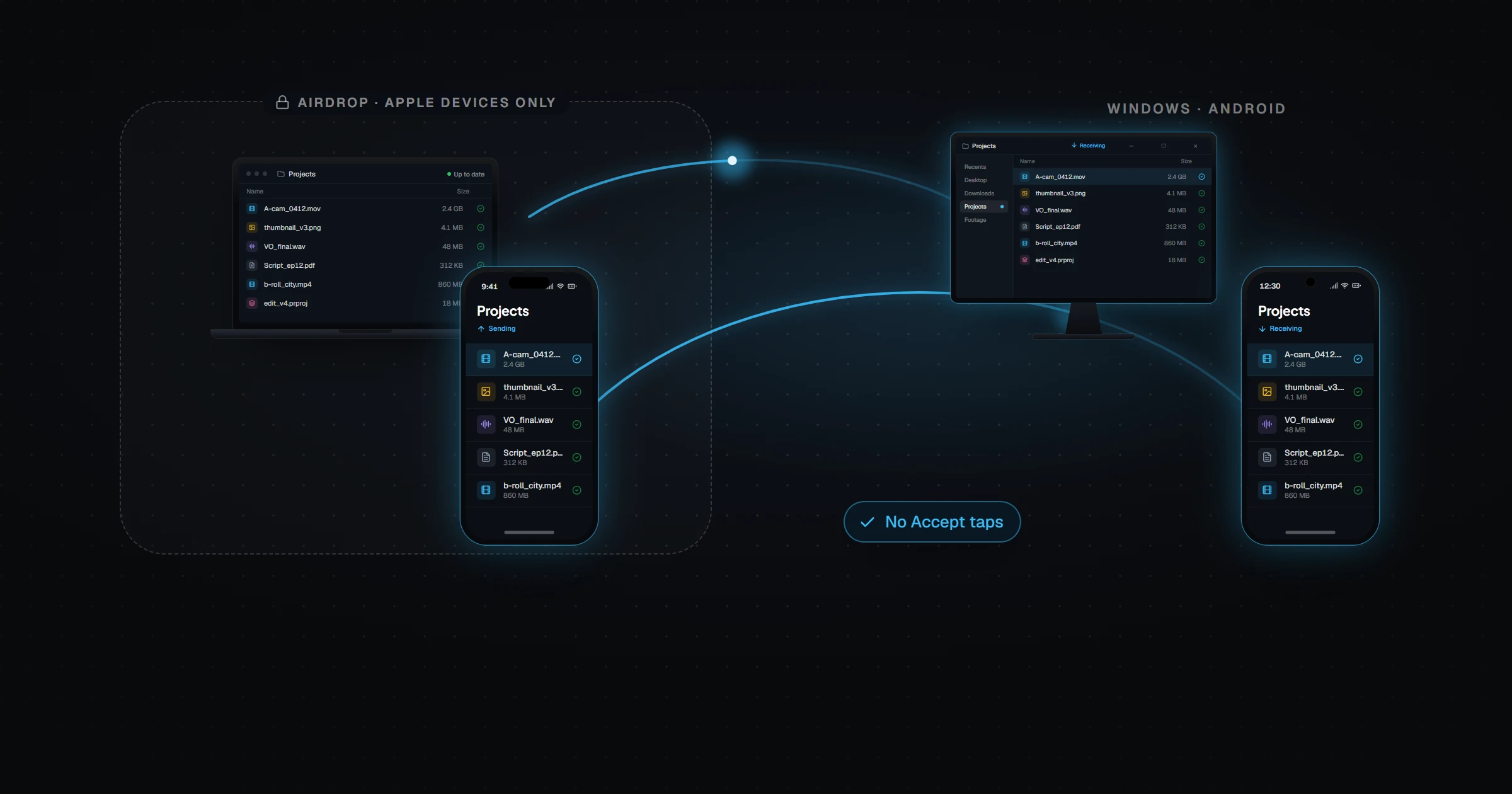
Relaaay treats "my desktop and my phone" as one connected workspace rather than a sender and a stranger. You link the folder once. After that, the file you save on one device is simply delivered to the others whether they are together or apart, with no upload page, no link, and no expiry countdown racing you to the download.
A transfer tool asks "who is this going to?" every single time. Sync already knows the answer.
Keep WeTransfer in the toolbox for handing files to clients. For the files that were never leaving your own devices in the first place, that loop is what Relaaay deletes.