AirDrop Alternative for Windows and Android
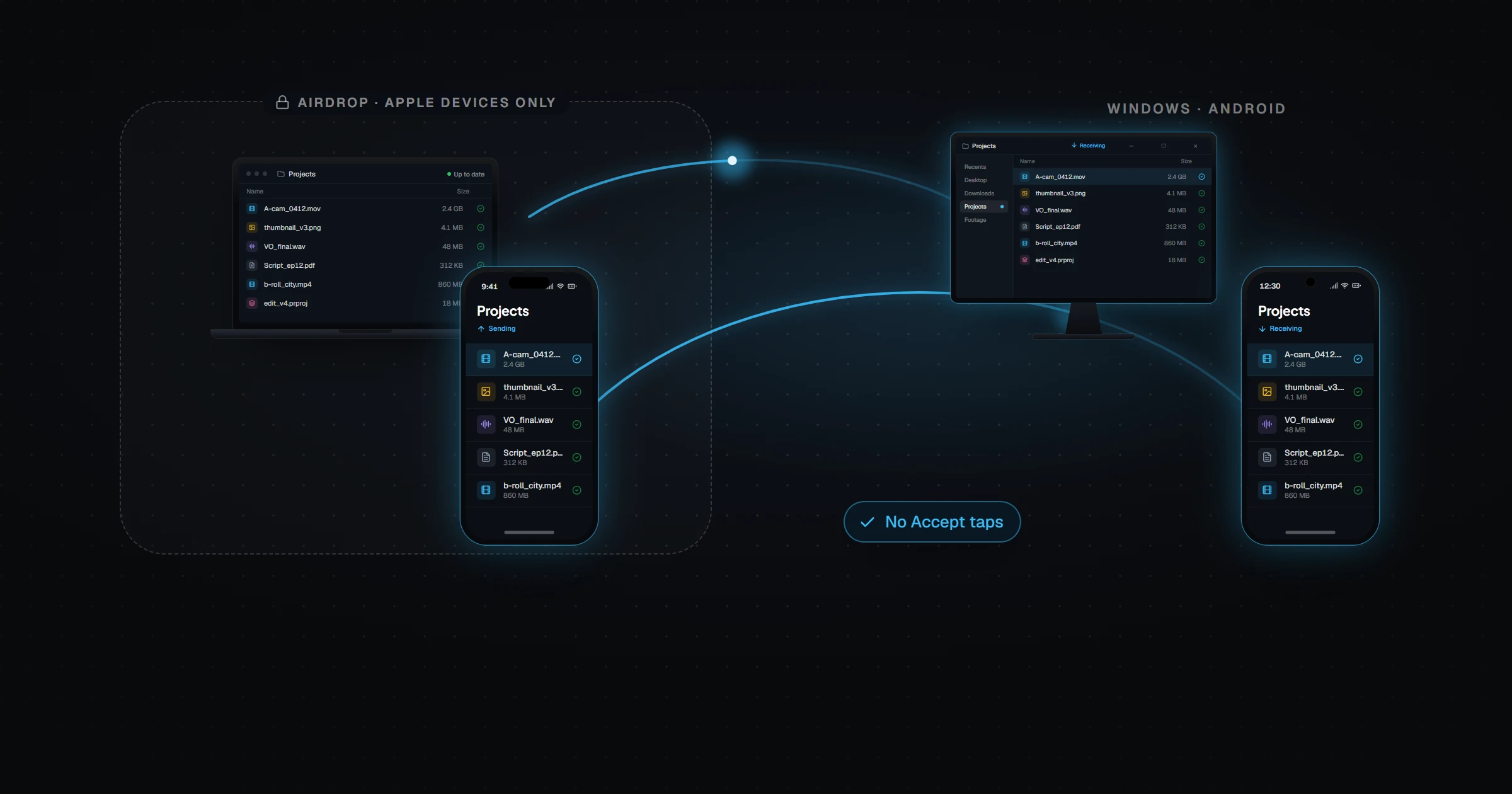
AirDrop only works between Apple devices — there is no AirDrop for Windows or Android, because the protocol itself is exclusive to Apple hardware, not just missing an app. It also requires both devices to be awake, unlocked, within Bluetooth and Wi-Fi range, and needs a manual "Accept" for incoming files. Relaaay works across Windows, macOS, iOS, and Android, and doesn't wait to be asked: files added to a linked folder are delivered to every device automatically, whether the devices are in the same room or on different continents.
AirDrop might be the best demo in consumer software: hold two iPhones near each other, tap a photo, and it's just there on the other screen. No accounts, no setup, no cables. Within Apple's walled garden, it deserves every bit of its reputation.
The catch is the wall. AirDrop's magic comes from Apple controlling both ends of the transfer — the silicon, the radios, the operating systems. The moment one of your devices is a Windows PC or an Android phone, AirDrop doesn't degrade gracefully. It simply doesn't exist for that device, and no app can change that.
What AirDrop does well
Inside the ecosystem, it's close to frictionless. Zero configuration, zero accounts, transfers that run directly between devices at local wireless speeds, and a share sheet that's two taps from any photo or file. For handing a picture to a friend's iPhone or flinging a PDF from your Mac to your iPad, nothing beats it.
The manual Accept step is also a genuinely good security design — nobody can push files onto your device without your consent.
Where it breaks down
AirDrop's limits aren't bugs; they're the shape of the product. But they're real limits.
- The wall is absolute. No Windows. No Android. Not "with a companion app" — the protocol lives in Apple hardware, so a mixed-device household or a creator with a Windows editing rig is simply outside AirDrop's world.
- It's a proximity ritual. Both devices awake, radios on, in range, visibility configured correctly — and even then, anyone who uses AirDrop regularly knows the roulette of a device that won't appear in the list.
- Every file is a decision. Pick the file, find the target, wait for the accept. Sending yourself twelve exports means doing it twelve times. AirDrop has no memory that these two devices do this every day.
- Distance is a dead end. Leave the house and AirDrop has nothing to offer — it's a same-room protocol with no remote fallback.
How they actually compare
| AirDrop | Relaaay | |
|---|---|---|
| Works between iPhone and Windows / Android | No — Apple devices only, at the protocol level | Yes — Windows, macOS, iOS, and Android |
| Sending a file | Manual — share sheet, pick the device, recipient taps Accept | Automatic — save to the folder and it's delivered |
| Devices must be together | Yes — Bluetooth + Wi-Fi range, both awake | No — works whether devices are together or apart |
| Speed nearby | Excellent — direct device-to-device | Excellent — fast delivery between nearby devices |
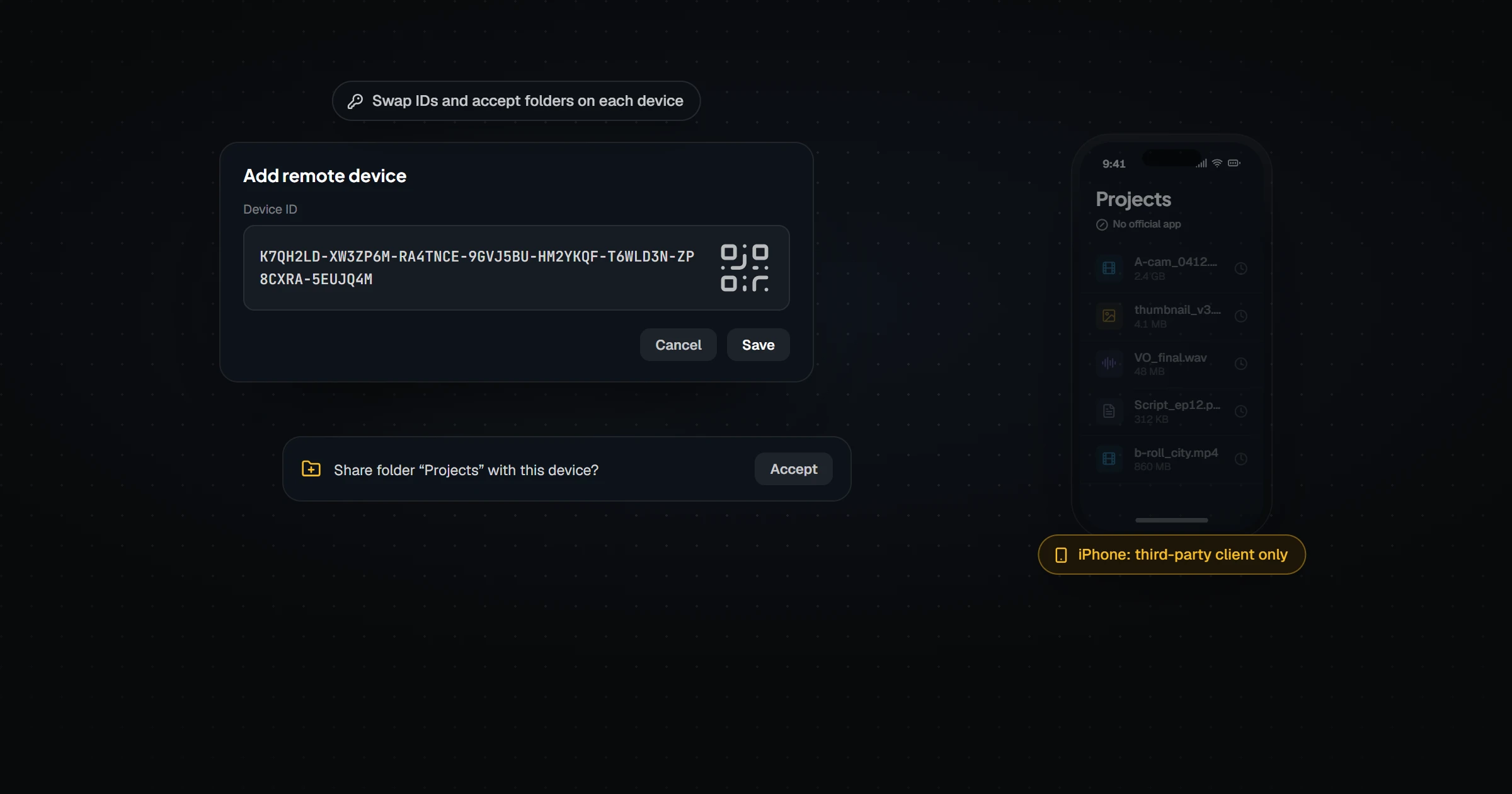
| Setup required | None — built into every Apple device | Install the app, link a folder once |
| Remembers where files go | No — every send starts from the share sheet | Yes — Folder Groups persist across every future file |
| Cost | Free — included with Apple devices | Free / Creator $12/mo / Pro $24/mo / Agency $59/mo |
AirDrop is a superb handoff — a one-time, person-initiated, same-room transfer. What it was never built to be is a pipeline: the standing arrangement where files flow between your devices because that's simply where they belong.
What fills the gap
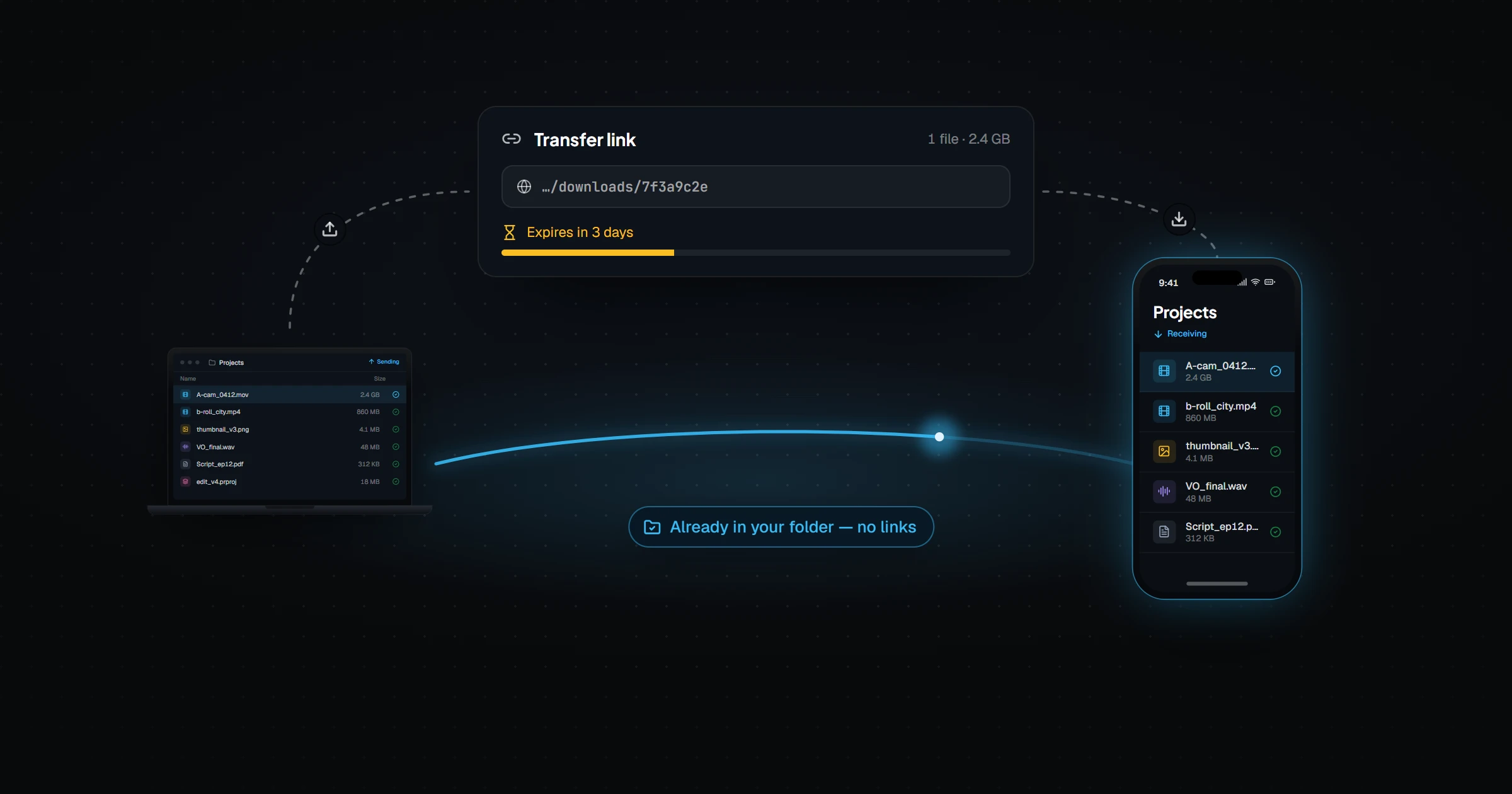
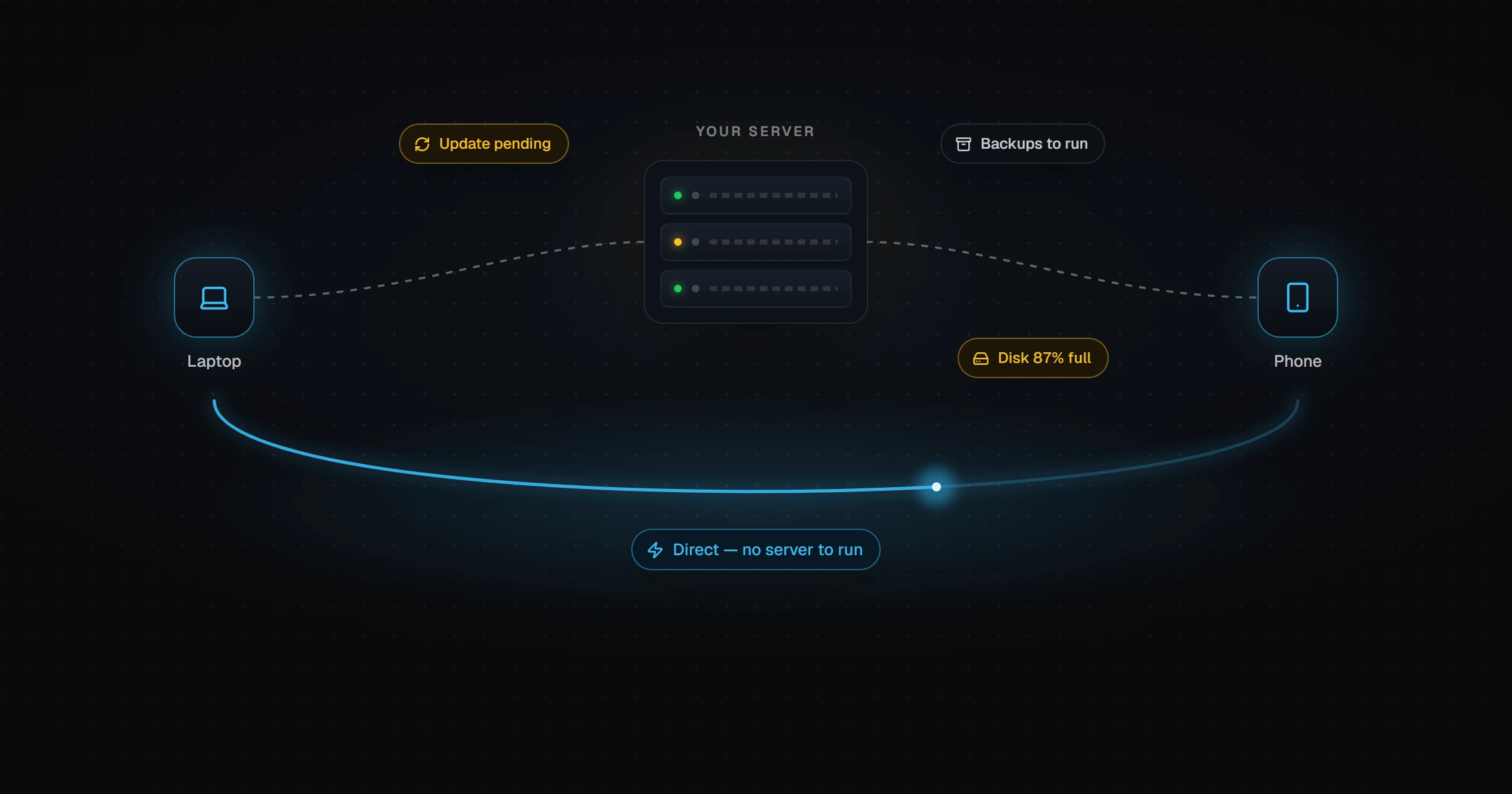
Relaaay is the pipeline. It doesn't care whose logo is on the device — Windows, Mac, iPhone, Android all join the same Folder Group as equals. It doesn't need the devices to be together: files arrive automatically whether the devices are nearby or apart. And it doesn't ask permission per file, because these are your own devices — you granted the permission once, when you linked the folder.
AirDrop is a handshake. Sync is a standing agreement. You shouldn't have to reintroduce your own devices to each other every day.
If everything you own is Apple and every transfer is a one-off, AirDrop needs no replacement. The moment a Windows PC enters the room — or the same files start making the same trip every day — that's where Relaaay picks up. For the deeper mechanics of why the Apple-to-Windows handoff fails in the first place, see why AirDrop can't reach a Windows PC.